Commerce Panel → New Sales Channel (click the + button) → (Choose New Application under Online store)
By creating a new sales channel, you get a fully-functional e-commerce website available as an online store for your customers.
To create a new application, click the
+button next to Sales Channel.Fill the details: Name and Description
Choose the brands whose products you want to display in your application. The brands you opted for in the Profile section of your business account appear here.
Select the origin of your inventory. In simple words, you can select more than one company or store whose inventory you want to display in your application.
Companies: Select the company from where you want to fetch the inventory and display them to your users. If you enable Other Selling Option, you can select the product inventory of more than one company, using the Company List drop-down.
Store: Select the stores from where you want to fetch the inventory and display them to your users. If you enable Other Selling Option, you can receive the product inventory of stores that belong to other companies, using the Store List drop-down.
For getting a free web address, search your preferred subdomain (e.g. crockomart) and a list of suggestions appear.
Select a domain from the list of available domains, e.g. fynd.io
Choose an available URL from the list. This will become the URL of your website, e.g. crockomart.fynd.io
Your newly created application will be added to the list of sales channels.
The new website will be available for the public to browse.
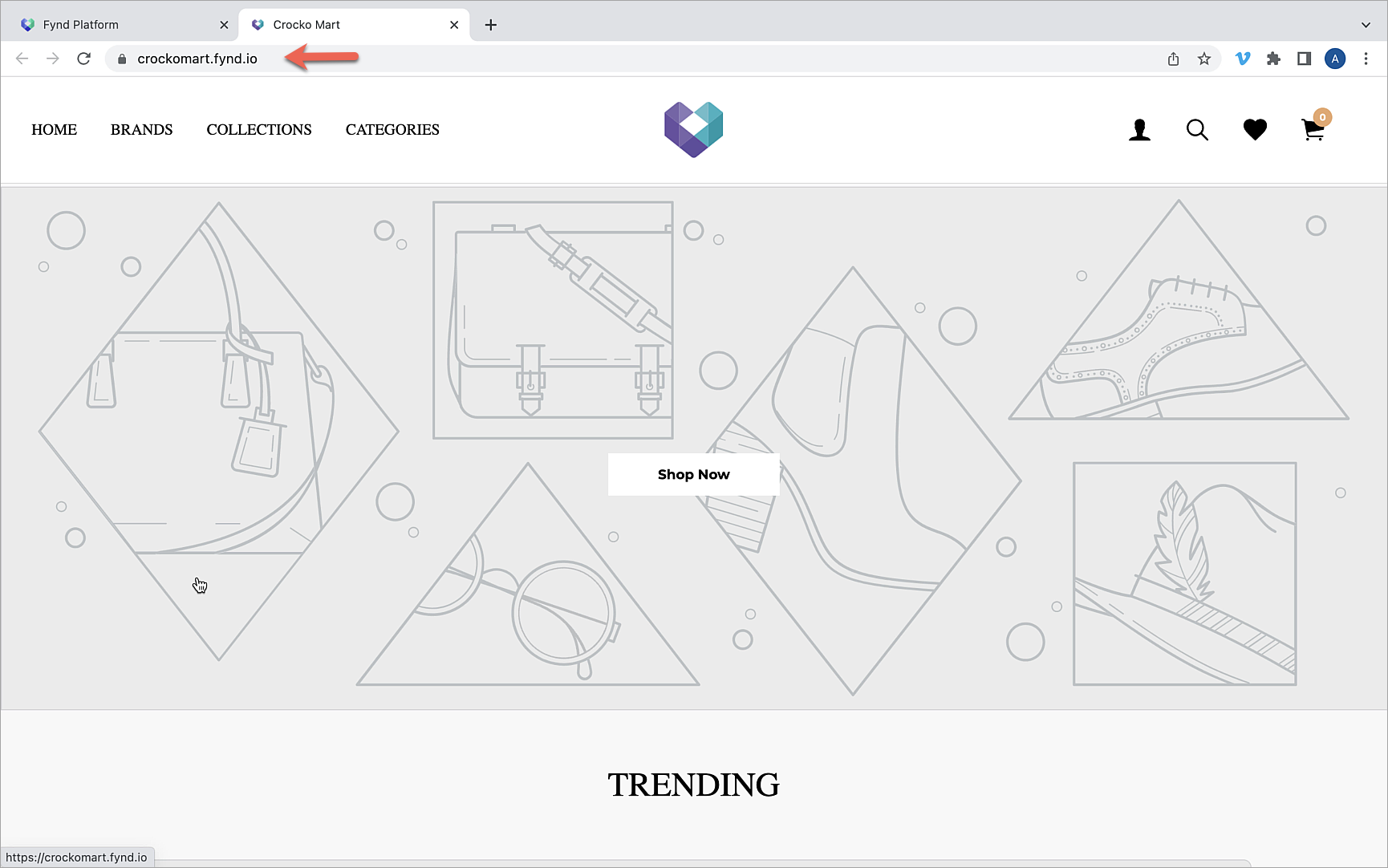
You have successfully created your online store. With this application you can proceed to do the following:
- Use marketing and communication tools
- Configure and apply your favourite themes
- Explore the in-built analytics and much more...
Click here to know more about the application-level configurations.