Commerce Panel → Sales Channel (select application) → Configuration → Legal Documents
In this section, you may write policies pertaining to shipping, returns, privacy and other terms & conditions for using your application. The procedure of writing all the documents is same.
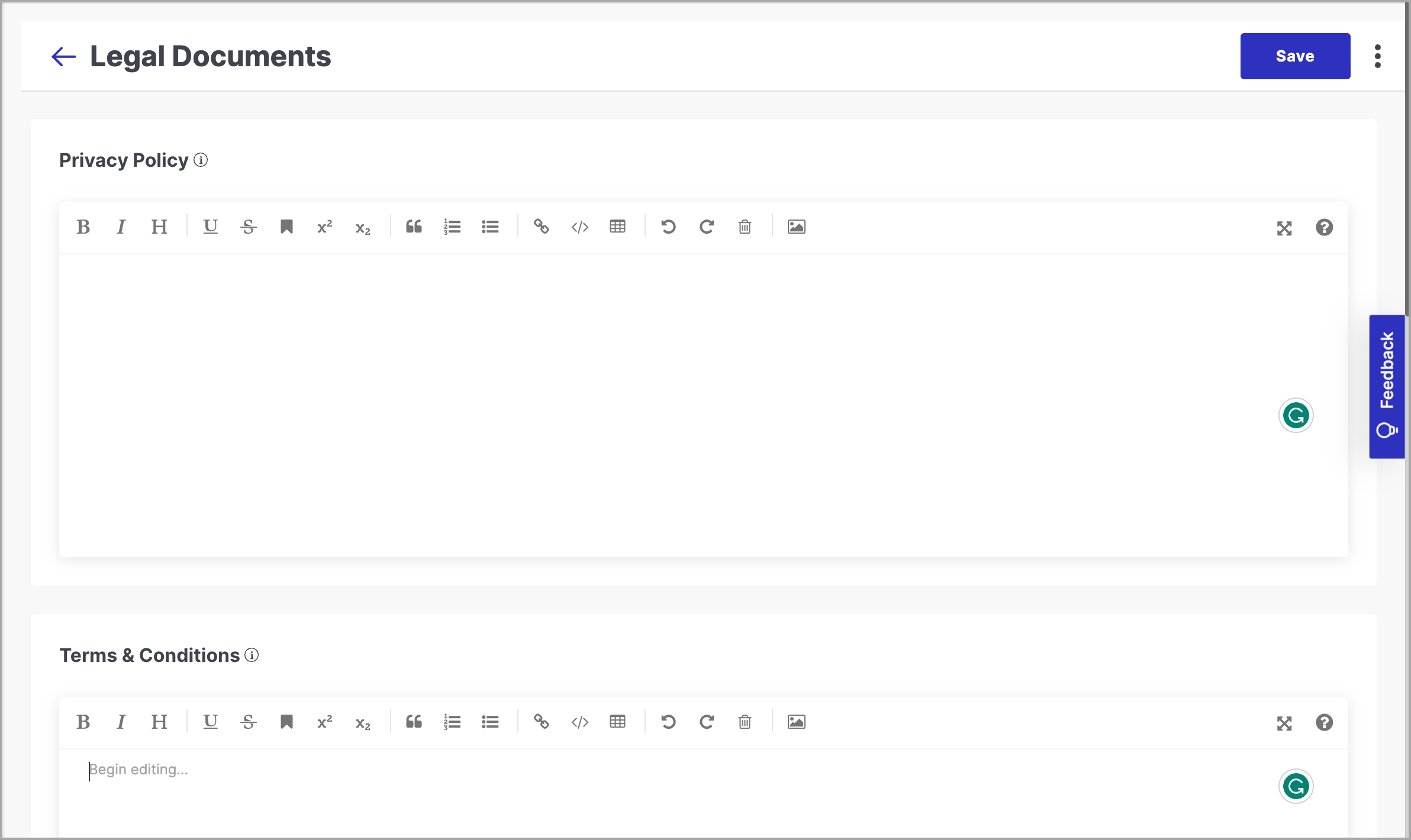
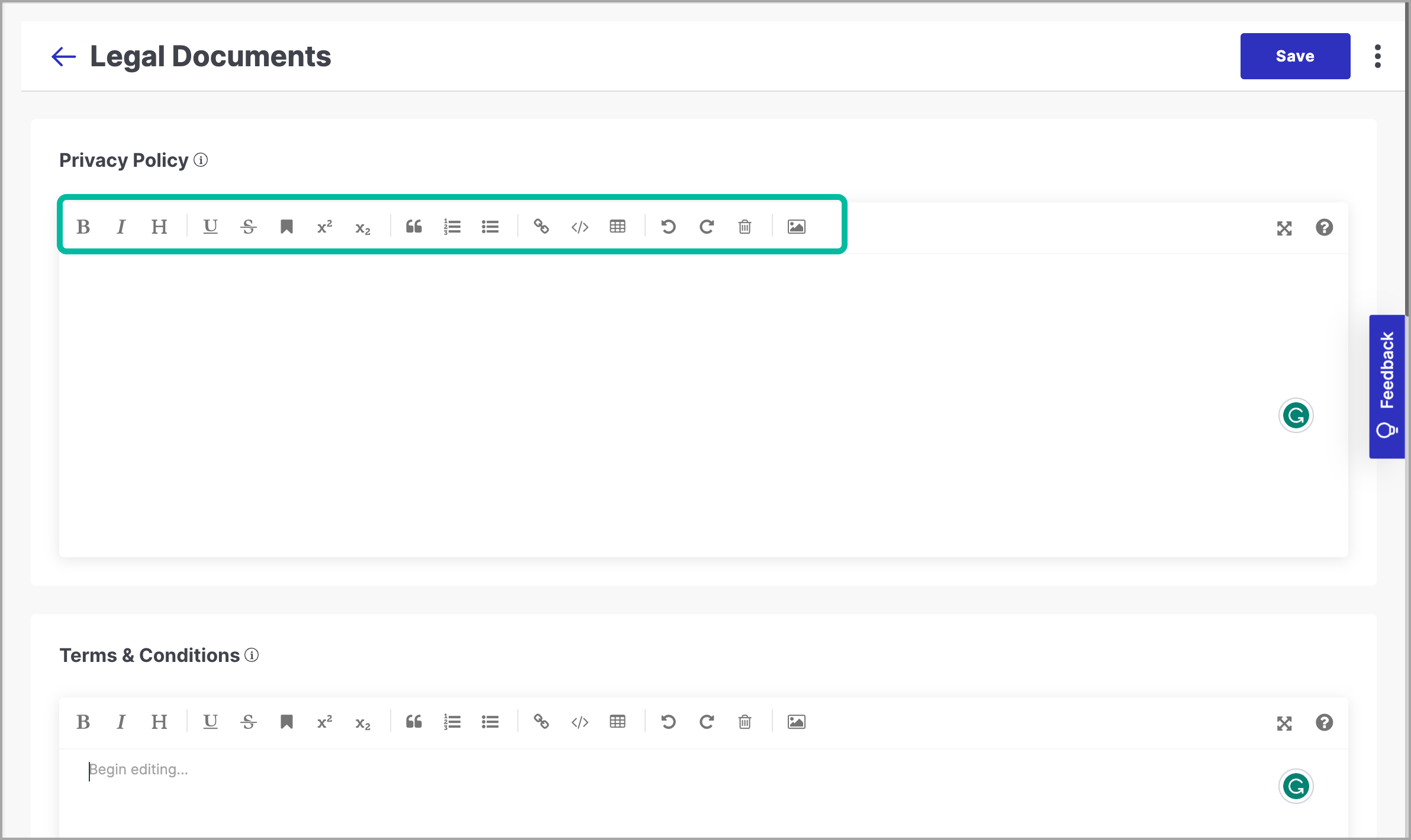
You will have to write and format your content in a Markdown editor. A toolbar is available for formatting the content.
In the next few sections, you will know more about the four major policy documents:
A privacy policy is one of the most important documents on any website. It mentions the procedures that are performed on the data collected from the visitors of the website.
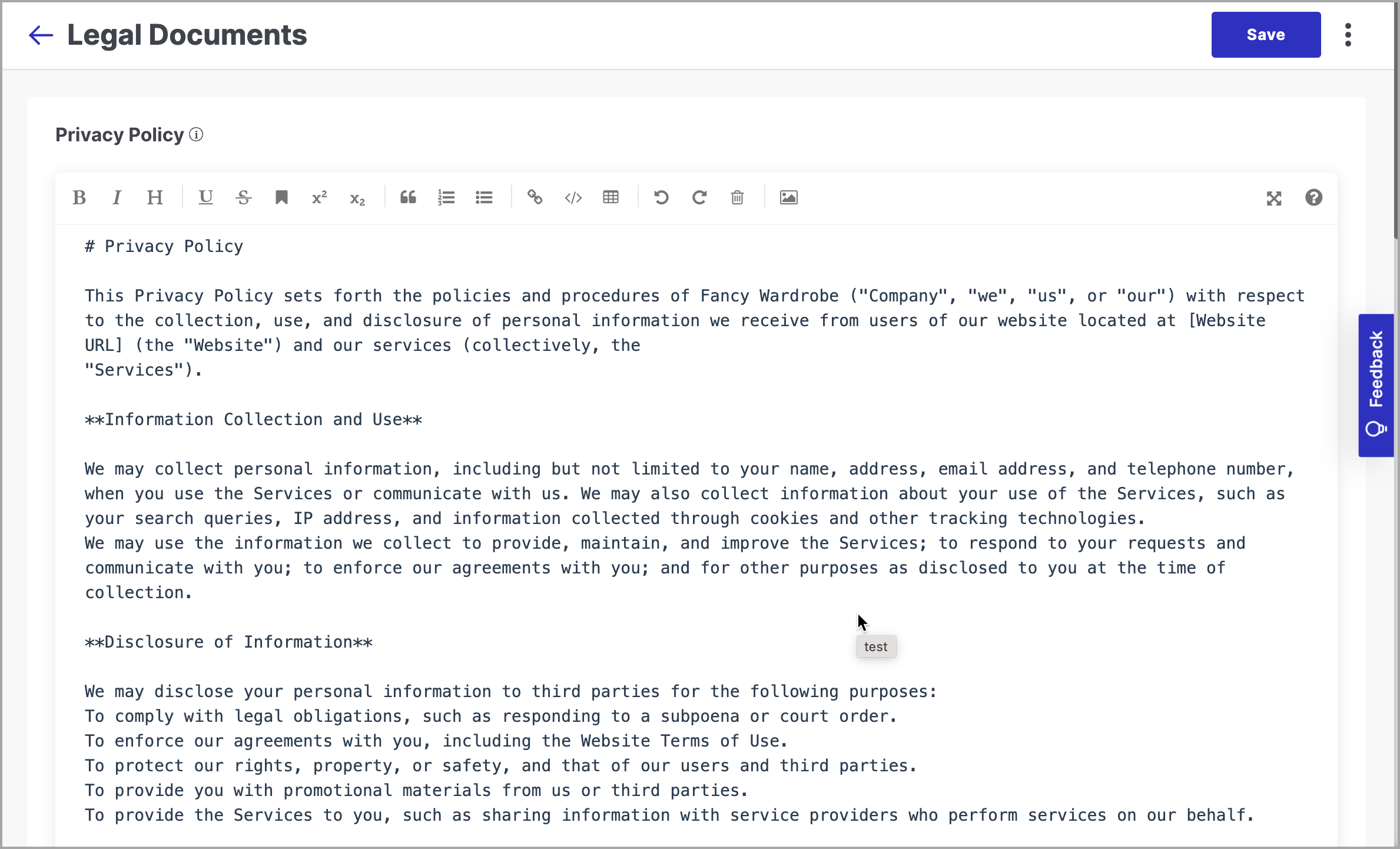
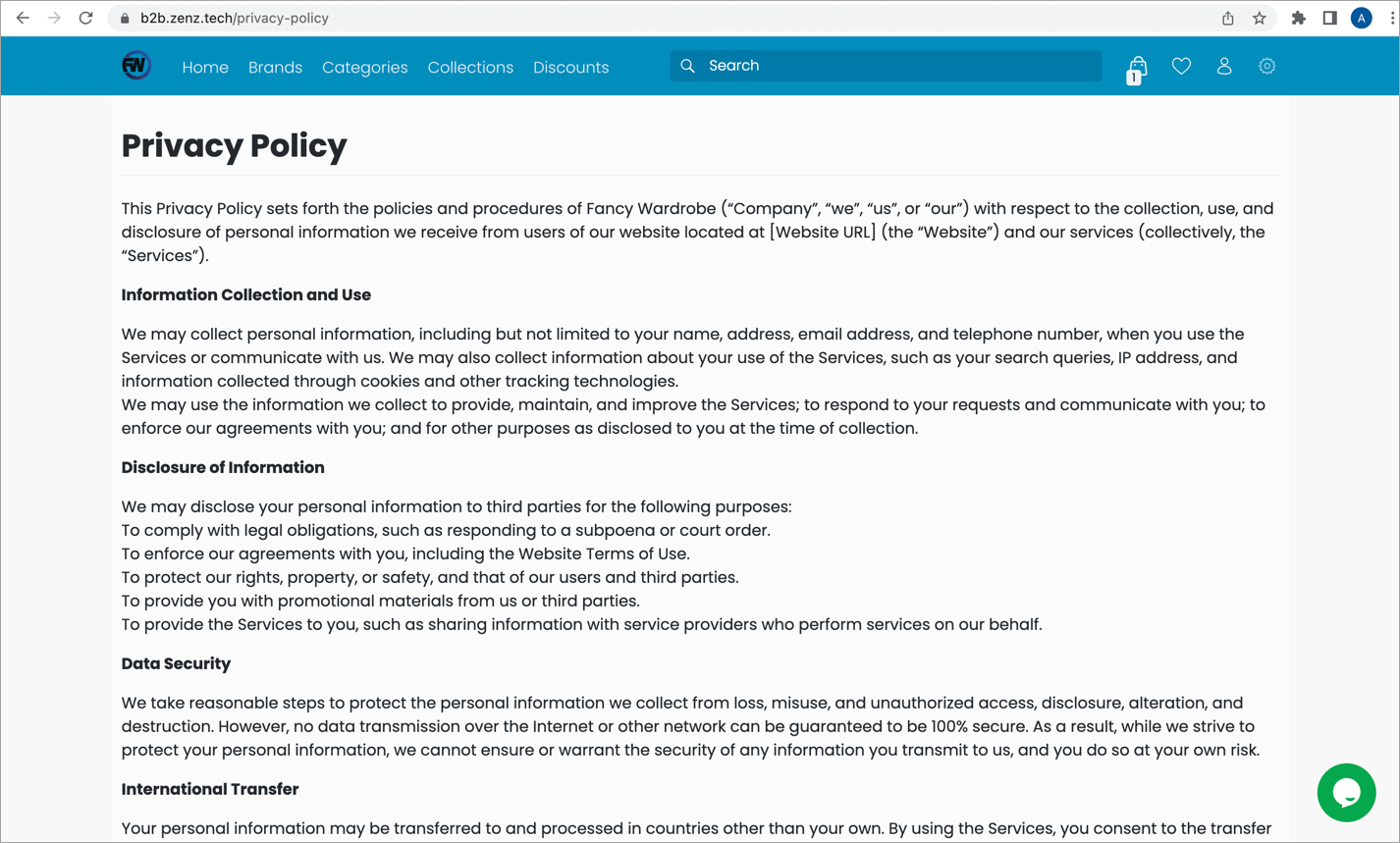
Where can I see it on the website? {your-website-url}/privacy-policy
This is an agreement that consists of rules and guidelines that users must agree and follow in order to use and access your application.
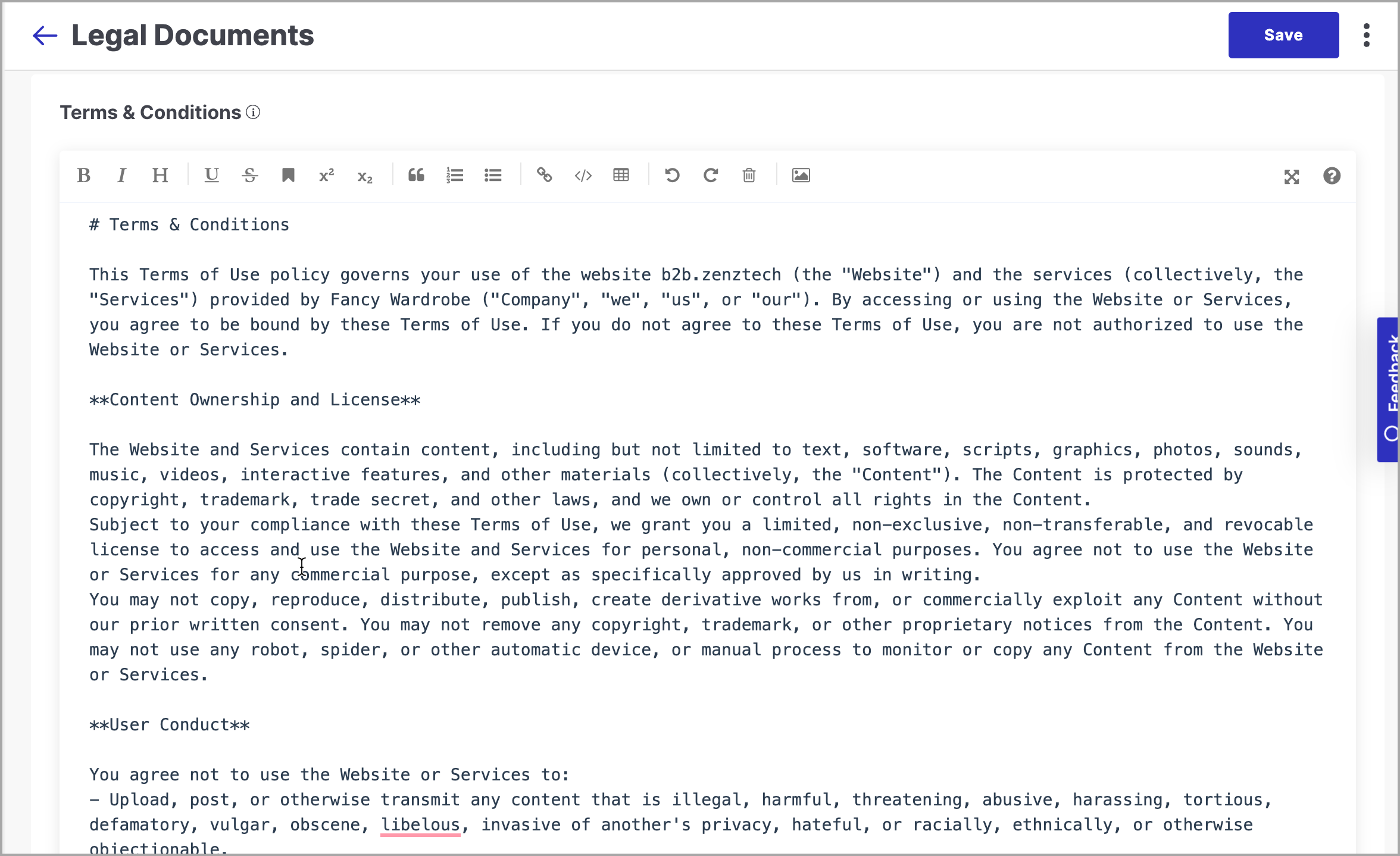
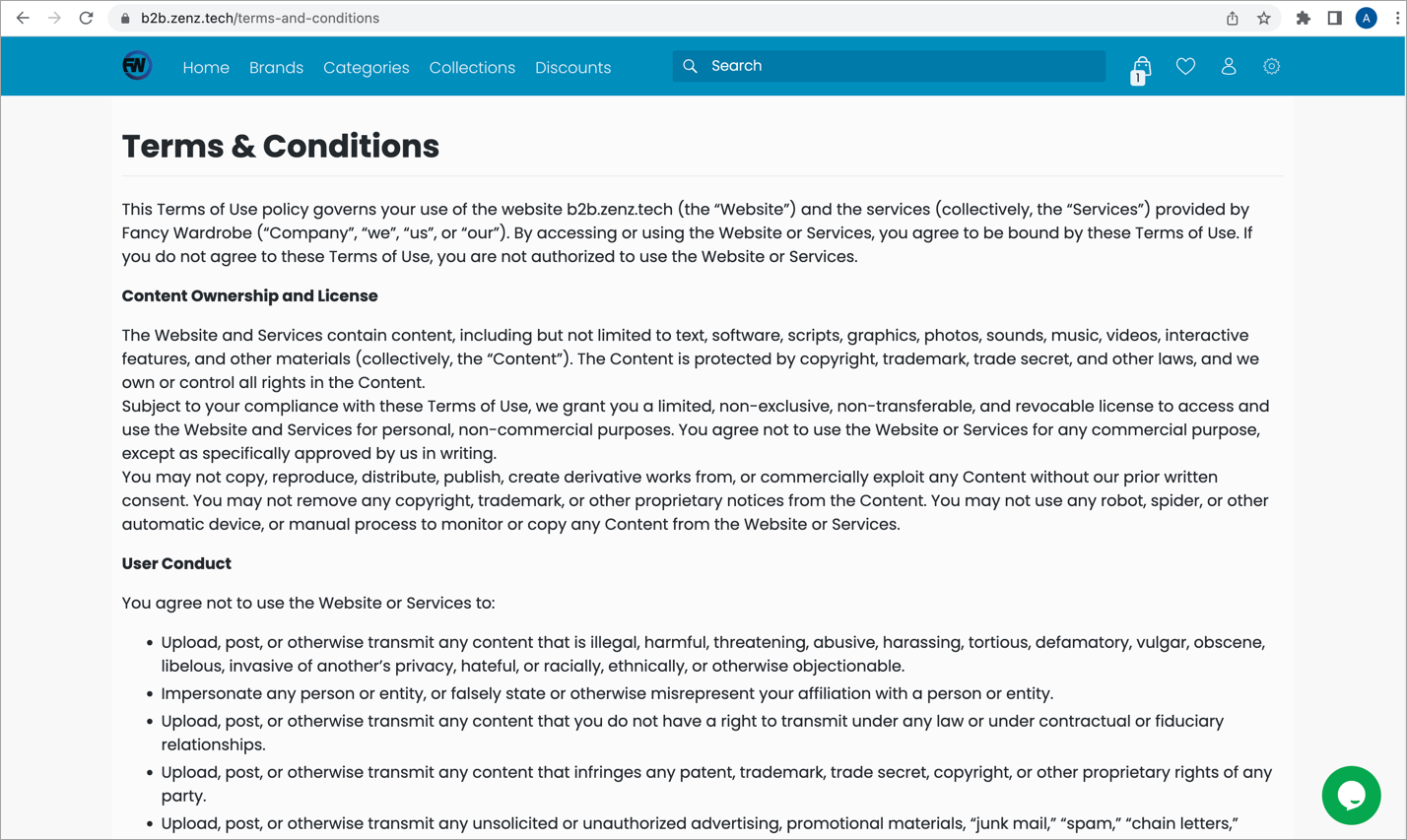
Where can I see it on the website? {your-website-url}/terms-and-conditions
A shipping policy informs the customers about how you ship your goods, including the shipping cost, handling time and delivery restrictions.
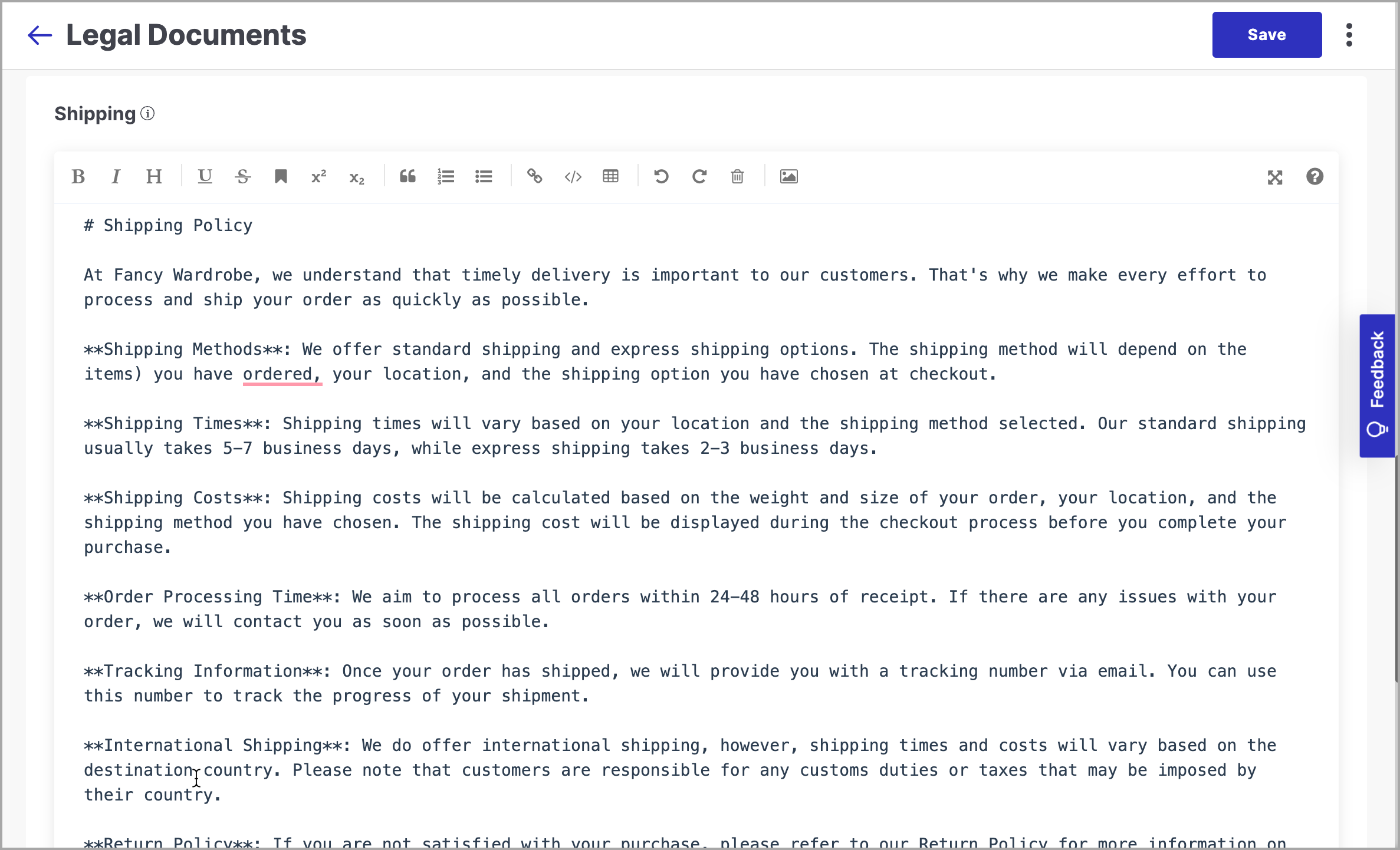
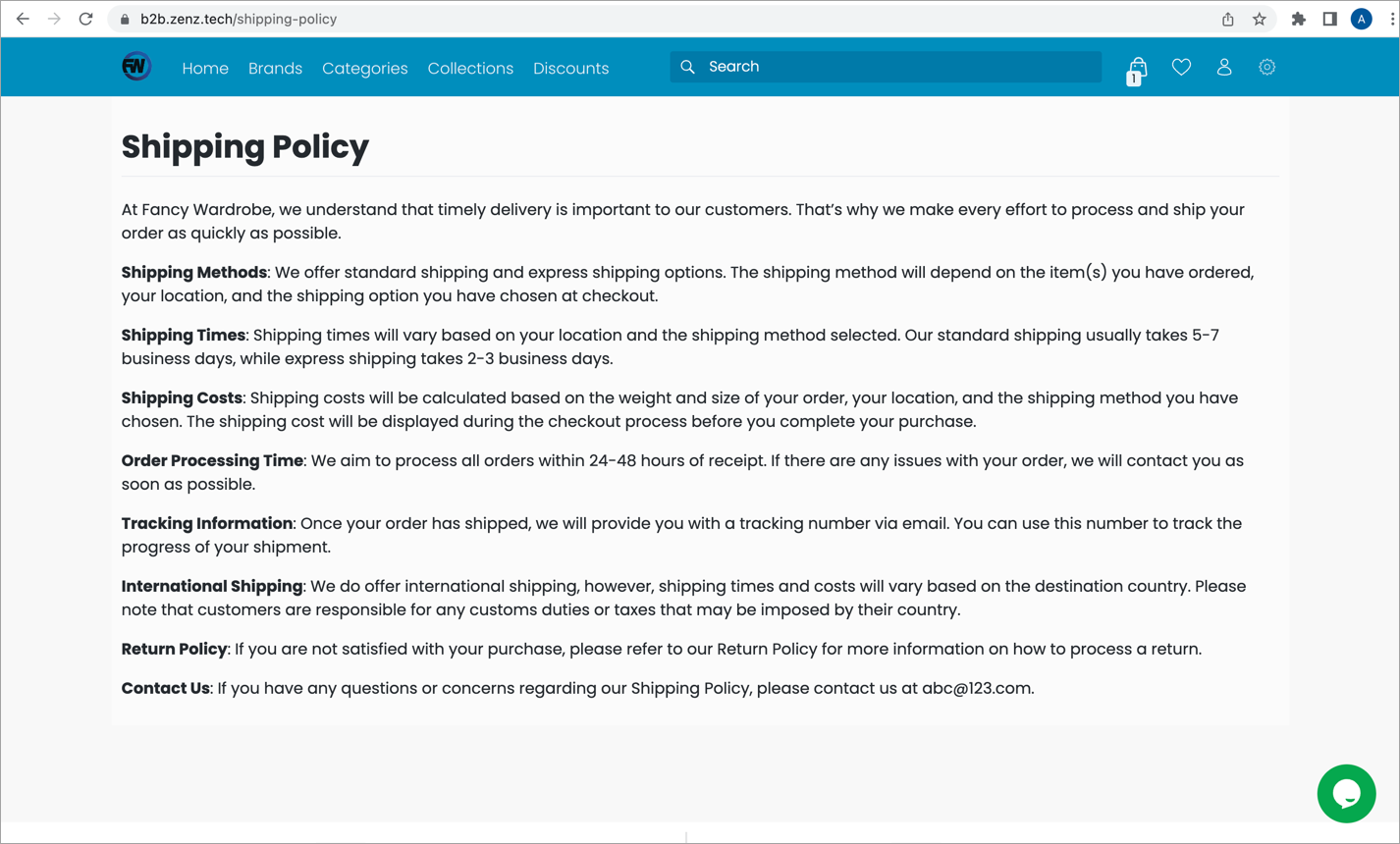
Where can I see it on the website? {your-website-url}/shipping-policy
A return policy is a set of rules that are applicable for returning or exchanging goods that are considered undesirable by the customer.
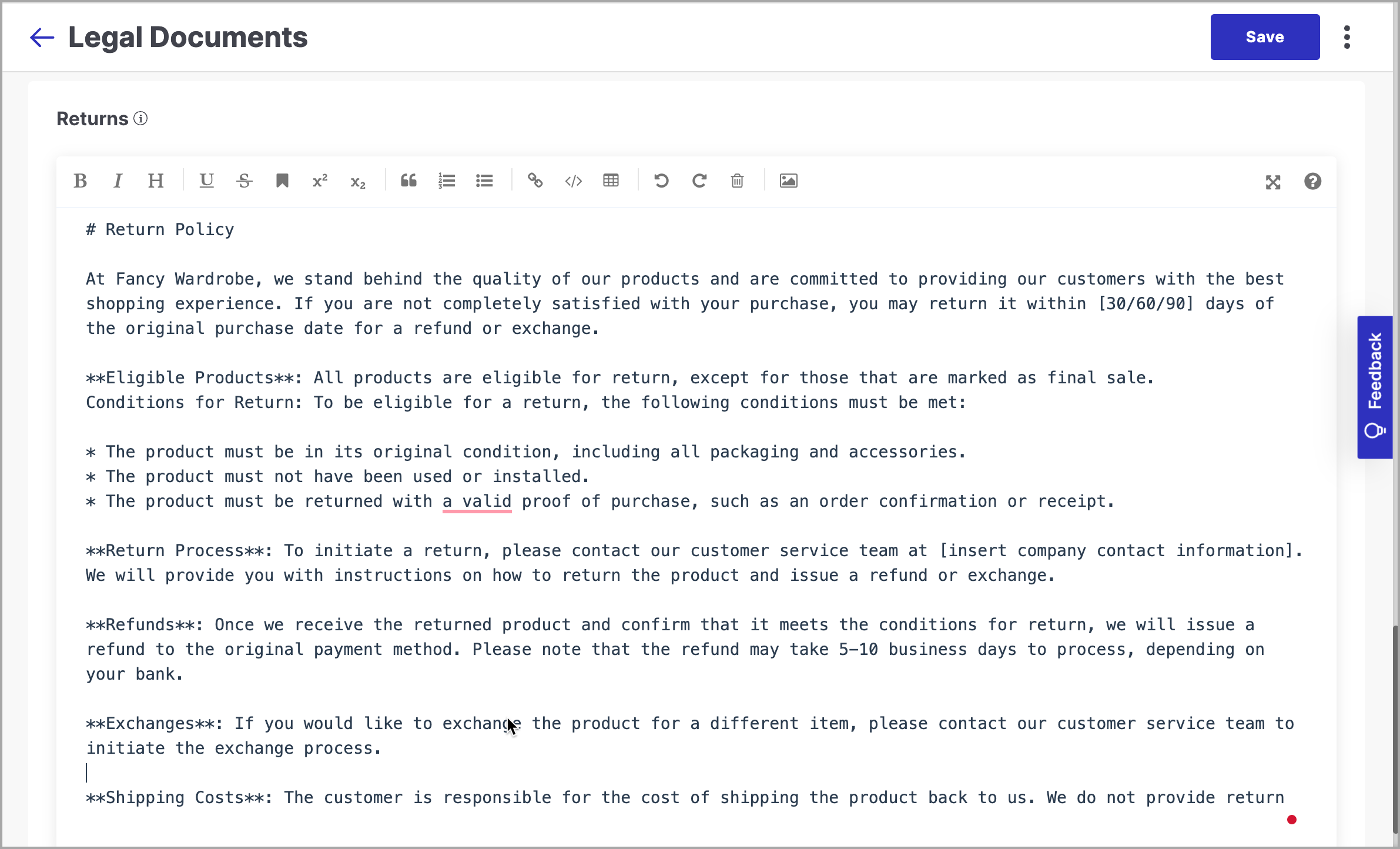
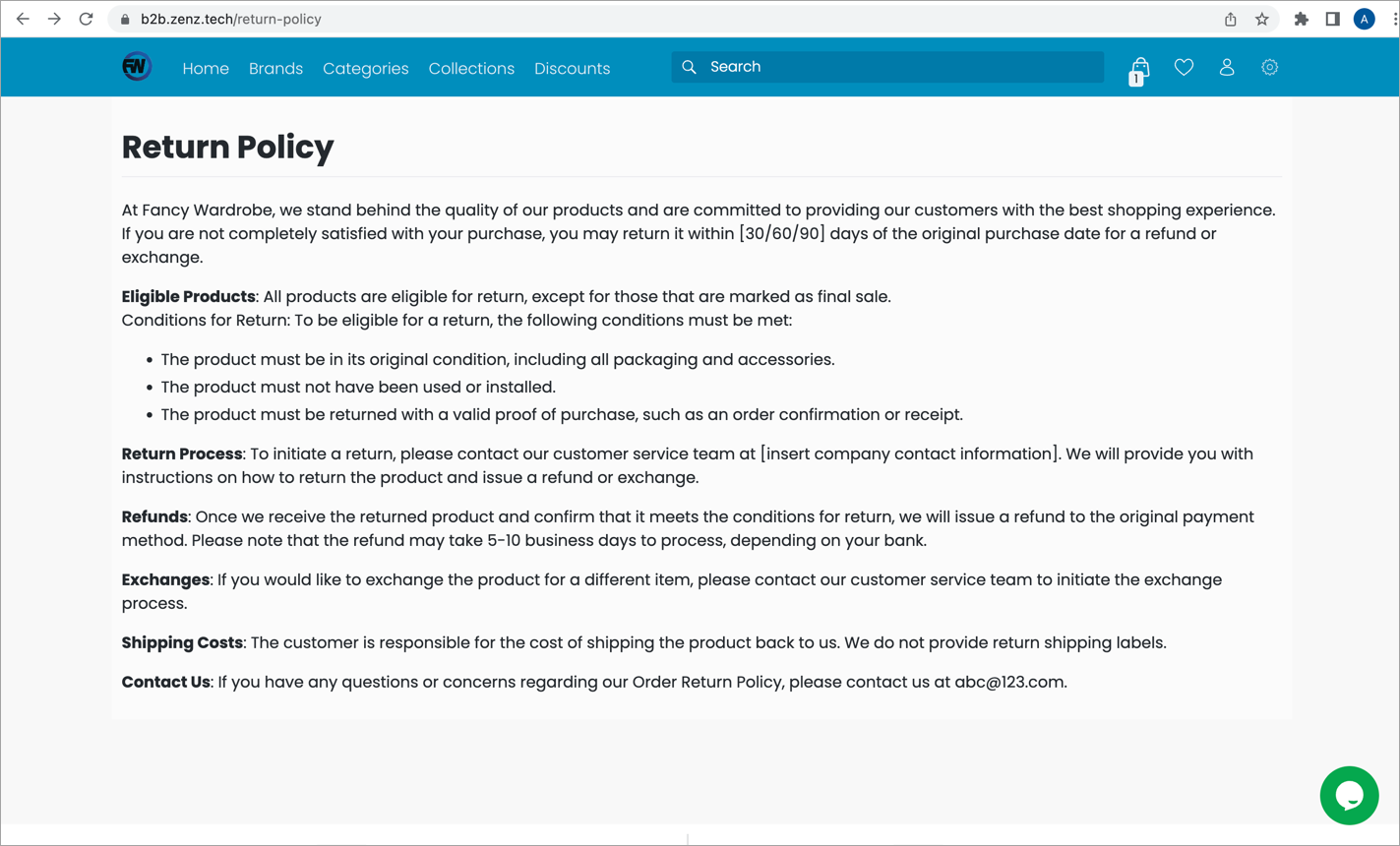
Where can I see it on the website? {your-website-url}/return-policy
Sales Channel (select application) → Configuration → General → Links (Section)
Available Fields:
- Shipping
- Licensing
- Privacy Policy
- Terms & Conditions
Steps to Add:
- Navigate to the Links section.
- Paste the relevant URL into each field as needed.
- Click Save.
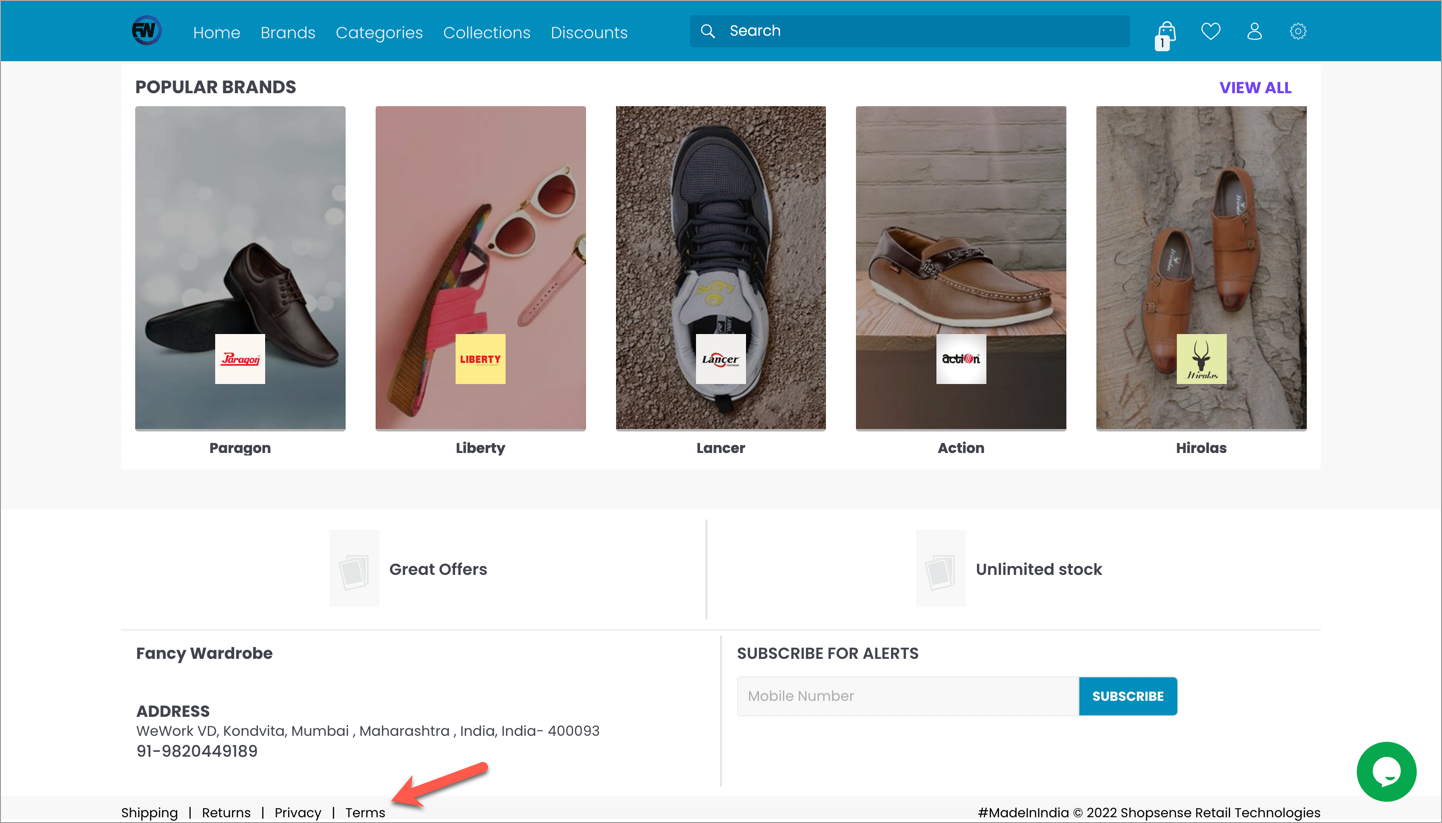
Once saved, these links will be displayed on your website, typically in the footer, as shown in the example below.