Commerce panel → Sales Channel (select application) → Marketing → Blogs
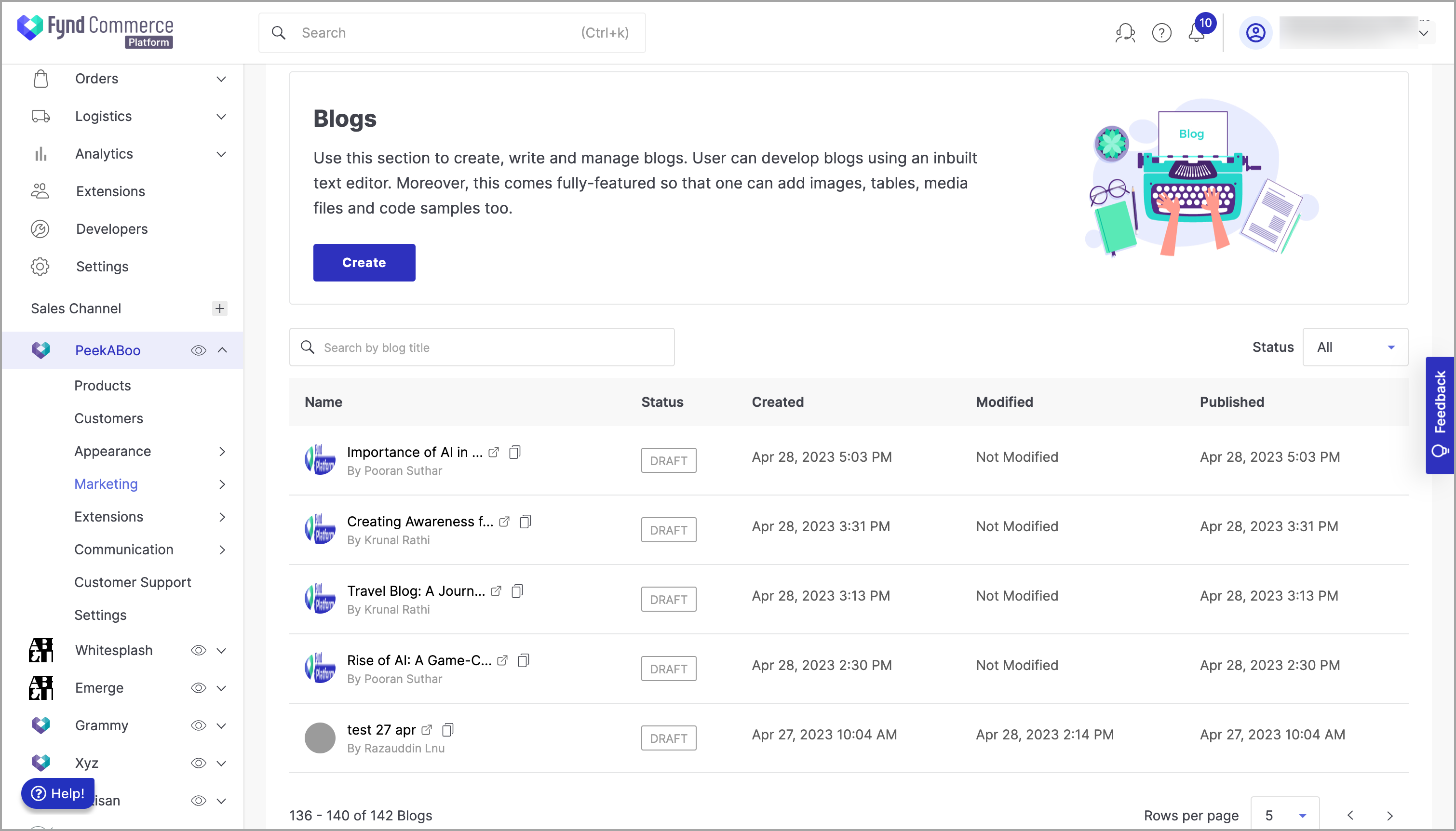
This section is to create, write and manage blogs. User can develop blogs using an inbuilt text editor. Moreover, this comes fully-featured so that one can add images, tables, media files and code samples too.
In this document, you will learn more about:
Click on Create (refer fig. 1).
A fully-featured text processor is available as shown below. All the necessary tools and components required for creating an attractive blog are readily available in this editor.
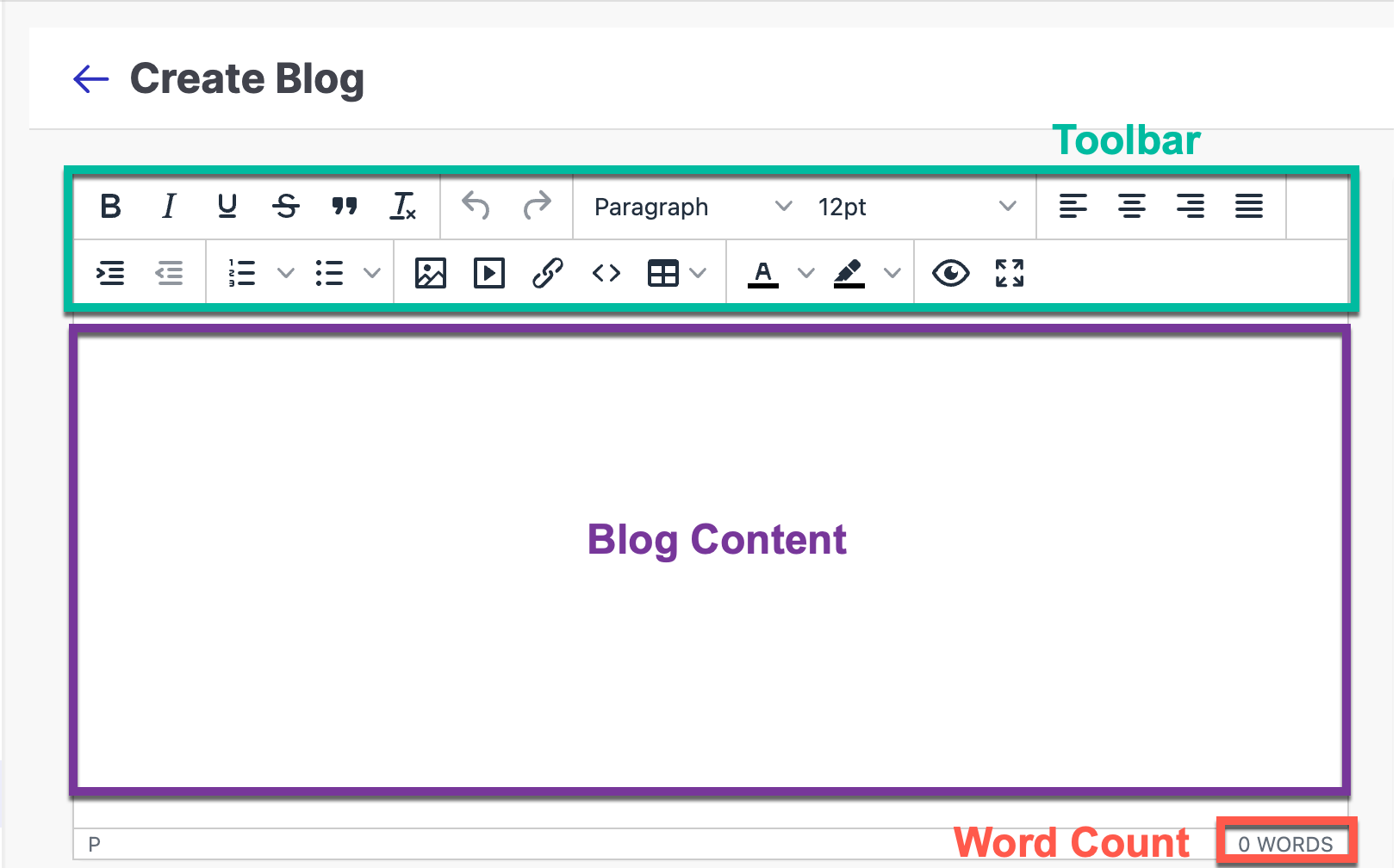
Figure 2: Editor Let's create a sample blog similar to this one.
- Blog Heading
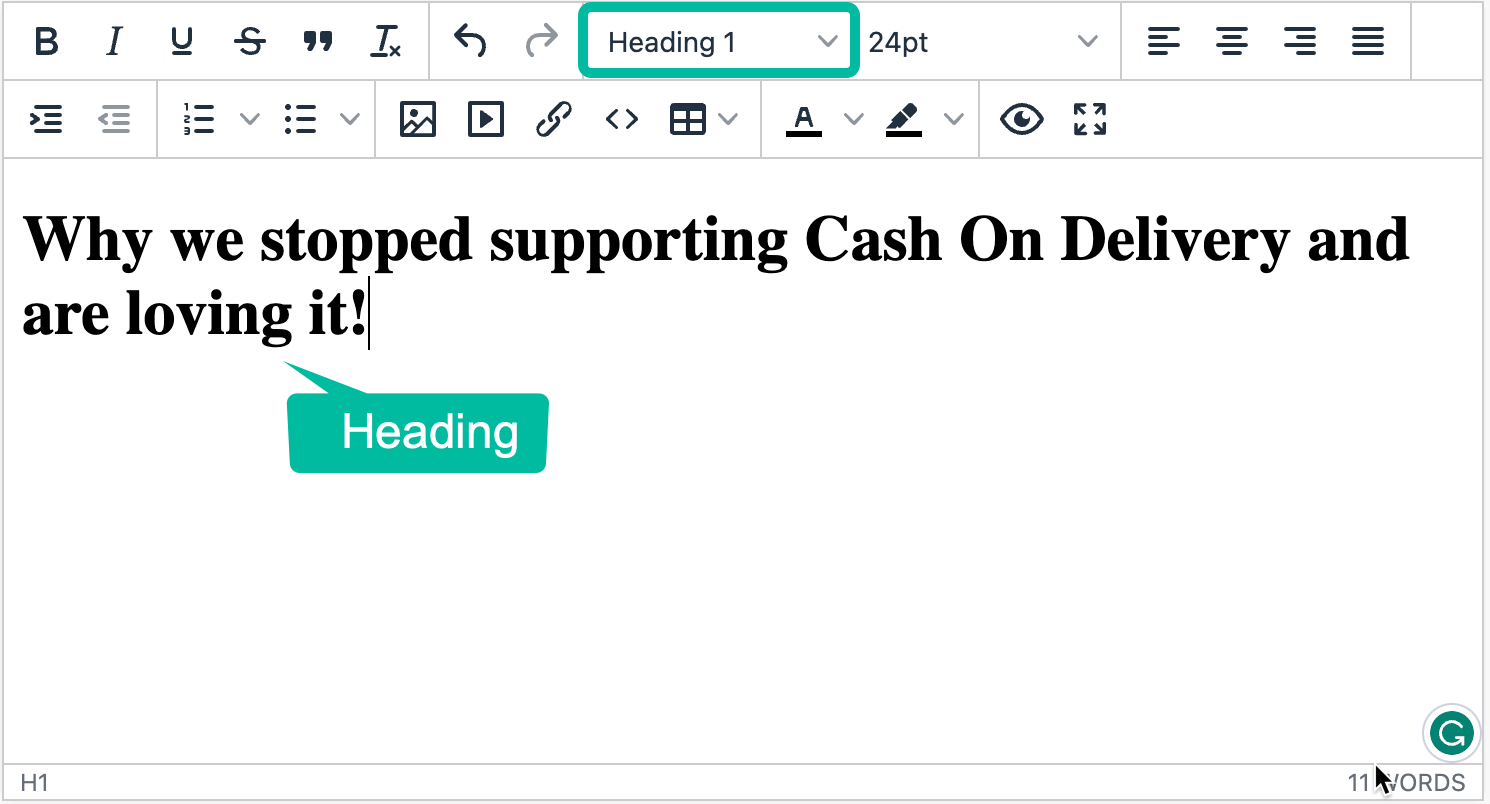
Figure 3: Blog Heading - Blog Subtitle
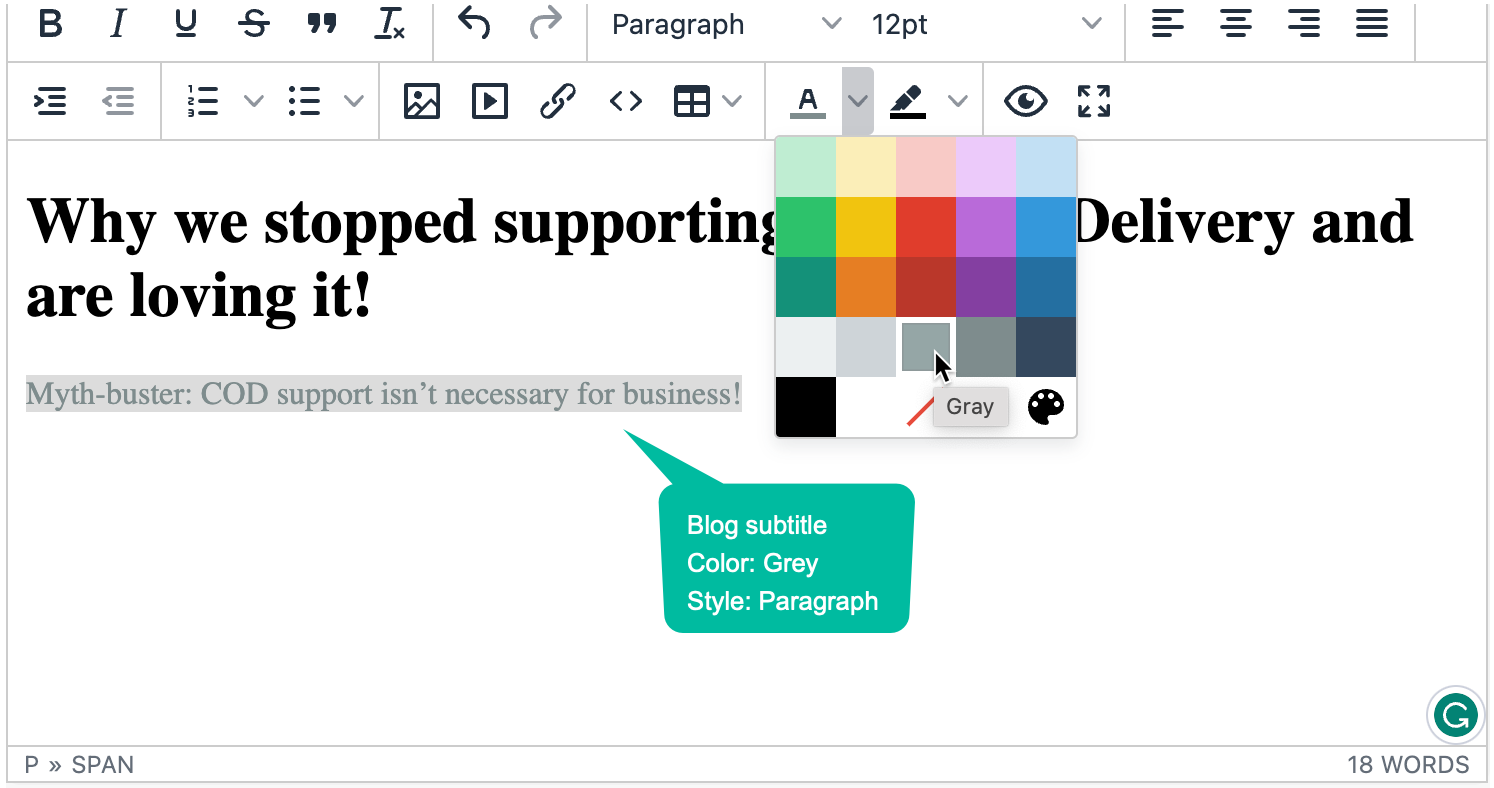
Figure 4: Blog Subtitle - Image Upload
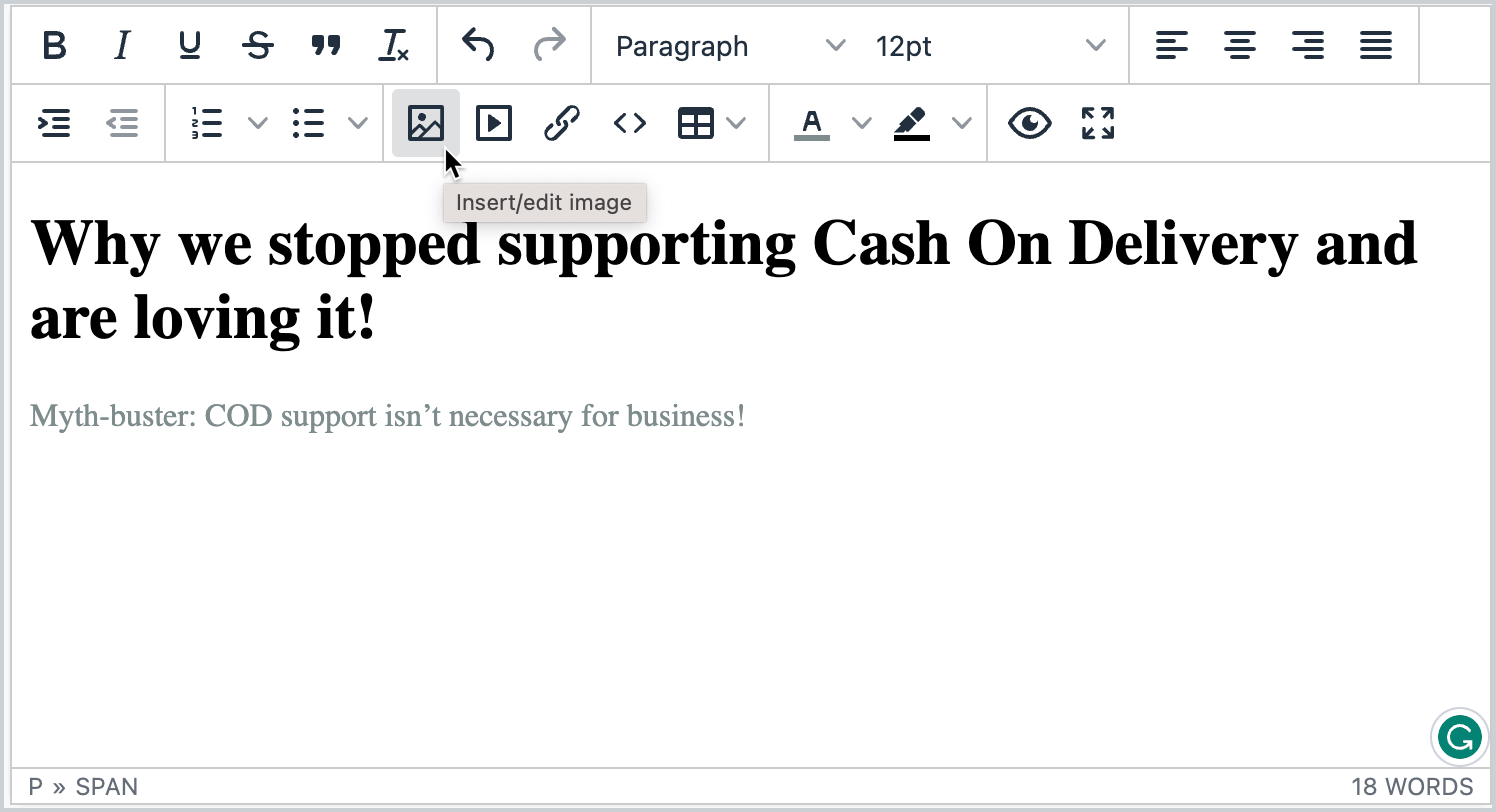
Figure 5: Image Upload 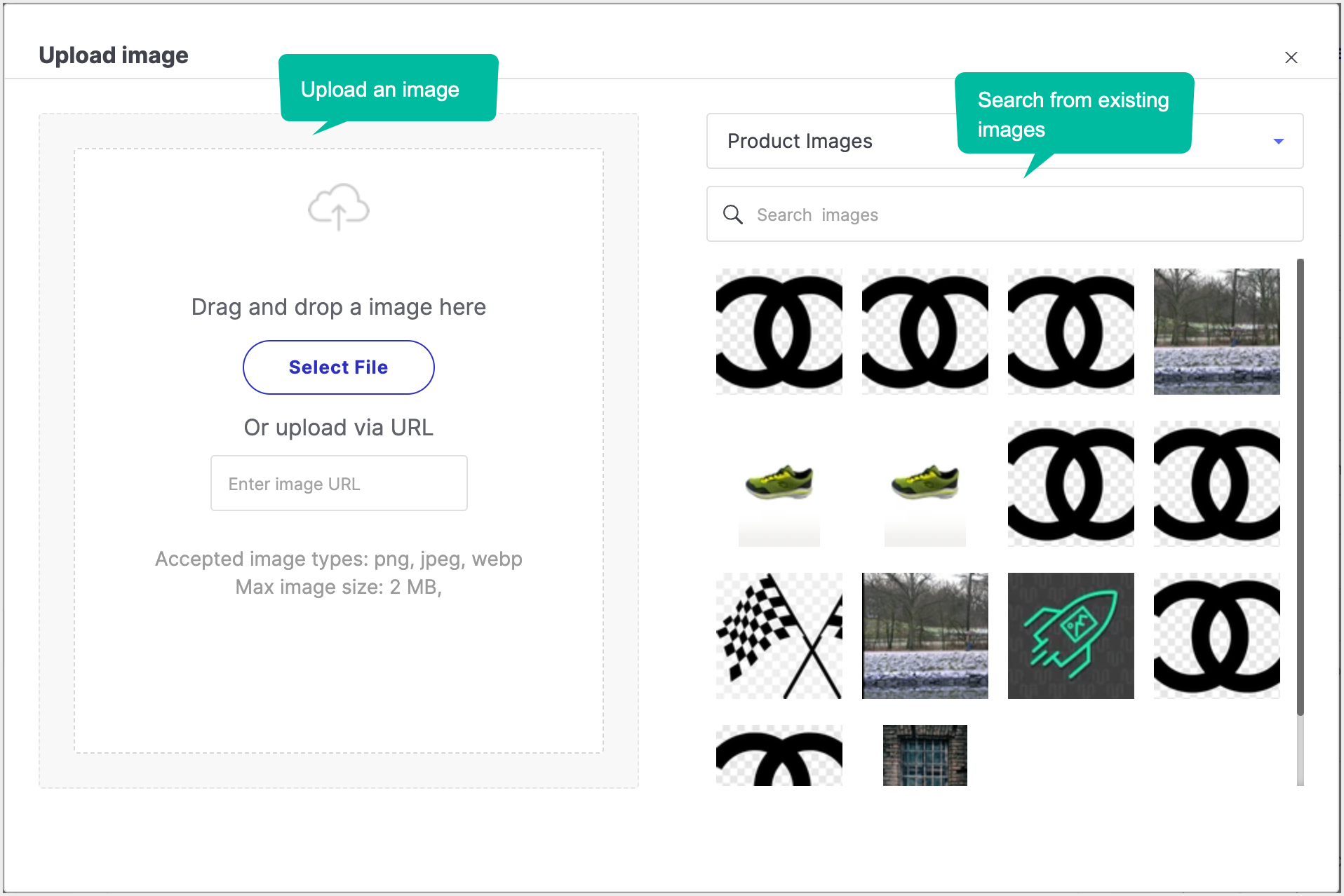
Figure 6: Image Uploader - Paragraph
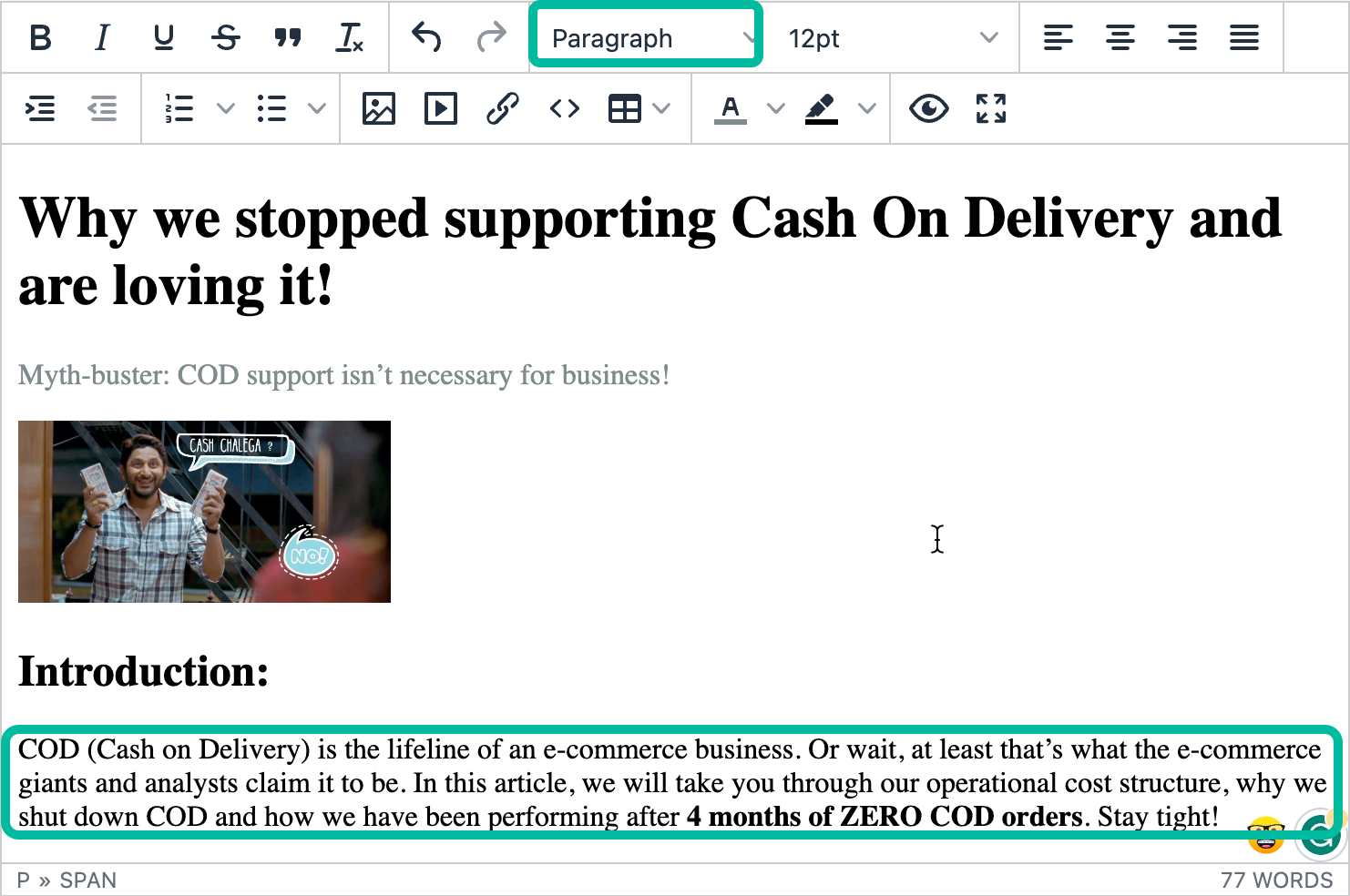
Figure 7: Paragraph 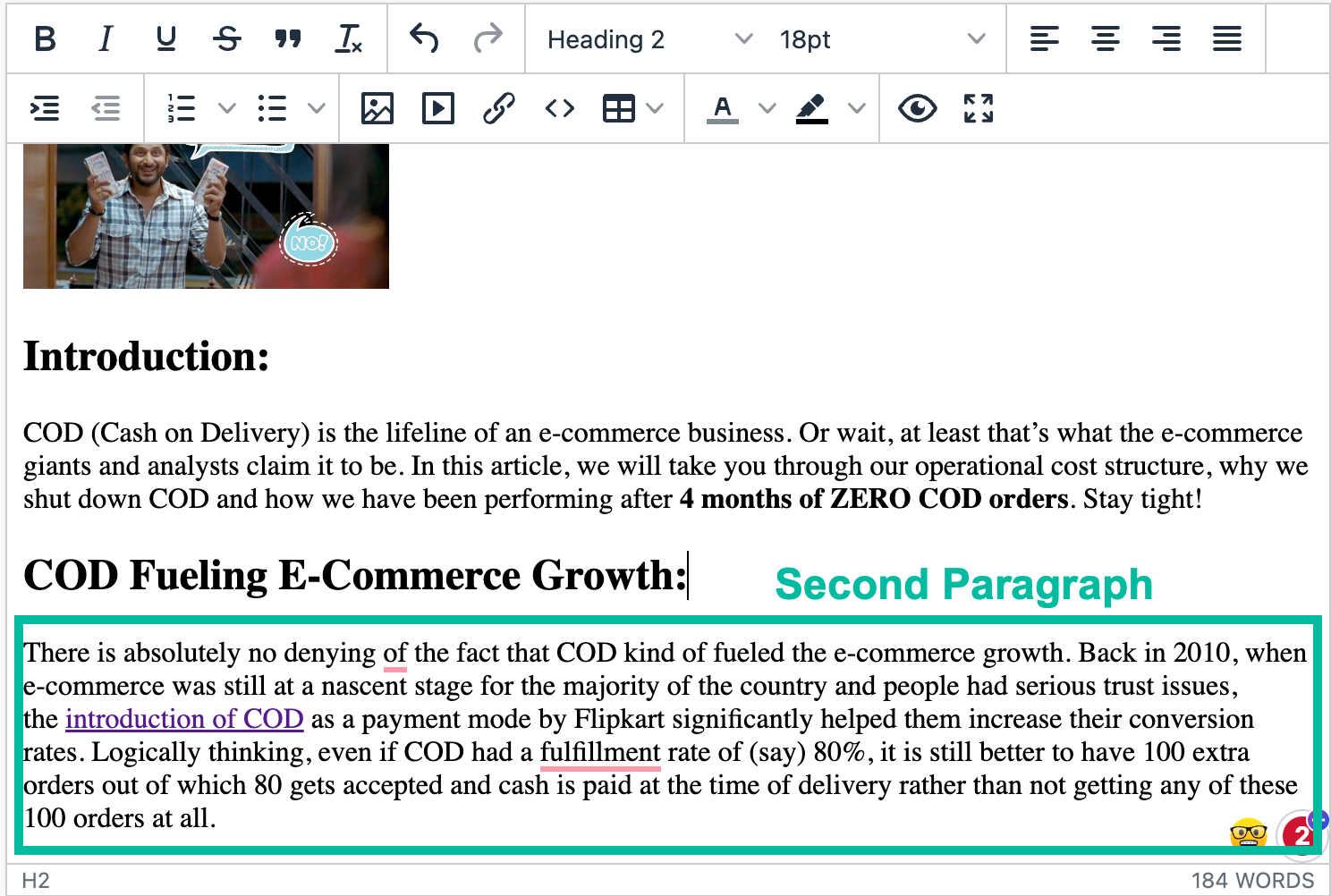
Figure 8: Second Paragraph - Insert Link
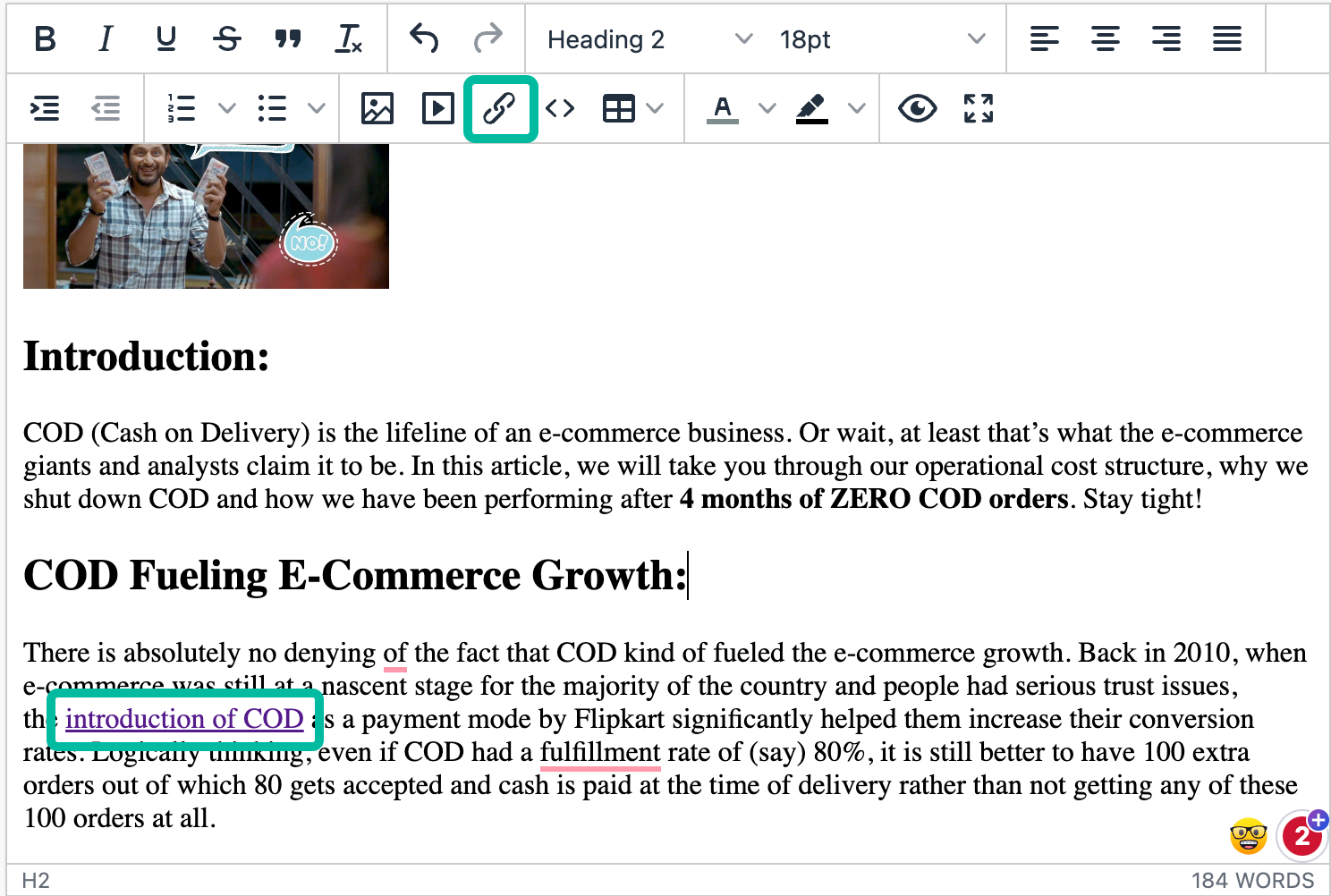
Figure 9: Insert Link 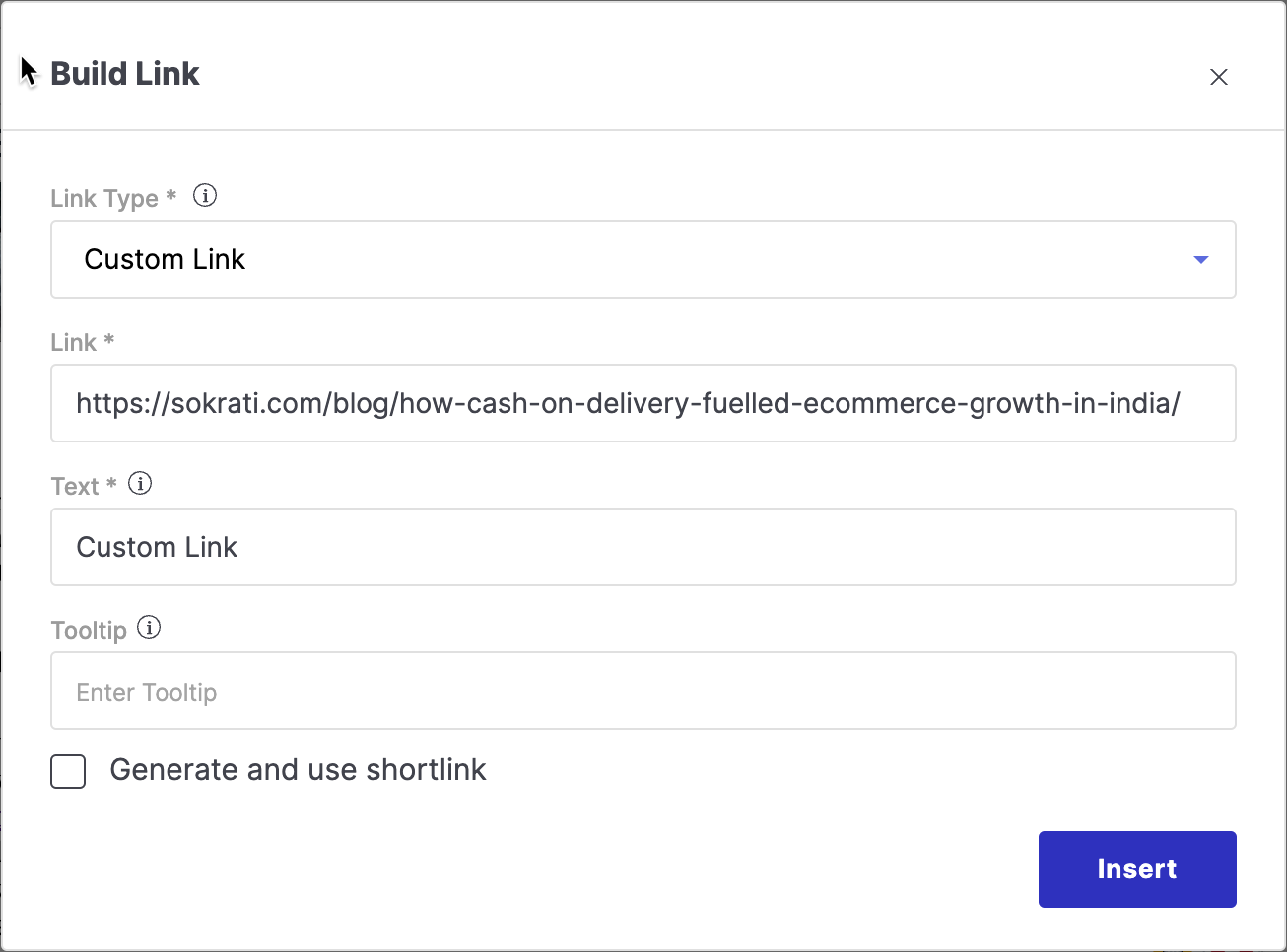
Figure 10: Insert Link Popup Fill the Details section.
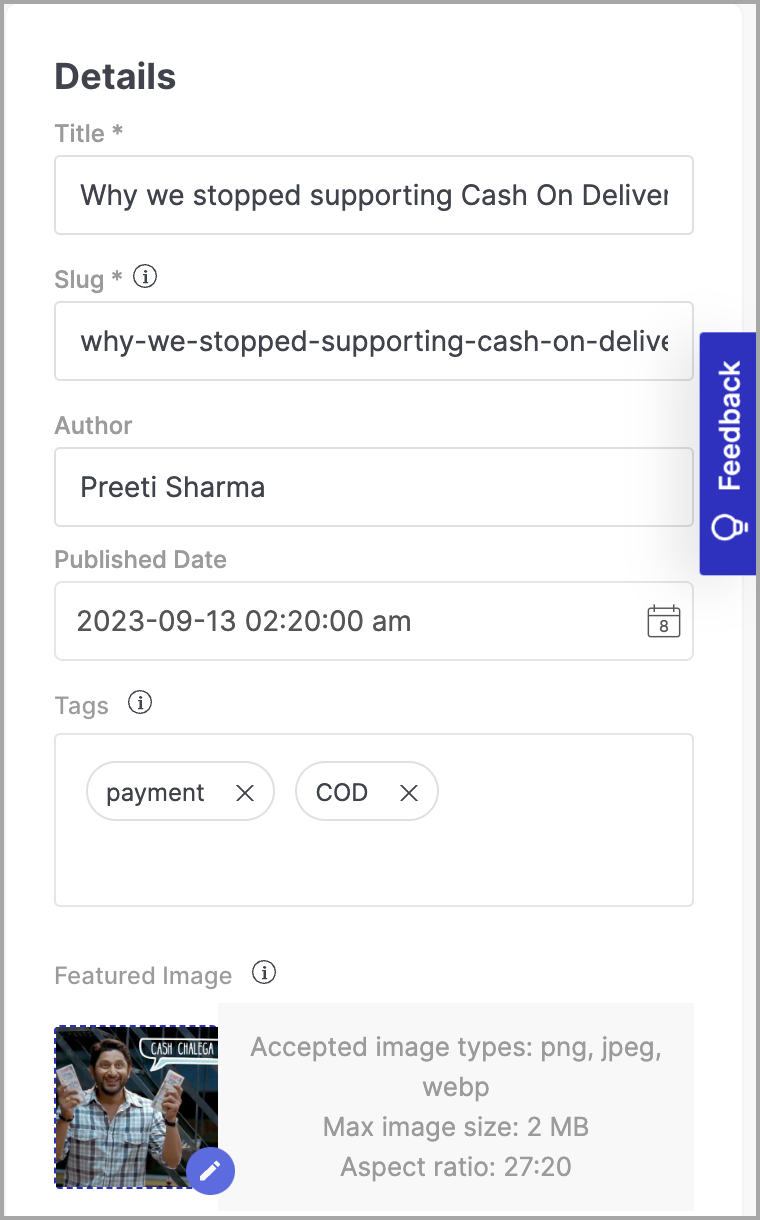
Figure 11: Details Preview and Publish
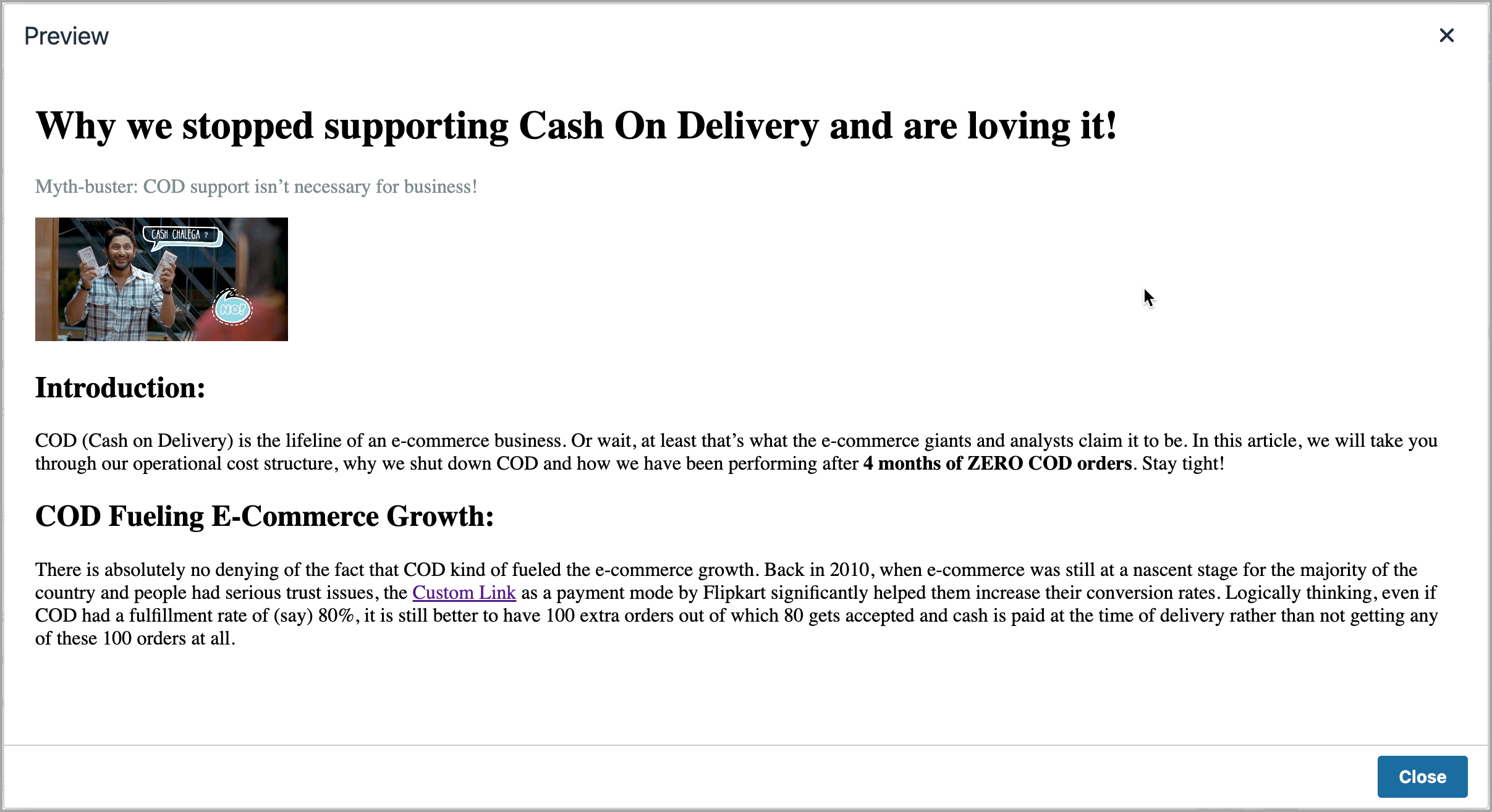
Figure 12: Preview 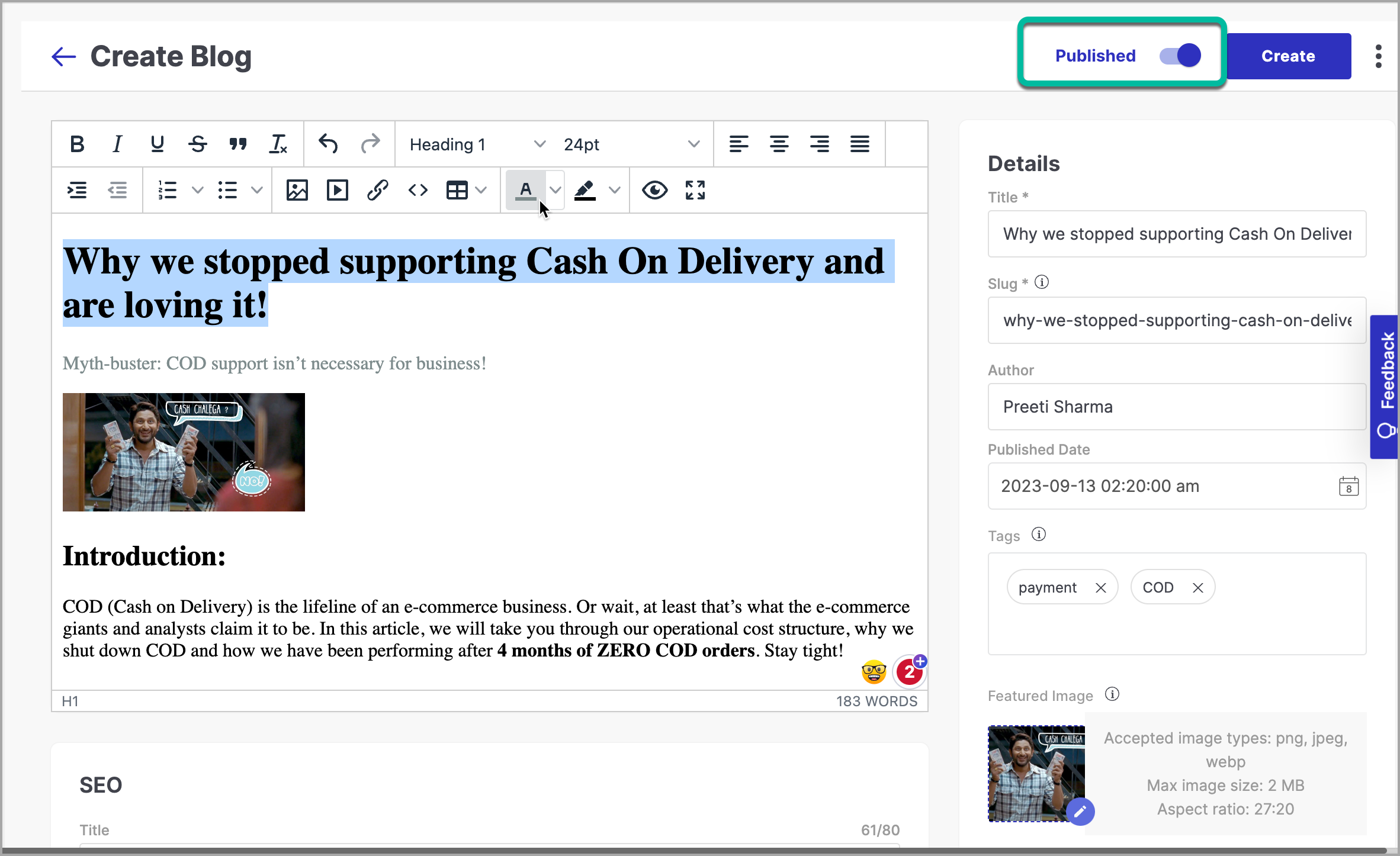
Figure 13: Publish After clicking on Create, you can optionally choose to schedule this blog to be made Live, or you can publish it straight away by clicking Save.
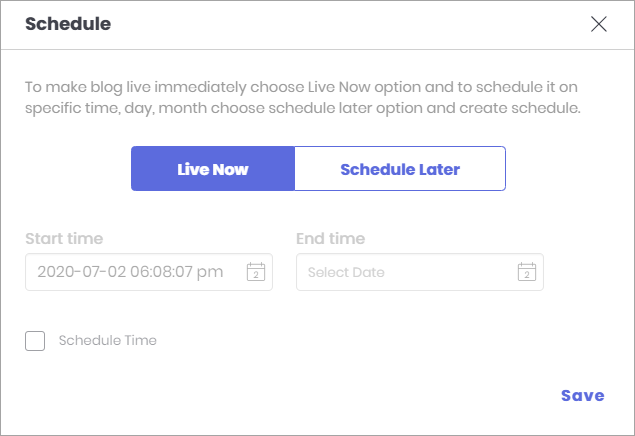
Figure 14: Schedule
Fynd Commerce allows you to add SEO information to every blog you create. Add a title and description that should be visible in the search engine results when people search for your blog. Alternatively, you can use AI-powered (Artificial Intelligence) Generate or Generate Using Custom Keyword options to create title and description automatically.
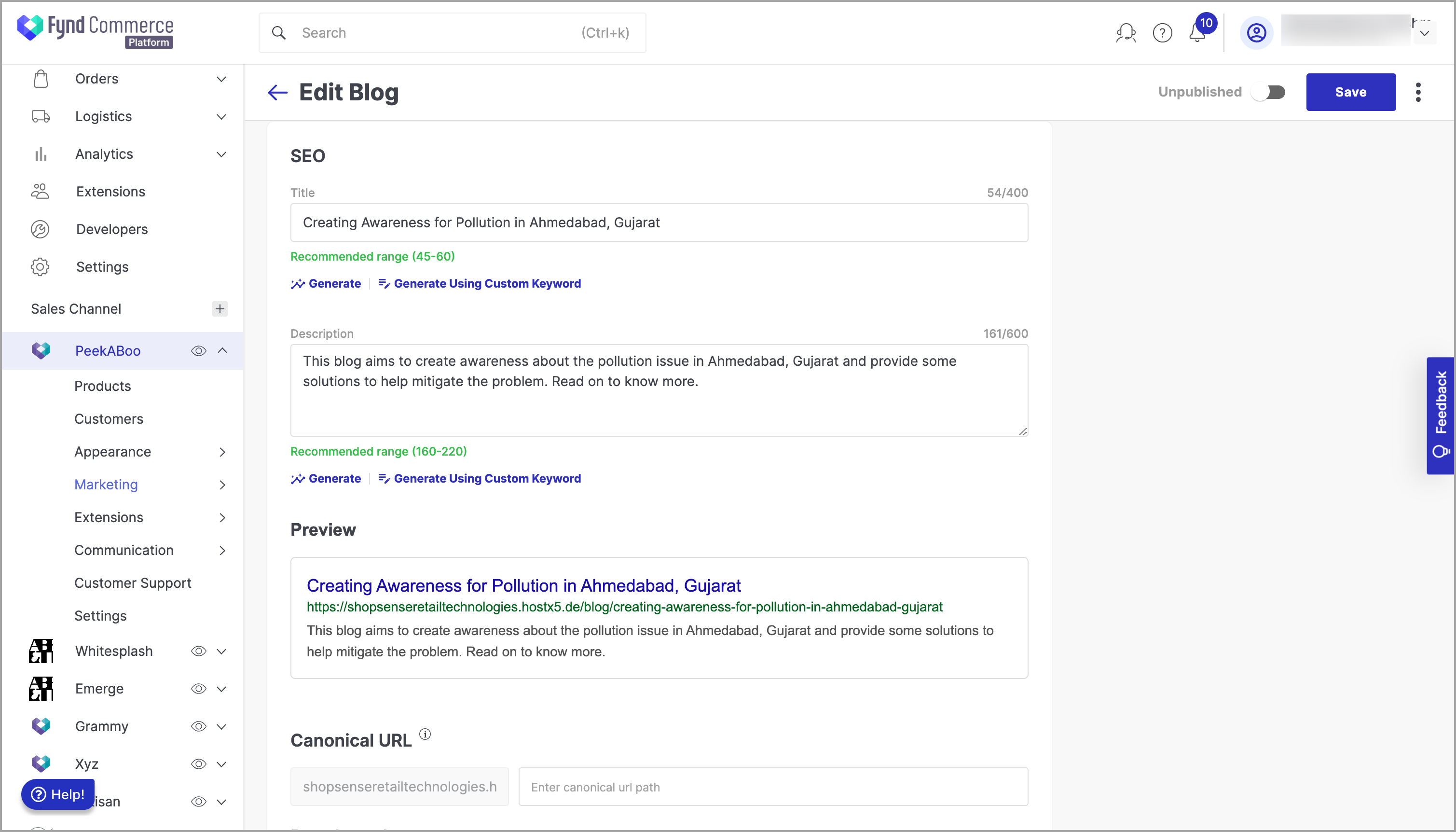
No matter how long the title and description is, search engines will show only upto 50-60 characters of the title, and 155-160 characters of the description in the search results. Therefore, you should consider adding the most relevant keywords in the beginning.