For selling products that are already listed and sold on Flipkart, you will need to do the following:
Sign in to the seller portal.
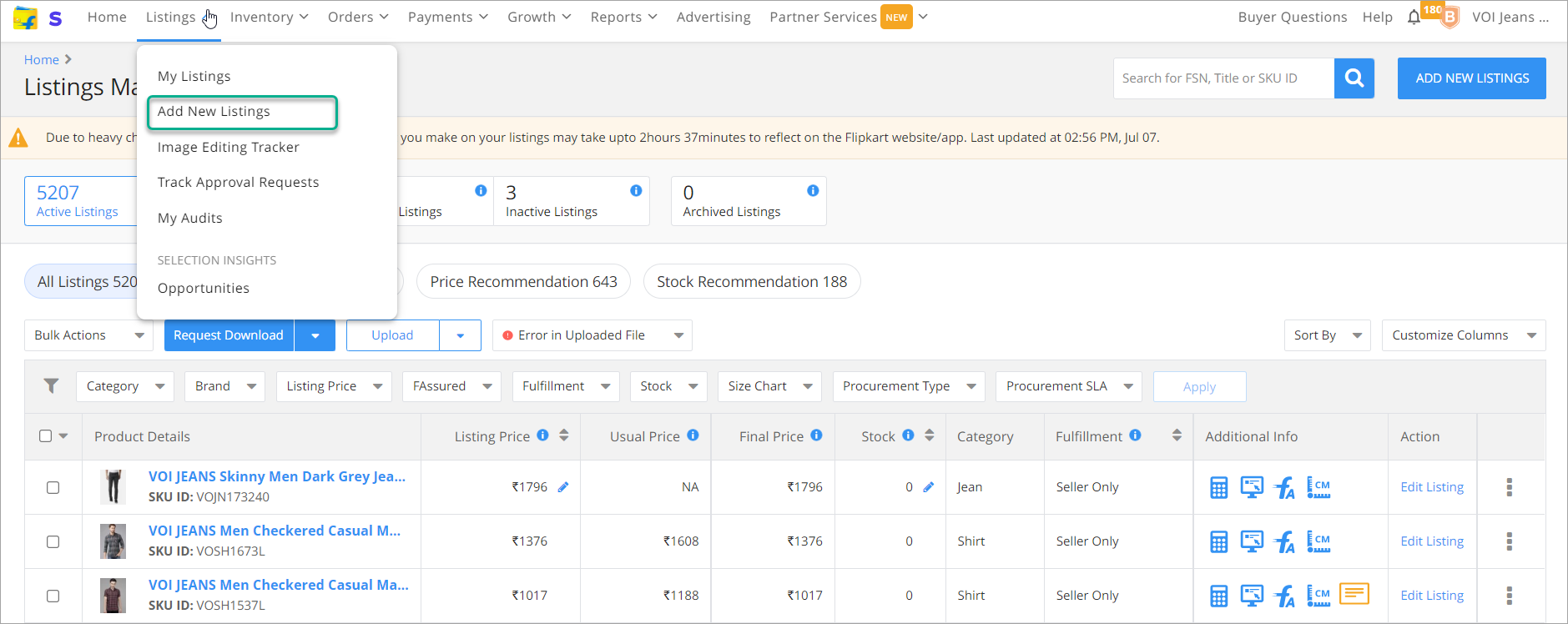
Select My Listings and navigate to Add New Listings.
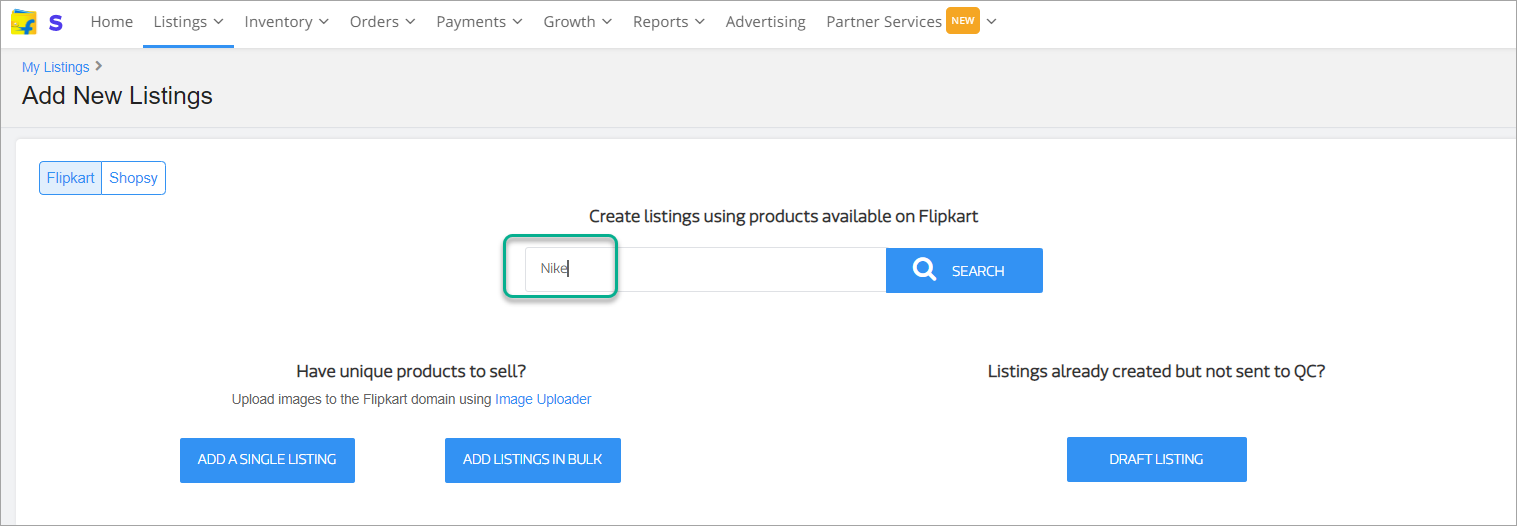
- In the search box under create listings using products available on Flipkart type the Brand, FSN or product URL and click Search.
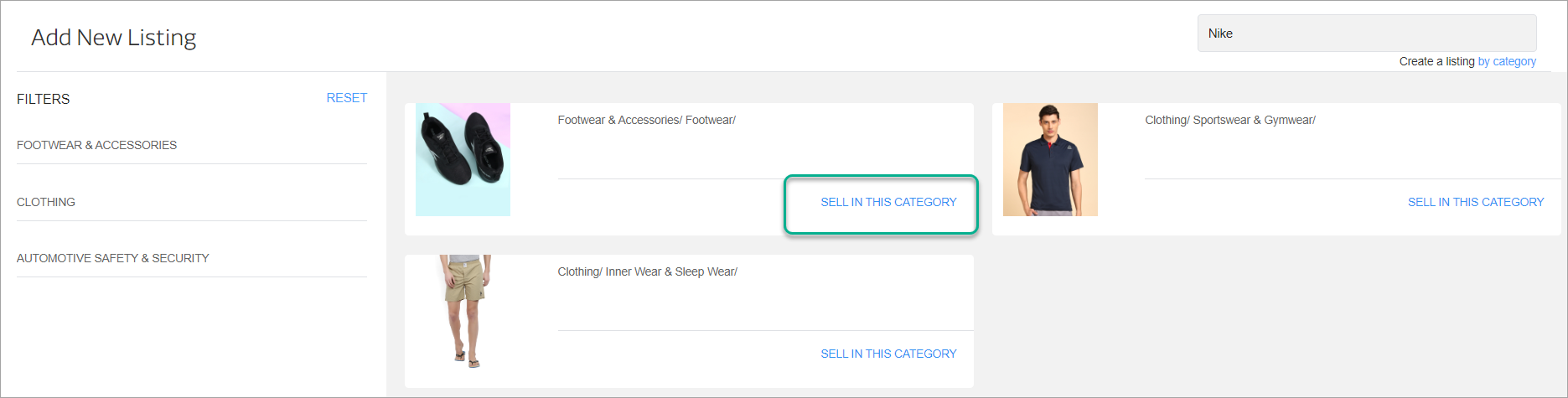
- Select the category of the product that you want to sell by clicking Sell in this category.
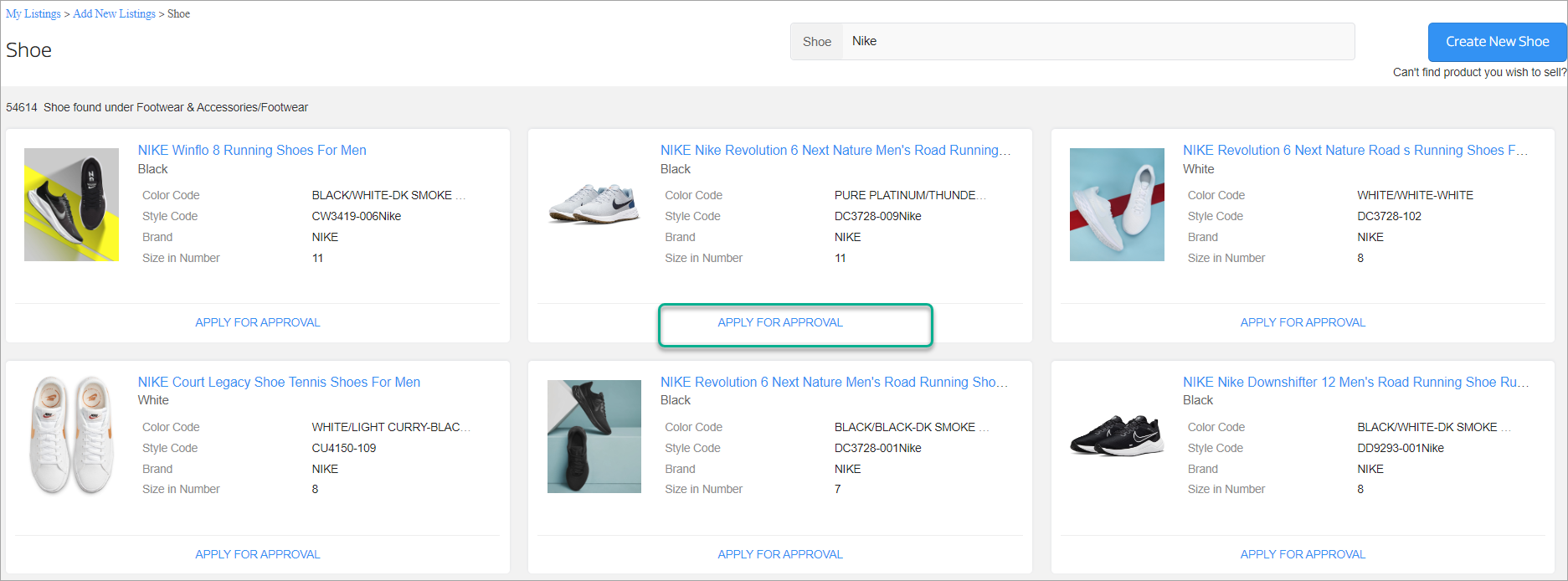
- Select the product that you wish to sell after confirming the name, title, details. Click on Apply for Approval.
- You will need to upload the Trademark Certificate, Brand Authorization letter along with the online authorization letter from the brand to sell on Flipkart.
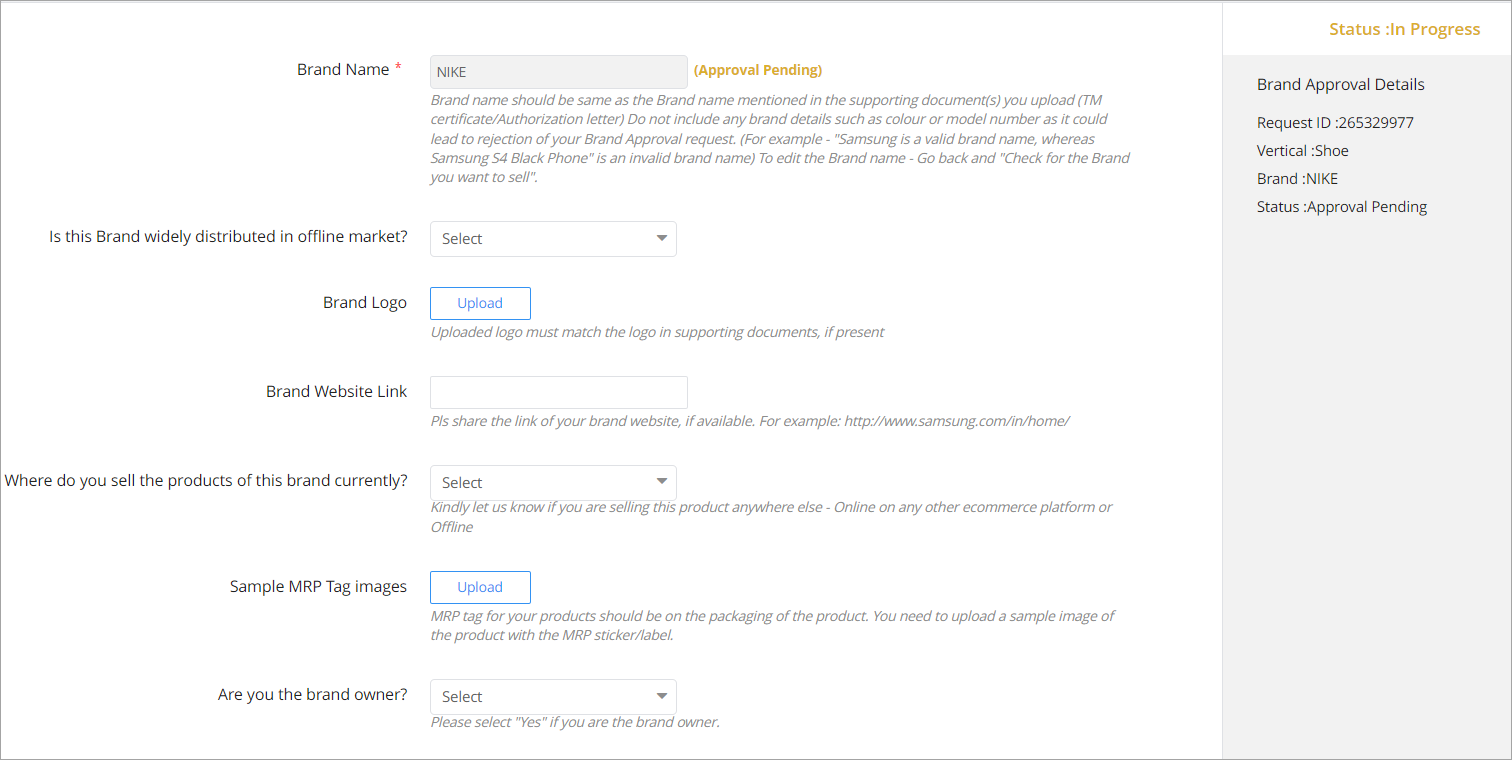
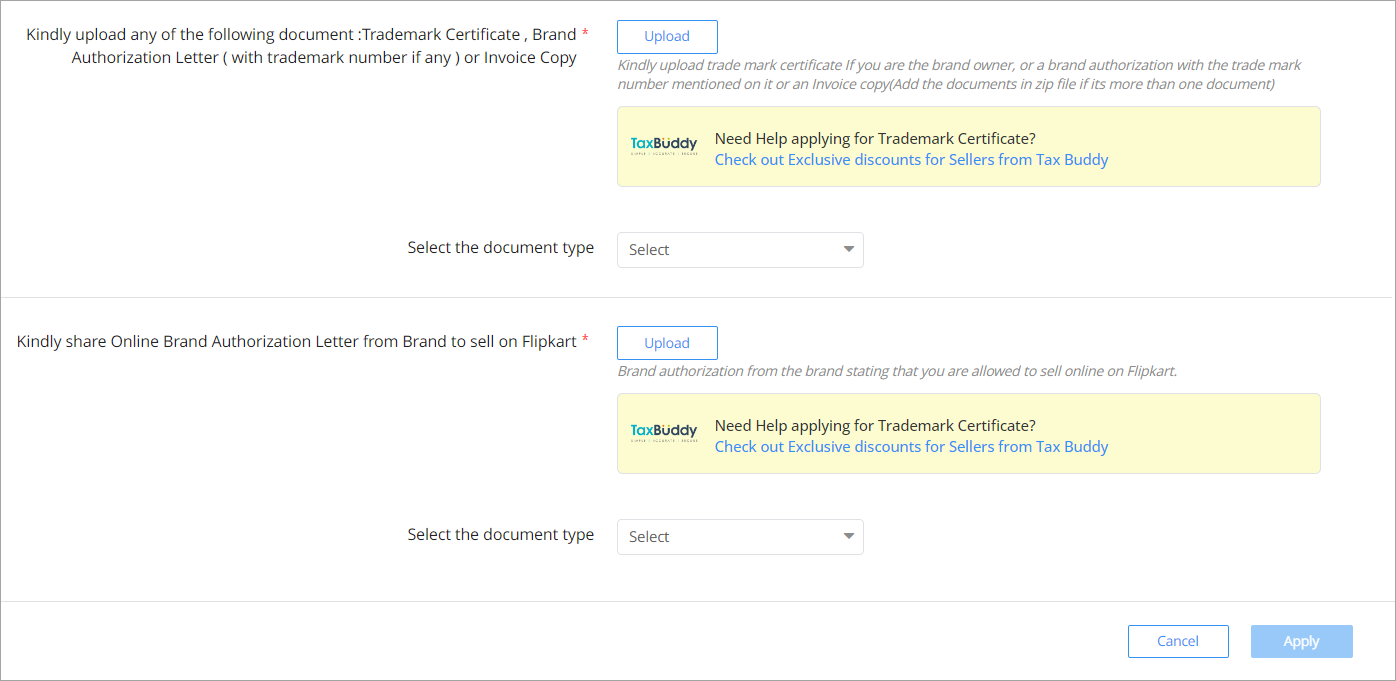
After uploading all the necessary documents, click Apply.
You can Navigate to Listings > Track Approval Requests to view the status. After the listing is approved, it will be available under Listings > My Listings.