How to access on Fynd Commerce
Commerce panel → Sales Channel (select application) → Catalogue
The seller can upload their product catalogue and start selling on Myntra.
An active Myntra Partner account.
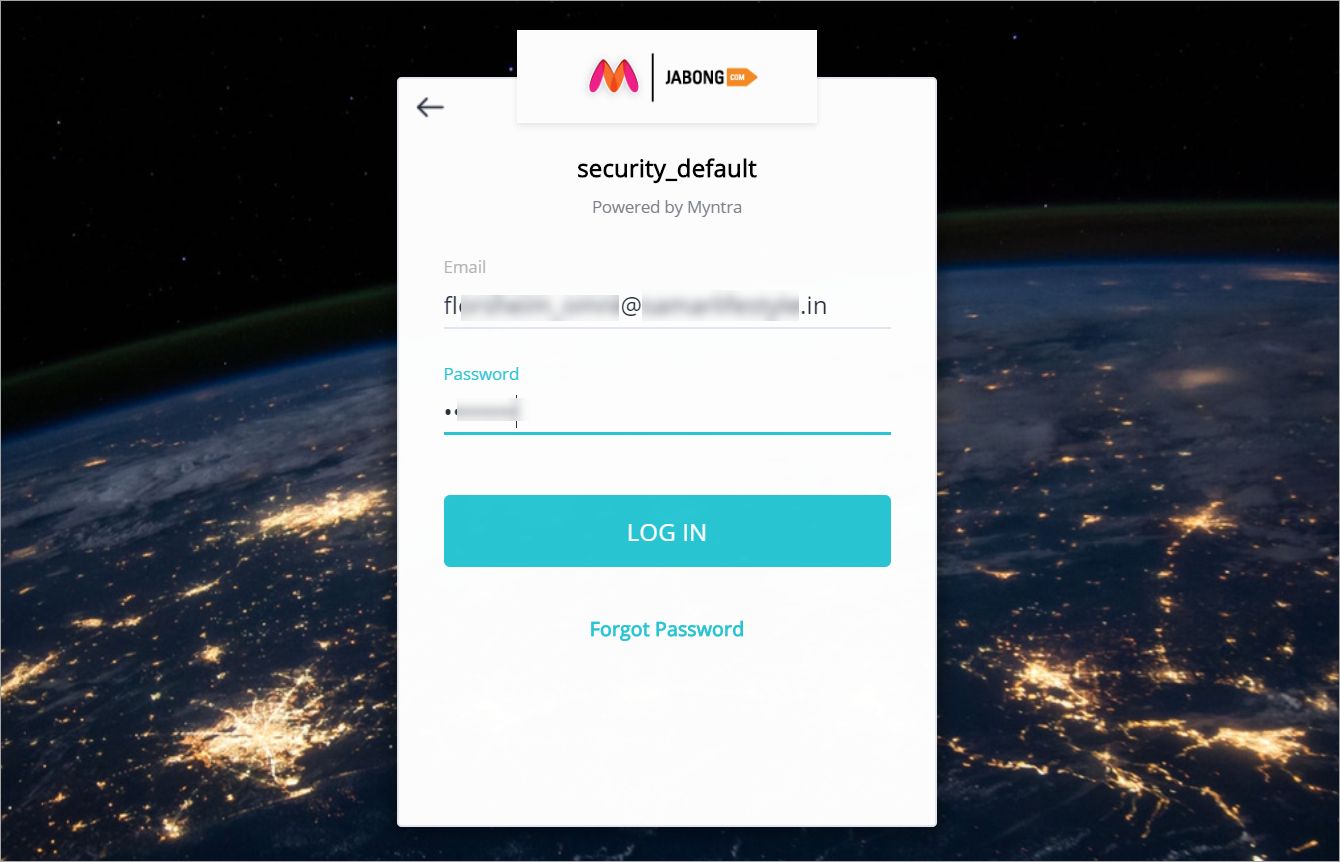
- Step 1: Go to https://partners.myntrainfo.com/ --> Login.

- Step 2: Enter your partner credentials.
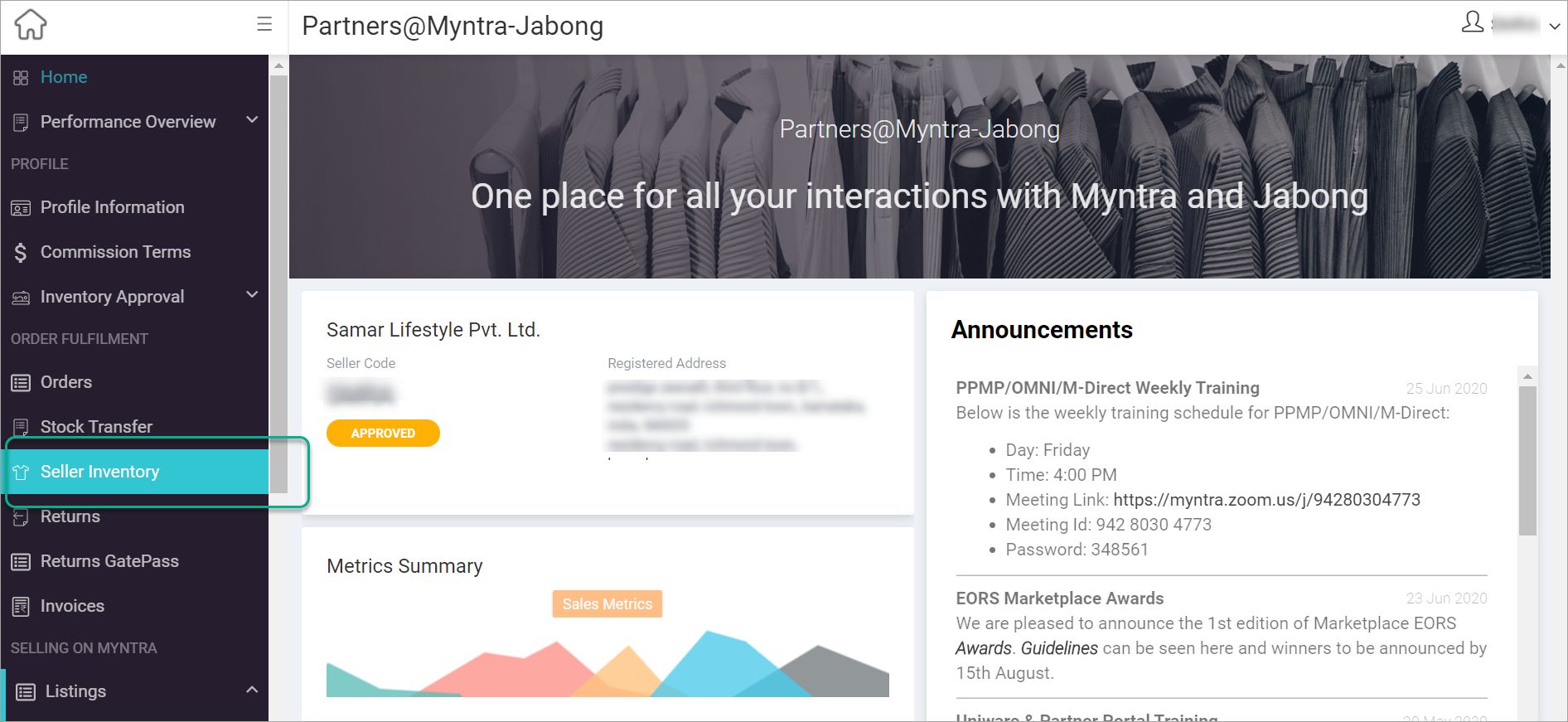
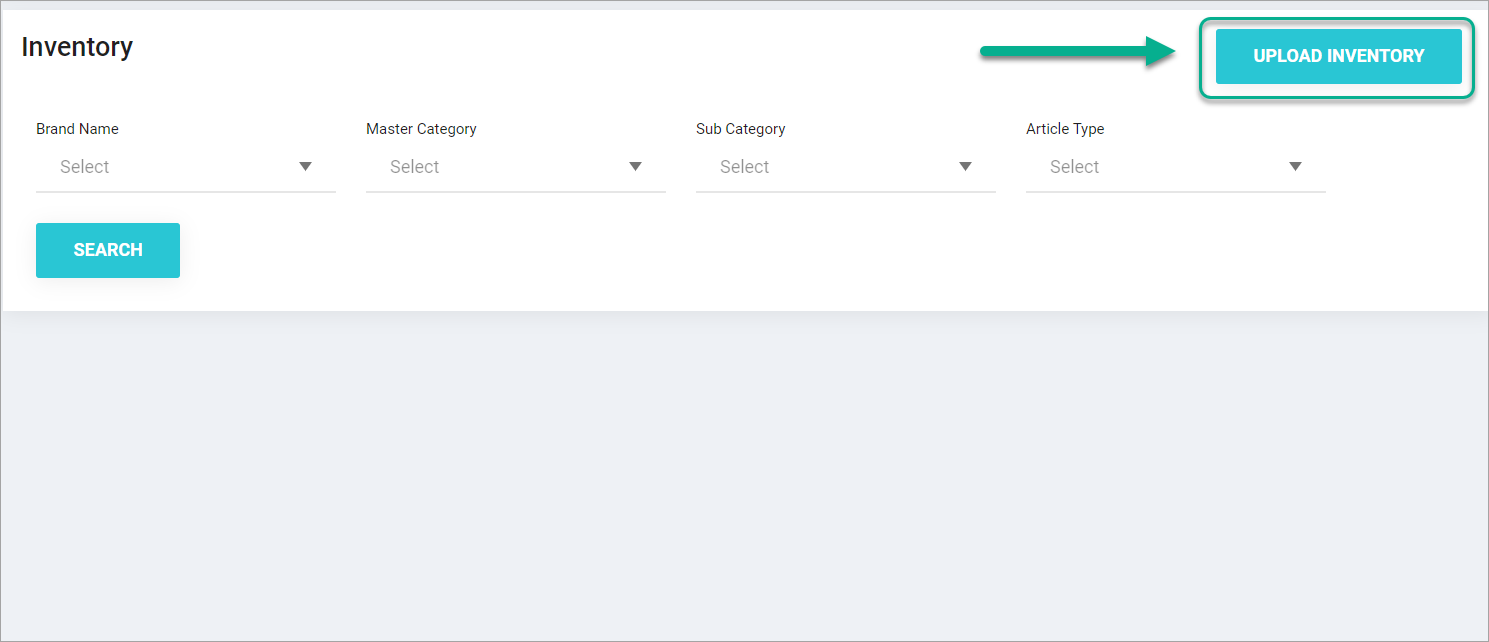
- Step 3: Upload Inventory (CSV of Myntra Catalog).
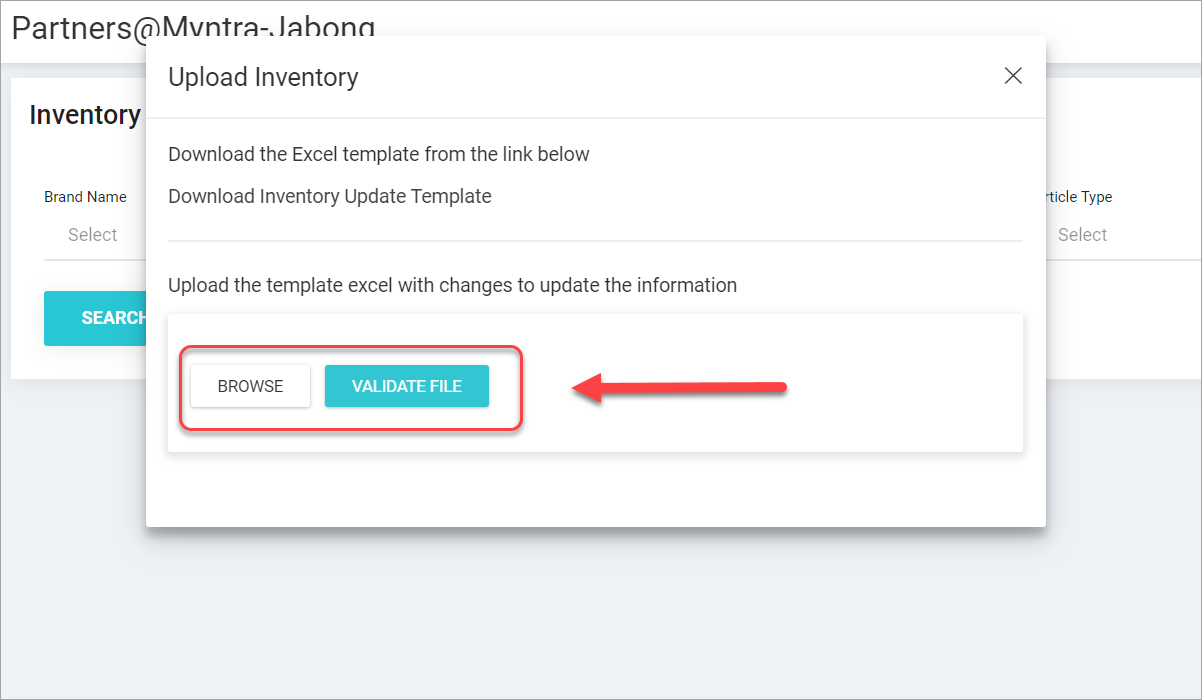
- Step 4: Click on Validate File. The catalogue will be uploaded successfully and if not, any error will be clearly highlighted.