To configure Buffer Stock at location level and Status for LimeRoad, navigate to the Locations tab.
Ensure the correct Limeroad account is selected: Go to Locations, then click on the “More Options” menu (kebab menu). From the menu, select the appropriate Limeroad account to display its locations on the page.
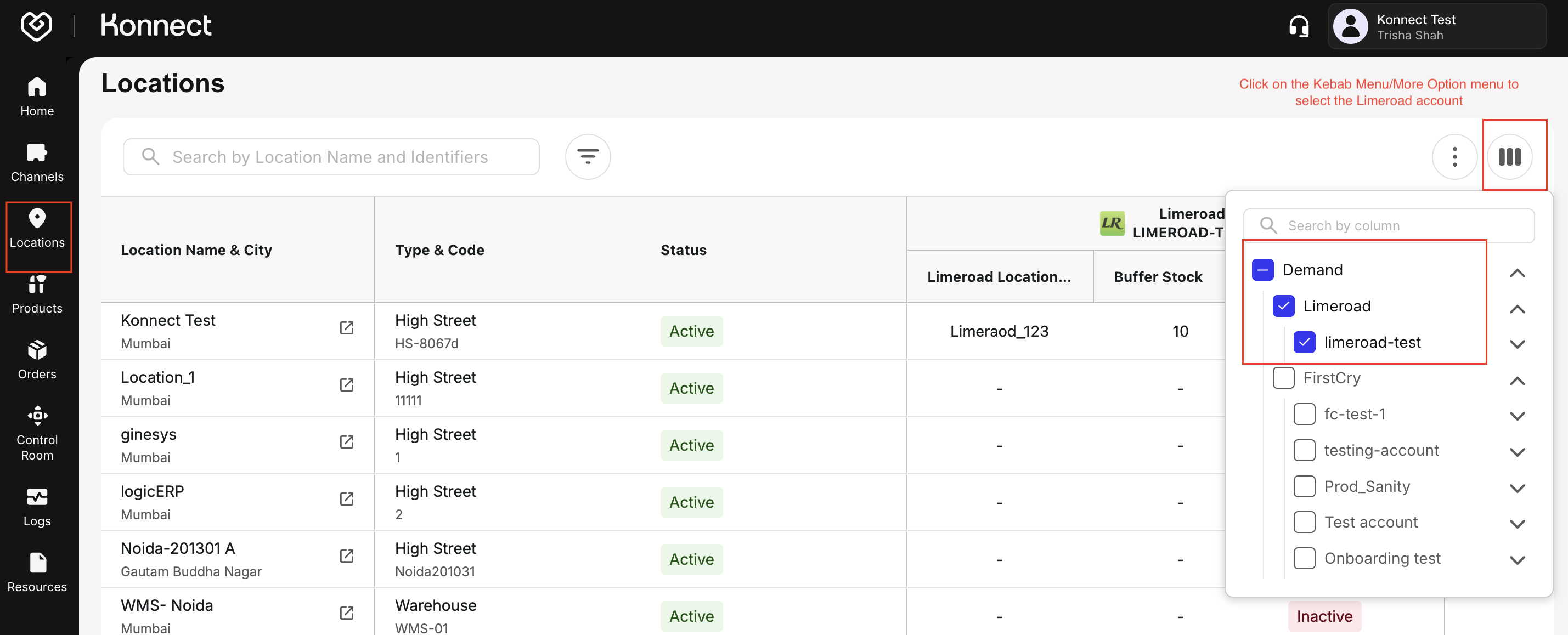
Navigate to the Locations tab.
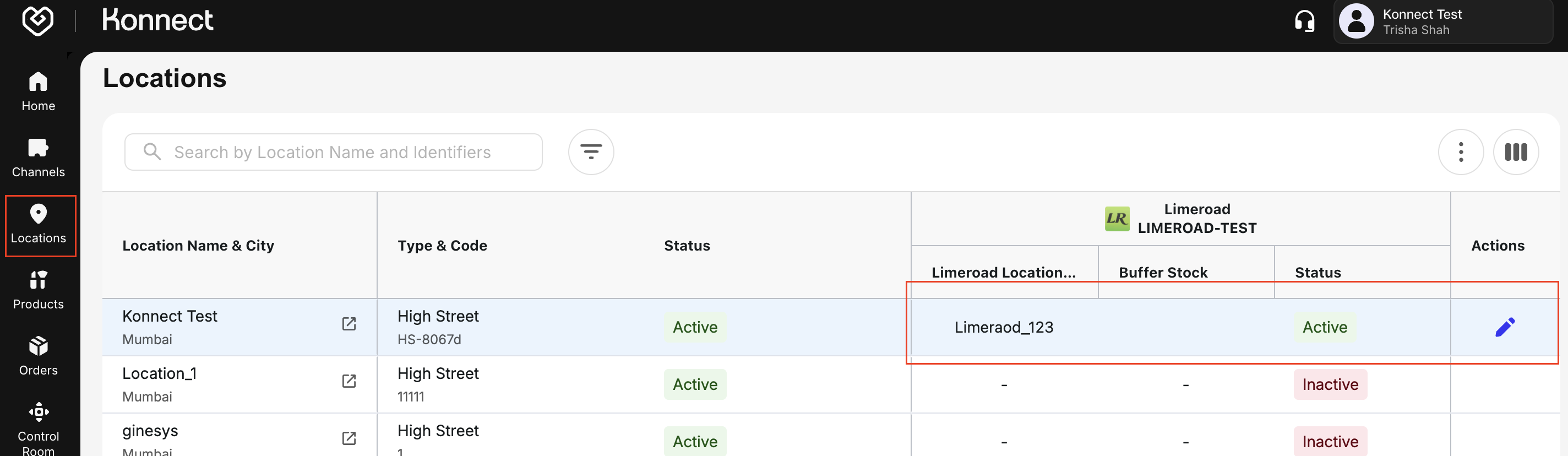
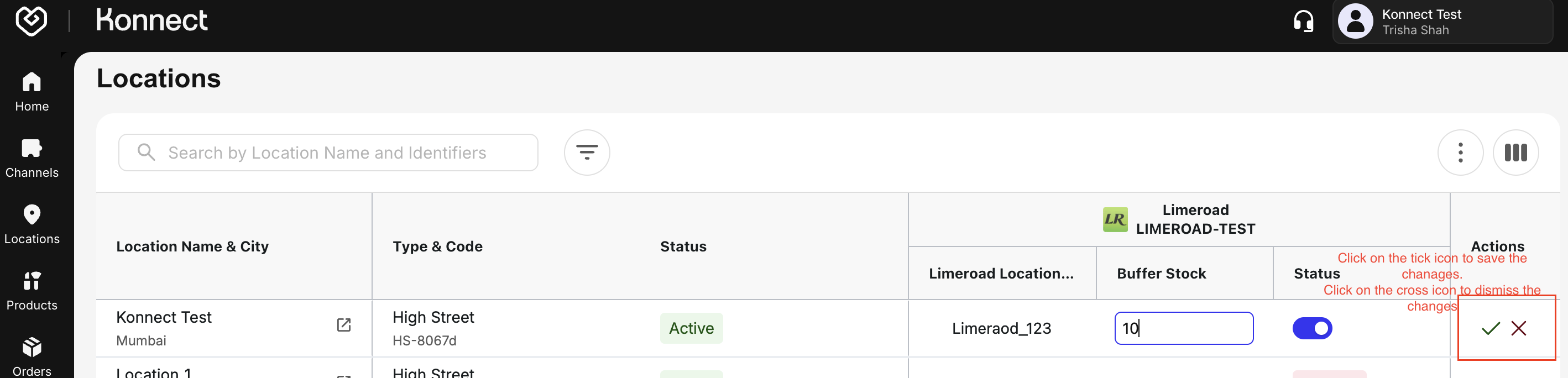
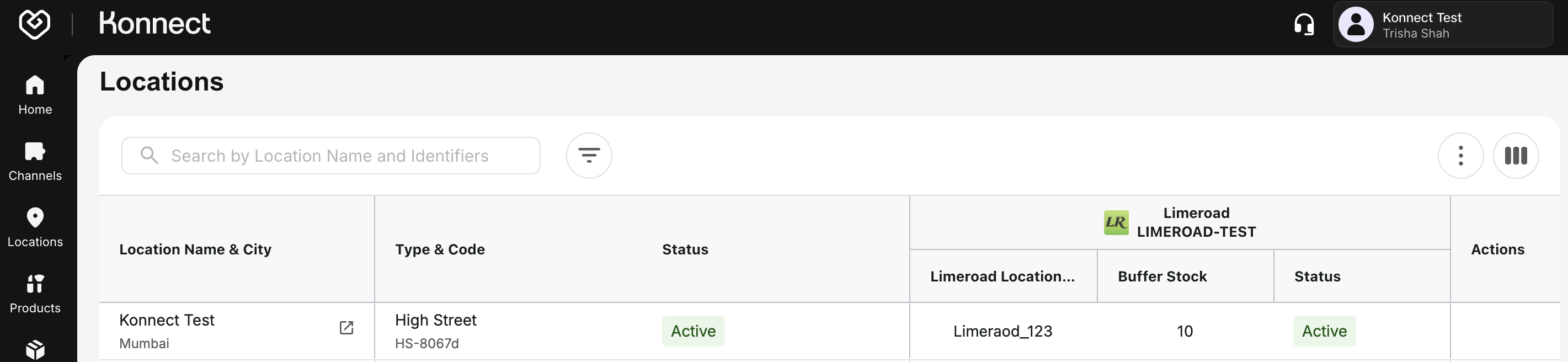
Hover over the Action section and click the Edit icon to update the Buffer Stock and enable or disable the Location Status as follows:
- Buffer stock:
- Enter the Buffer stock count
- Buffer Stock at location level will be applied for an article only if the buffer stock at the product level is not configured or is set to zero.
- Status:
- Active Location:
- Appears on Limeroad marketplace
- Lists all the active articles from the location
- Are eligible to receive orders
- Inactive Locations:
- Hidden from listings
- Does not list any articles from the location
- Are not eligible to receive orders
- Active Location:
- Buffer stock:
Credentials and the Channel Identifier for the location can only be updated via Channels → Configured Channels → Limeroad (Edit) → Locations tab