An order tracking page is a web page on an e-commerce website that allows customers to track the status of their orders in real-time.
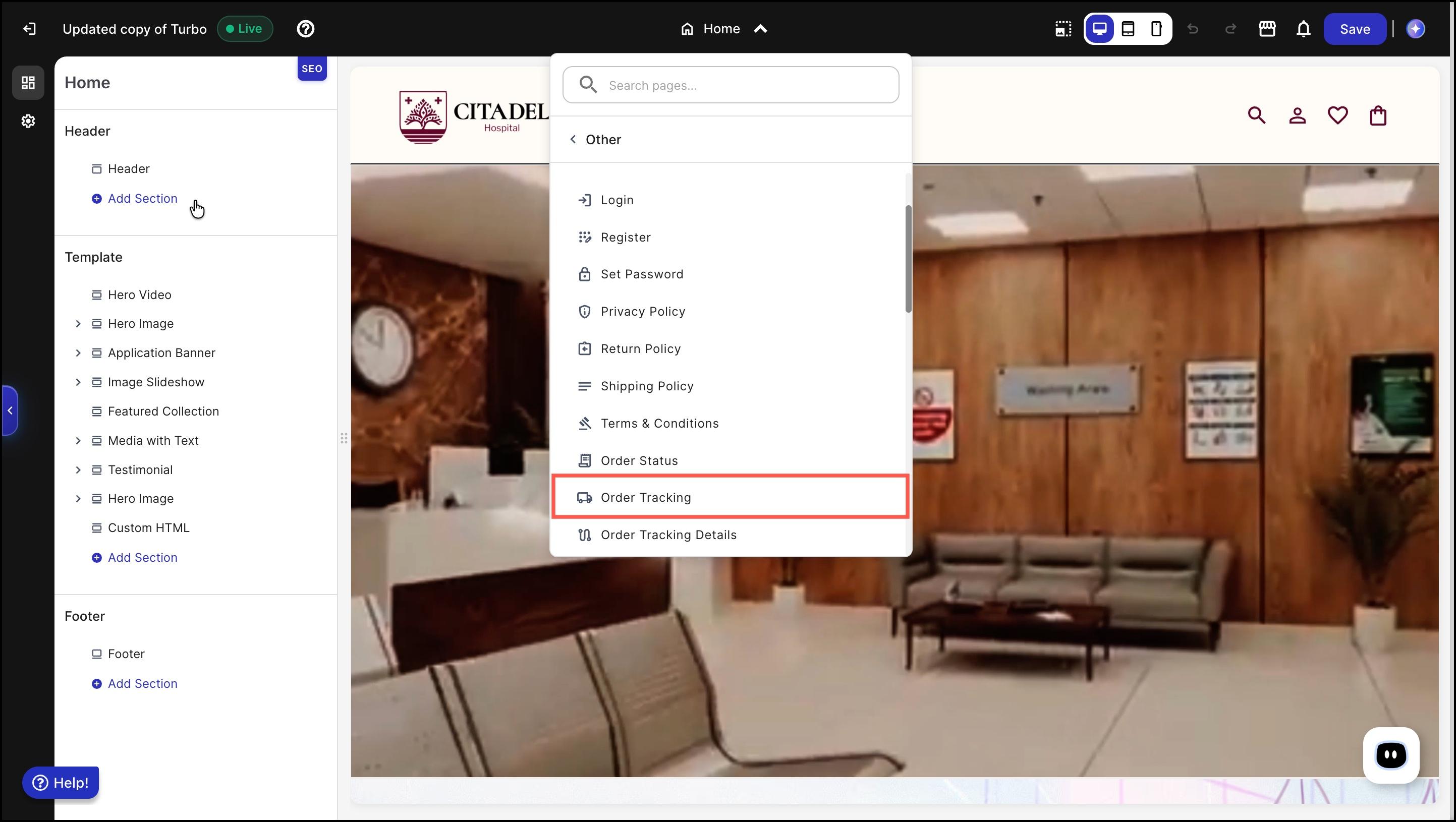
Below are the steps to access Order Tracking page:
Select Order Tracking page from dropdown menu.
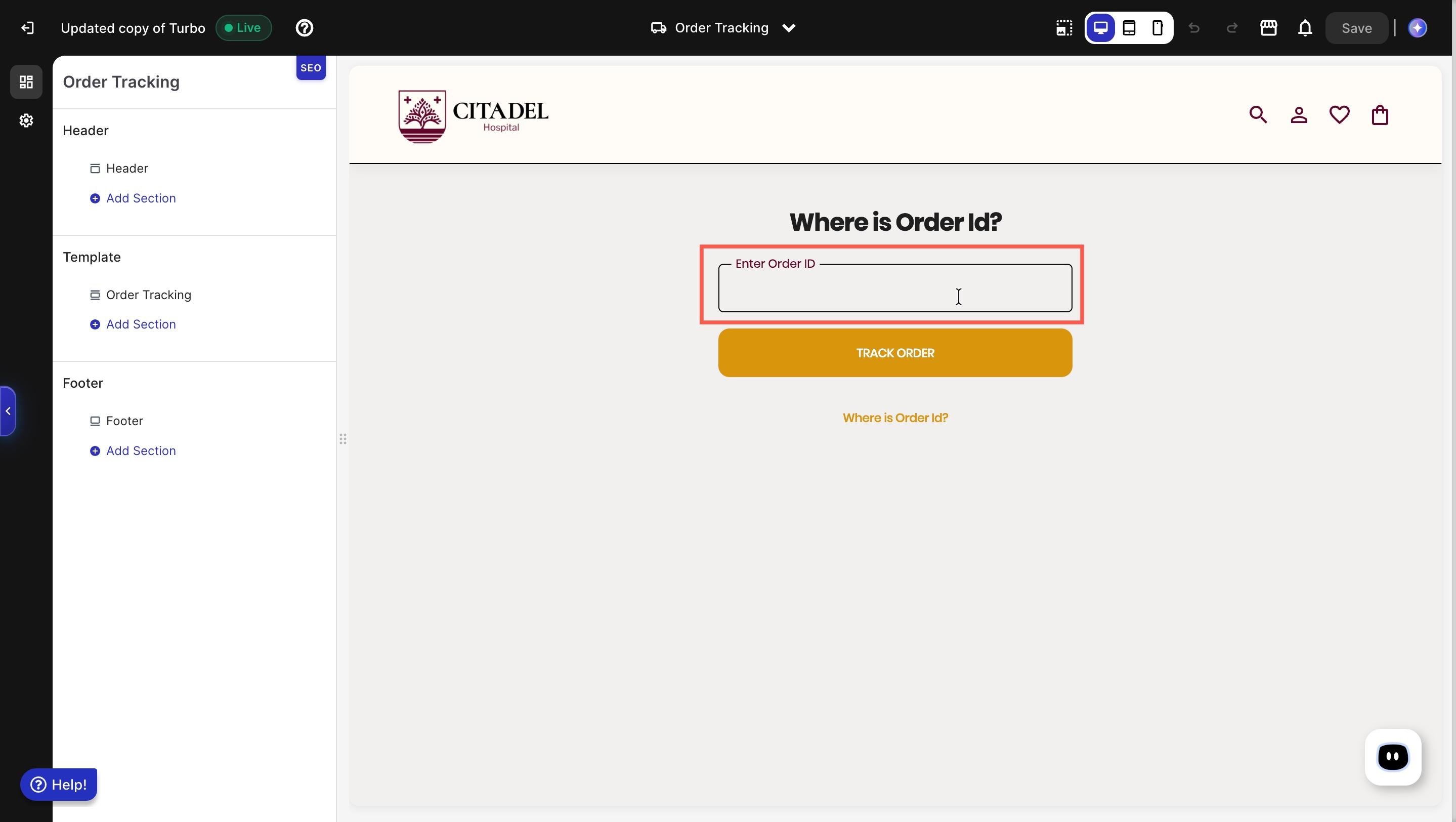
Pop-up window appears with order tracking section.
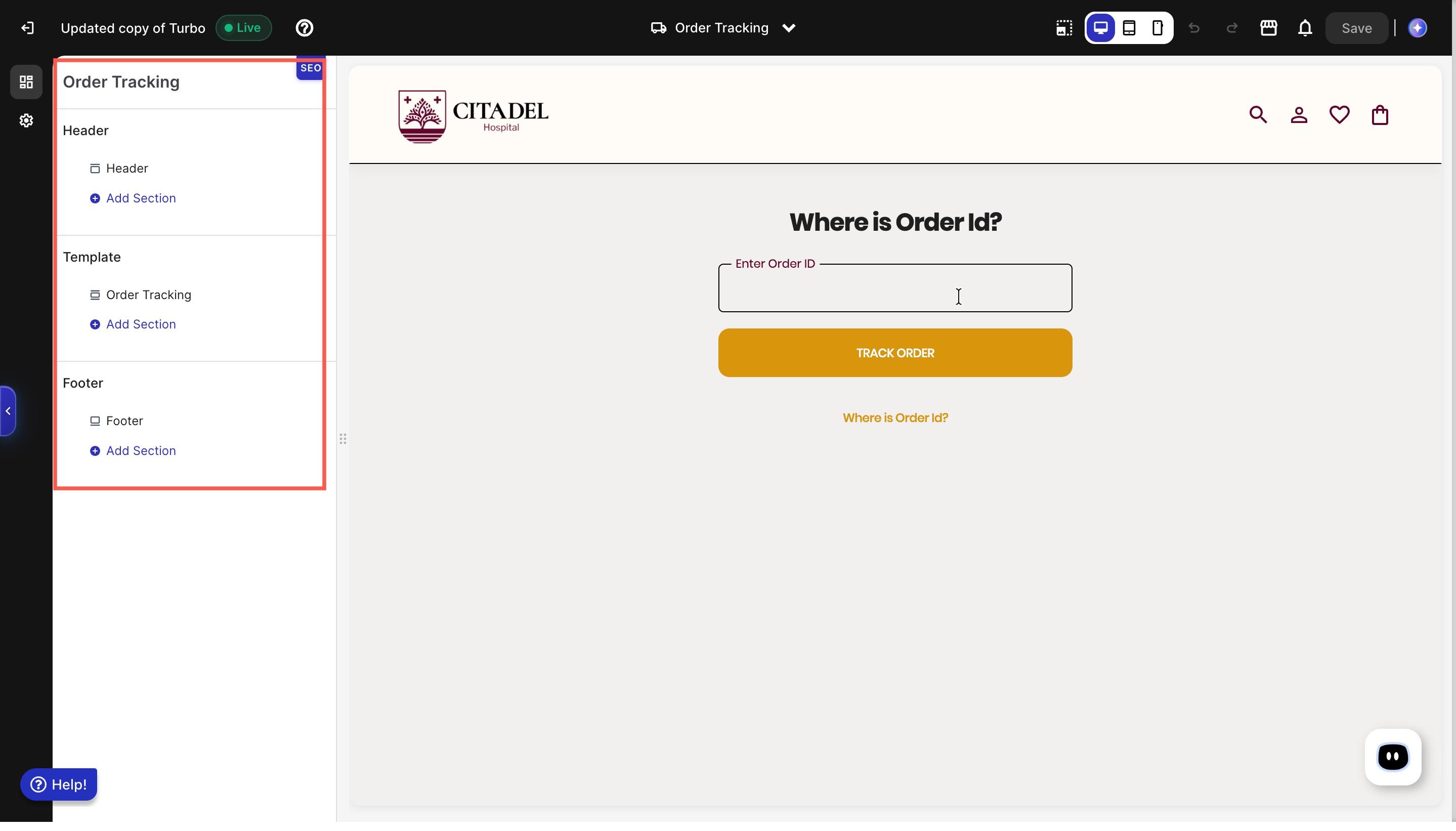
Customise subsections in Order Tracking page.
Enter your Order ID to track the details of your order.
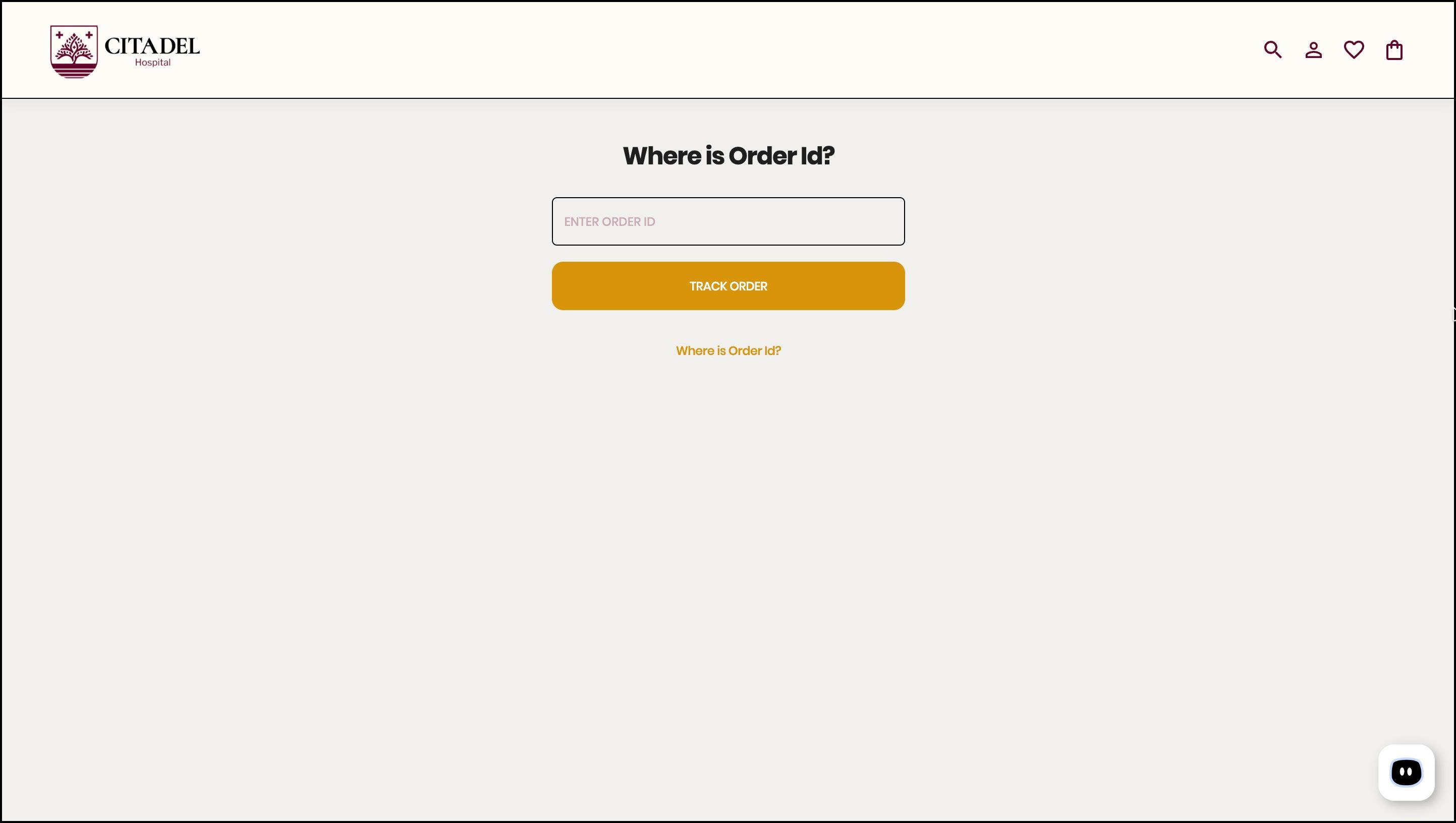
The Order ID input box is part of a template. If no template is selected or a different template is selected (visible in the sidebar on the left), the input box will not appear on the page. Please ensure that the correct template is added and selected for the Order ID input field to be visible to customers.