To install the Myntra V4 extension on Fynd Platform, you will need to follow these steps:
- Login to Fynd Commerce and navigate to Extension > Explore > Myntra.
.png)
.png)
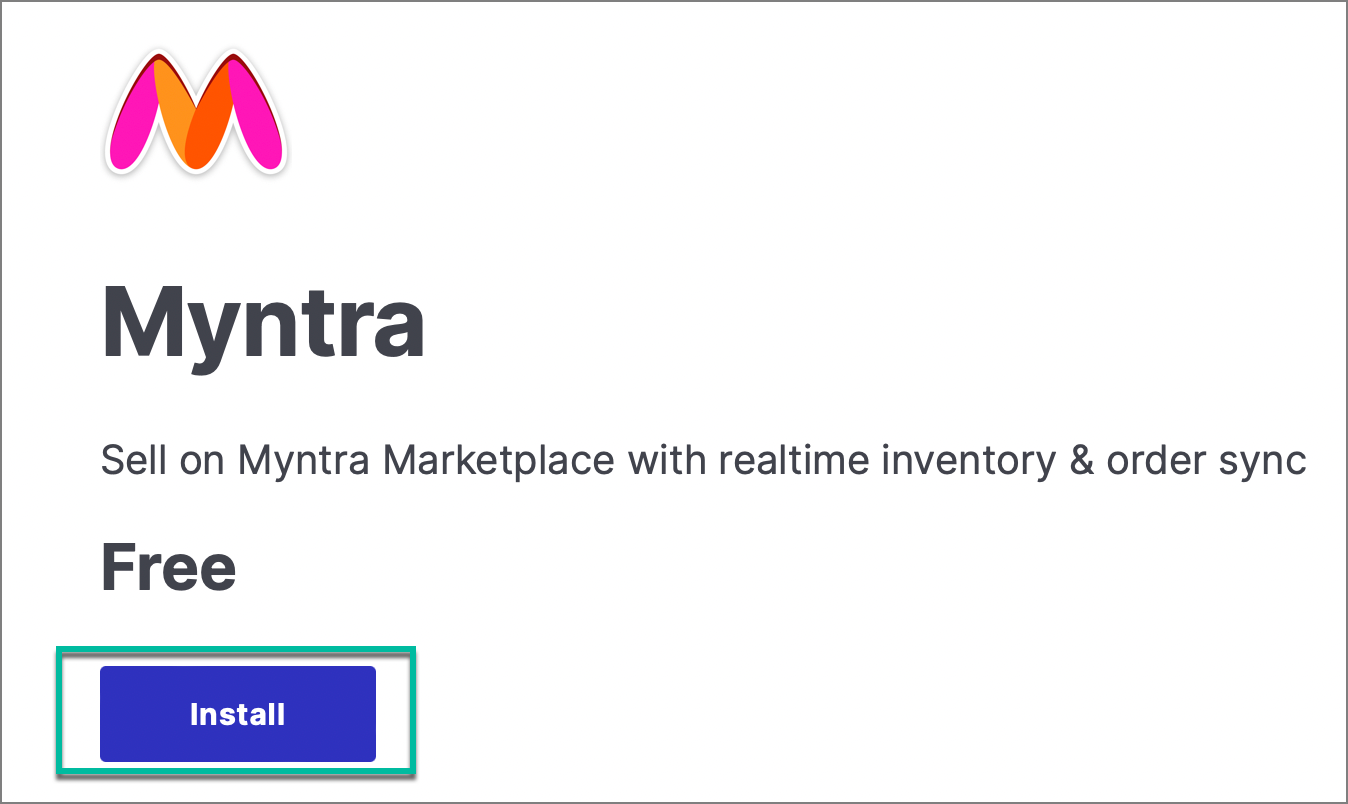
- Click Install after selecting the extension.
- Enter the credentials provided by Myntra team and click Submit.

- Your extension is added, you can now start mapping your products and selling locations.
This extension is only for the Myntra Omni model