To install the Nykaa/Nykaa Fashion extension on the Fynd Platform, you will need to follow these steps:
- Login to the Fynd Commerce and navigate to Extensions > Explore > Nykaa
.png)
- Select the extension based on the marketplace that you want to go live on.
Nykaa and Nykaa Fashion are separate marketplaces
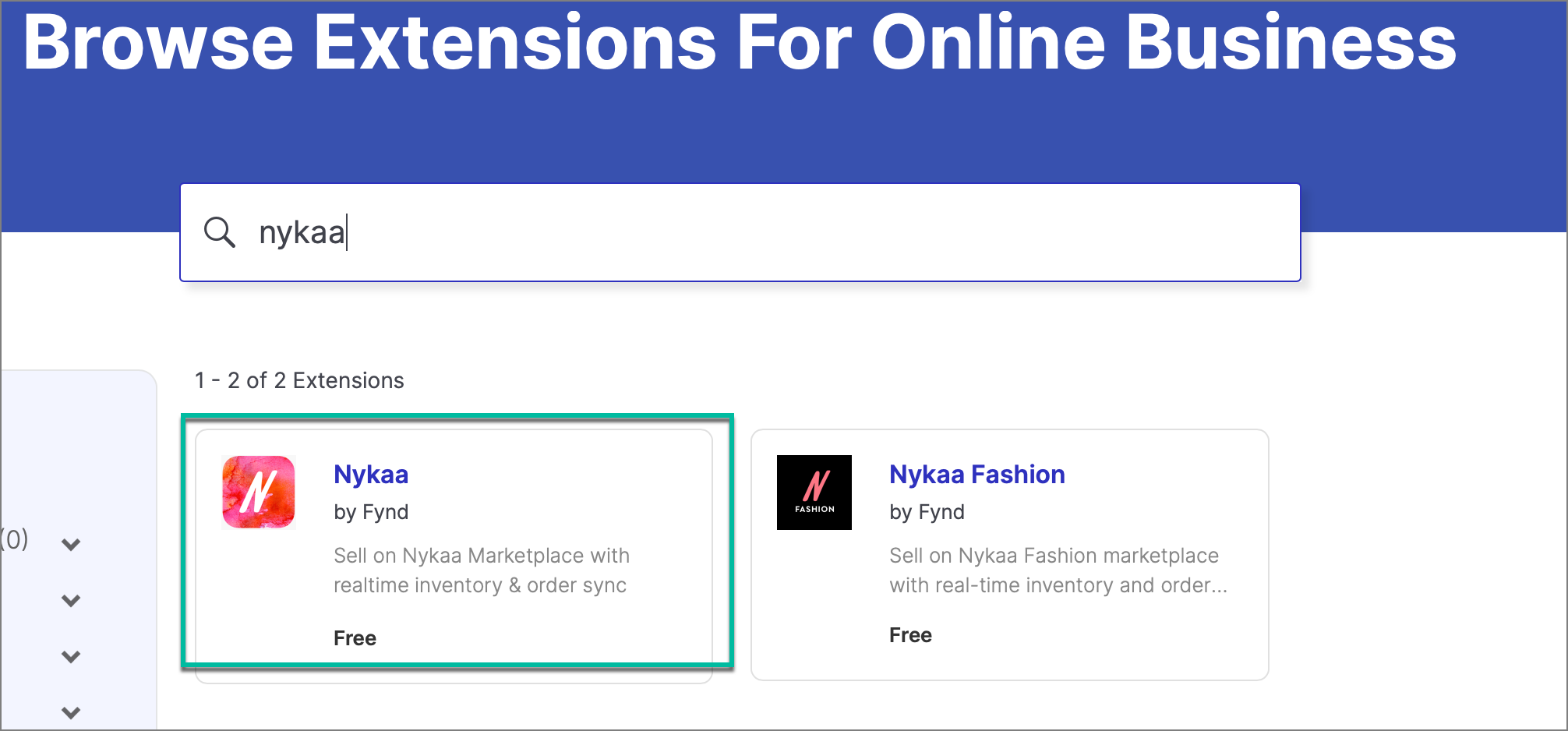
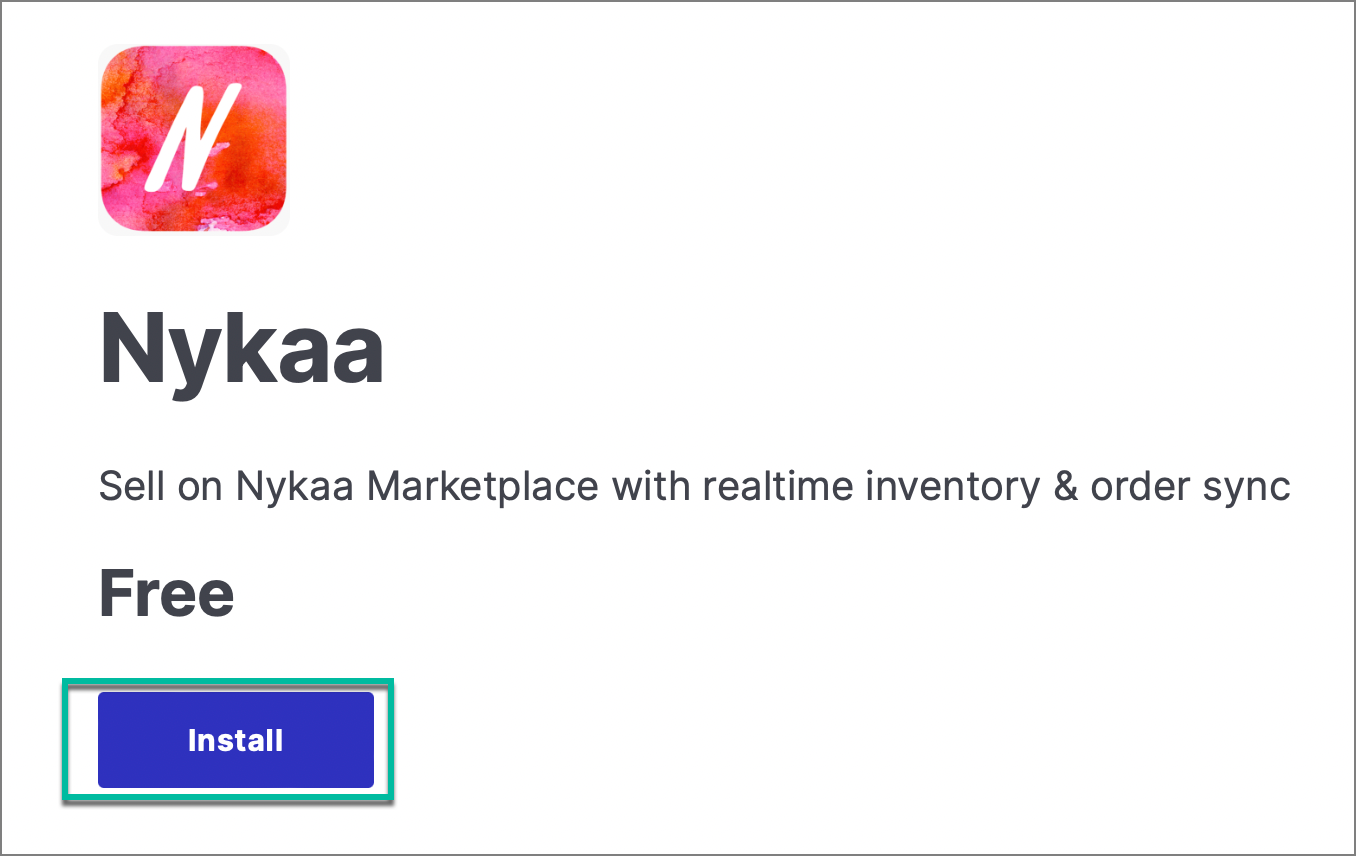
- After selecting the one you want, click Install.
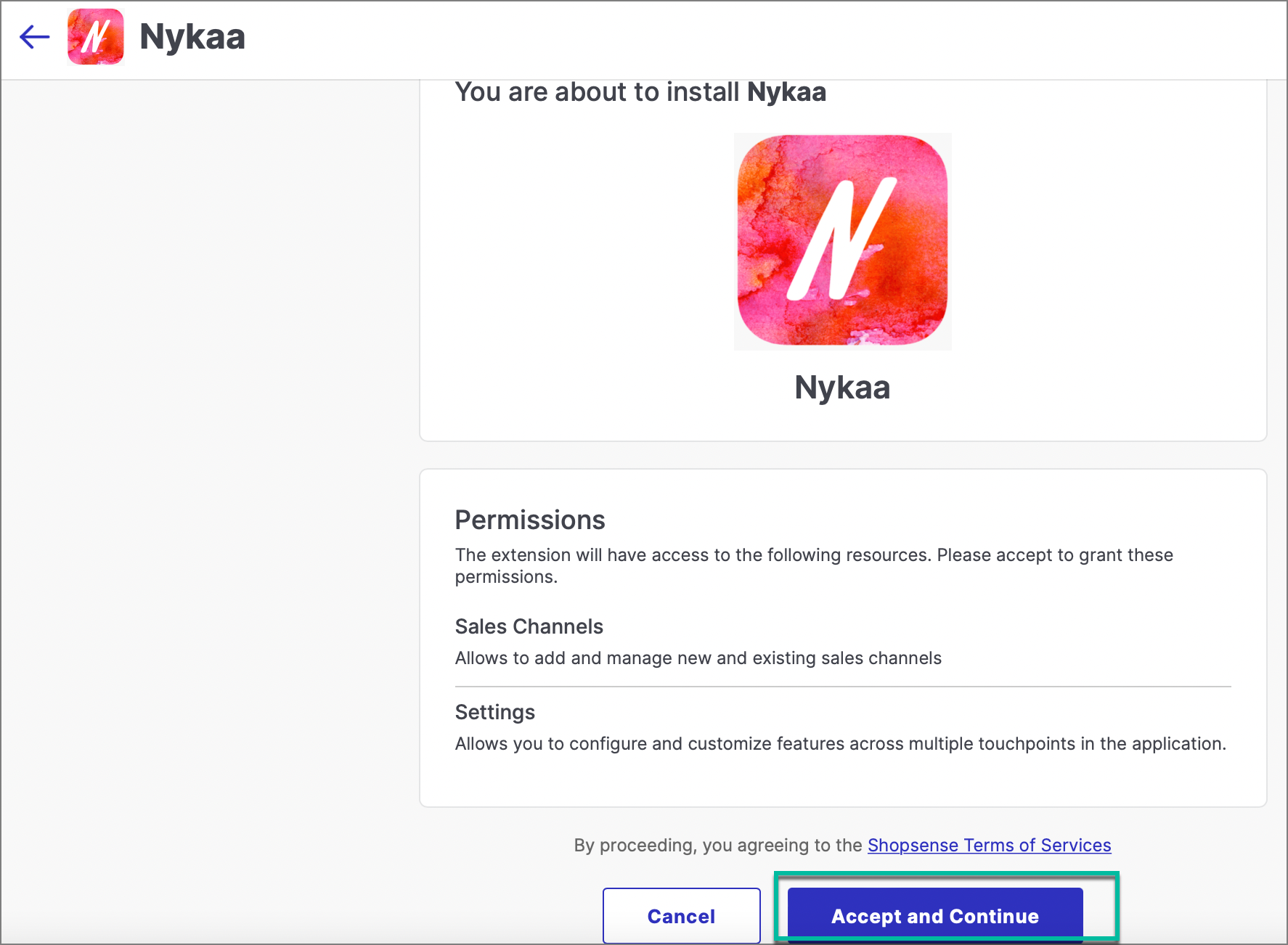
- Enter the credentials provided by the Nykaa team.
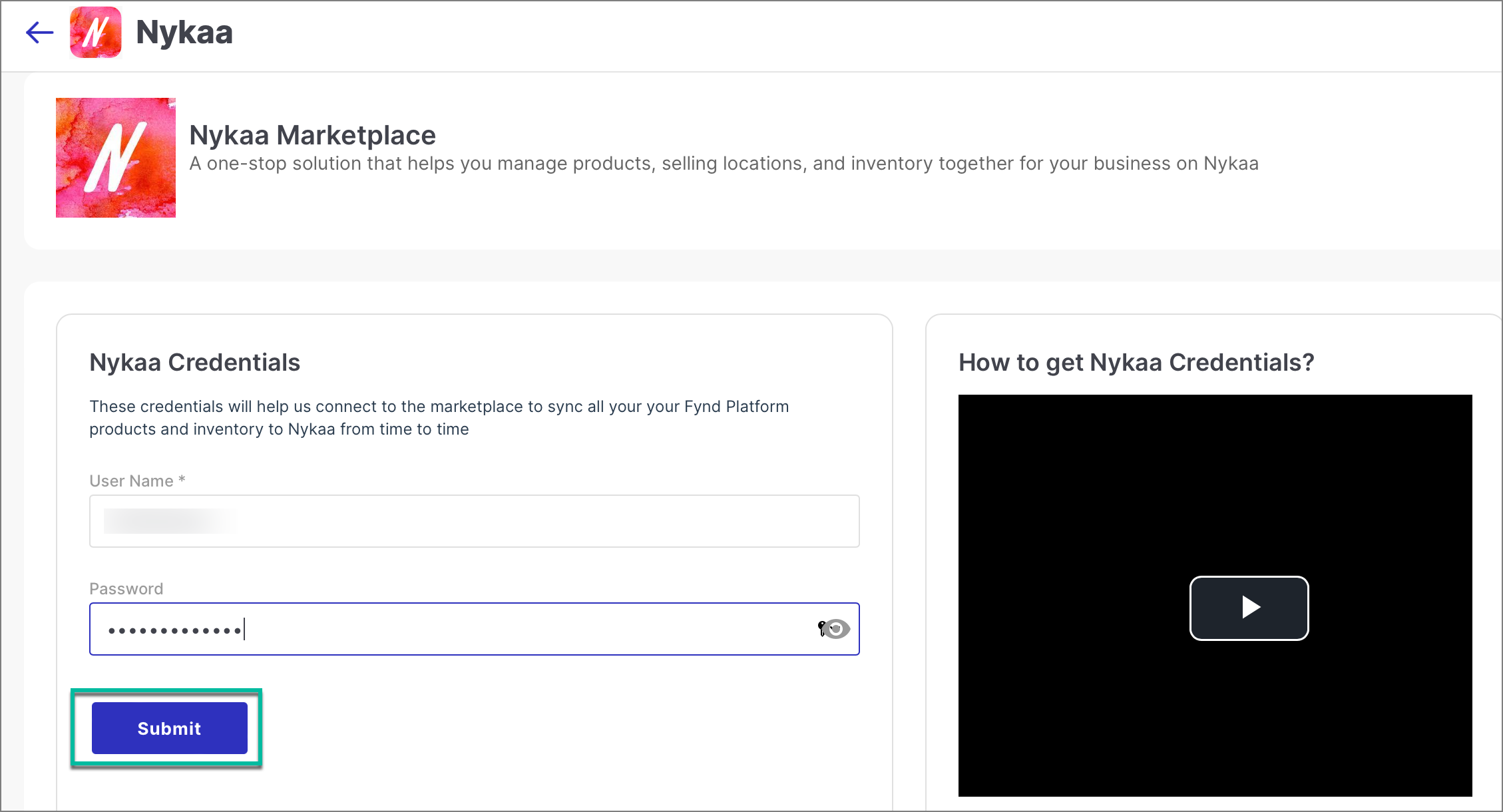
- Your extension is added, you can now start mapping your products and selling locations.