How to access on Fynd Commerce
Commerce Panel → Sales Channel (select application) → Configuration → Currencies
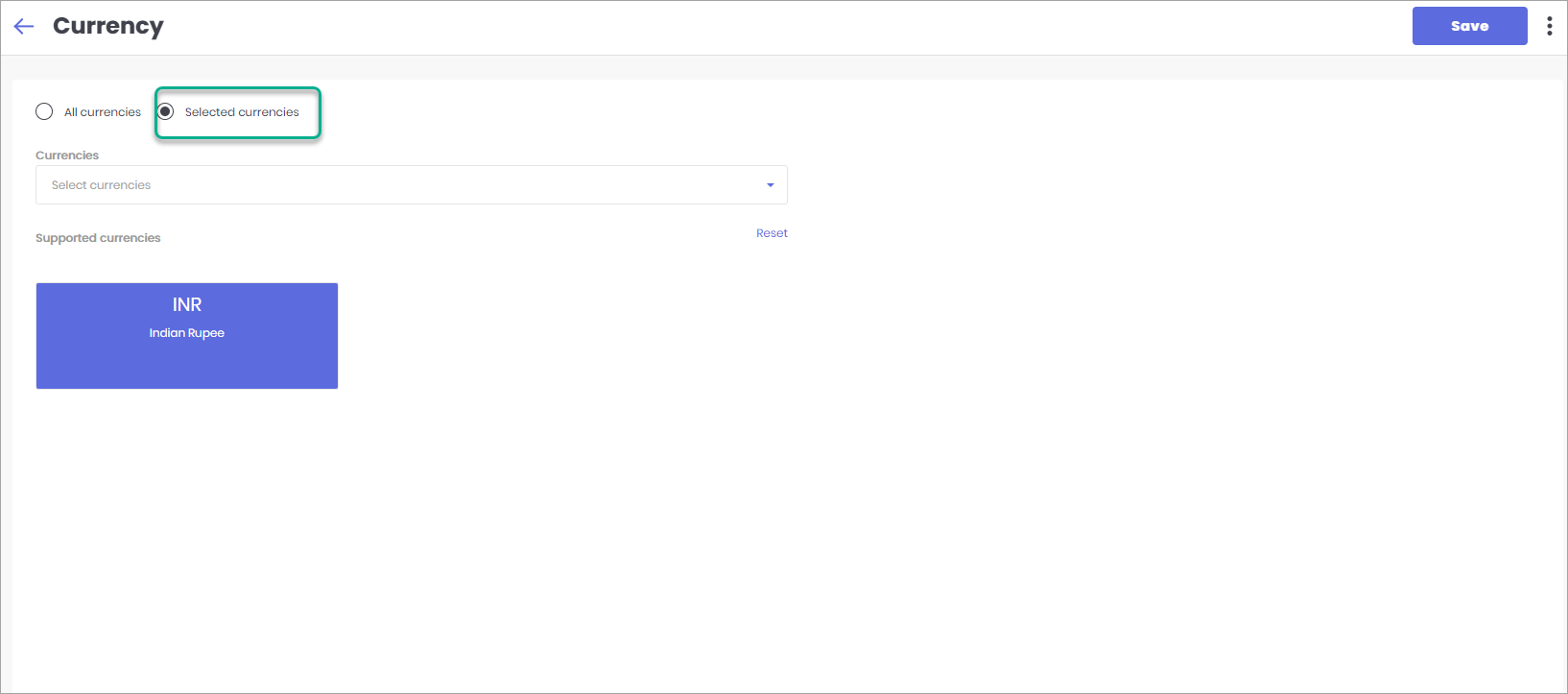
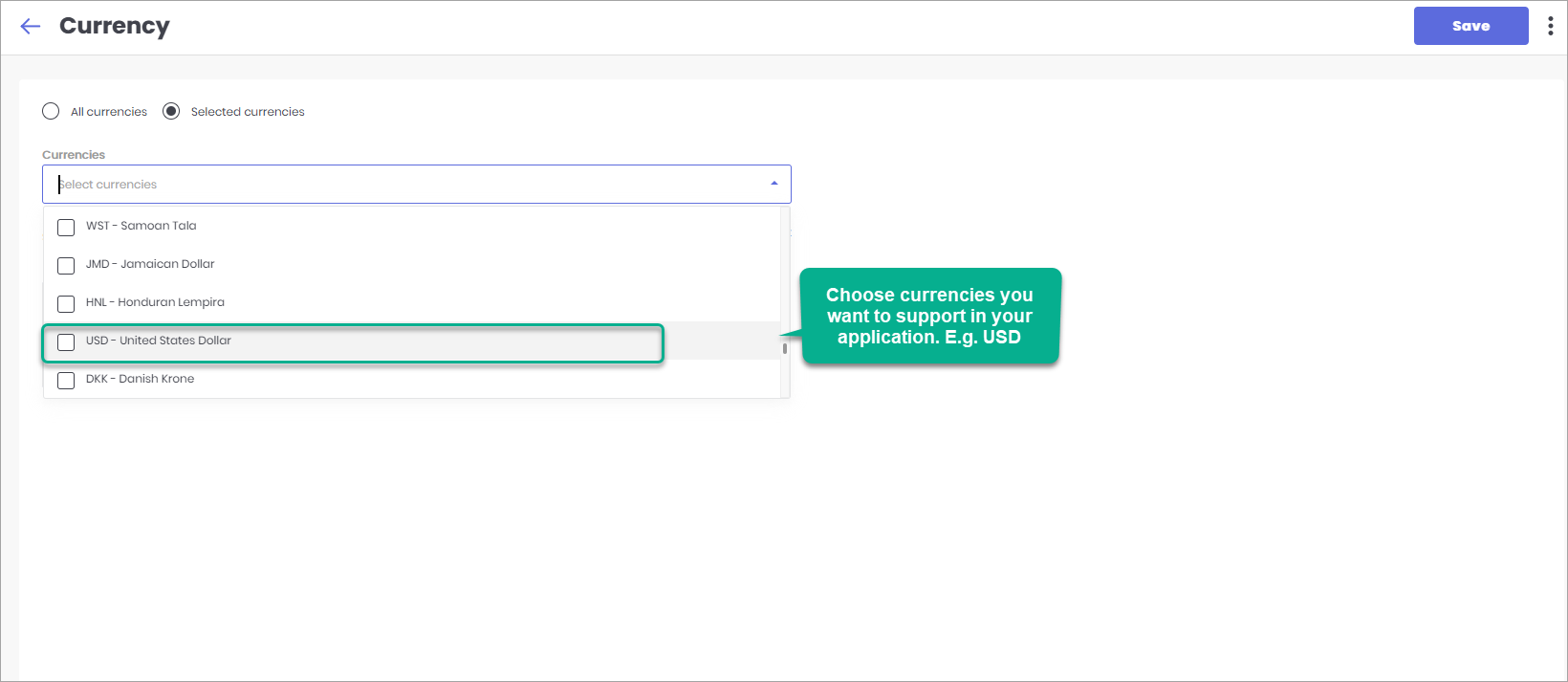
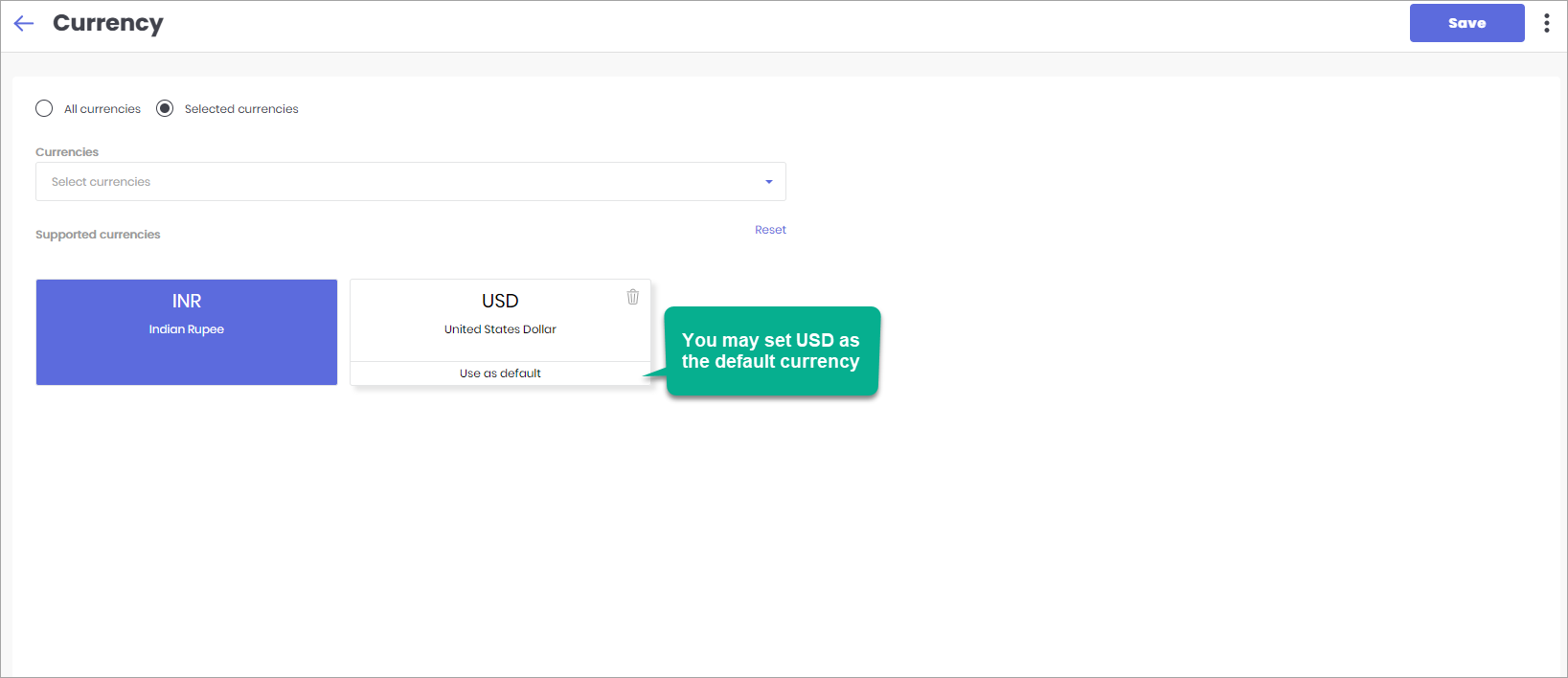
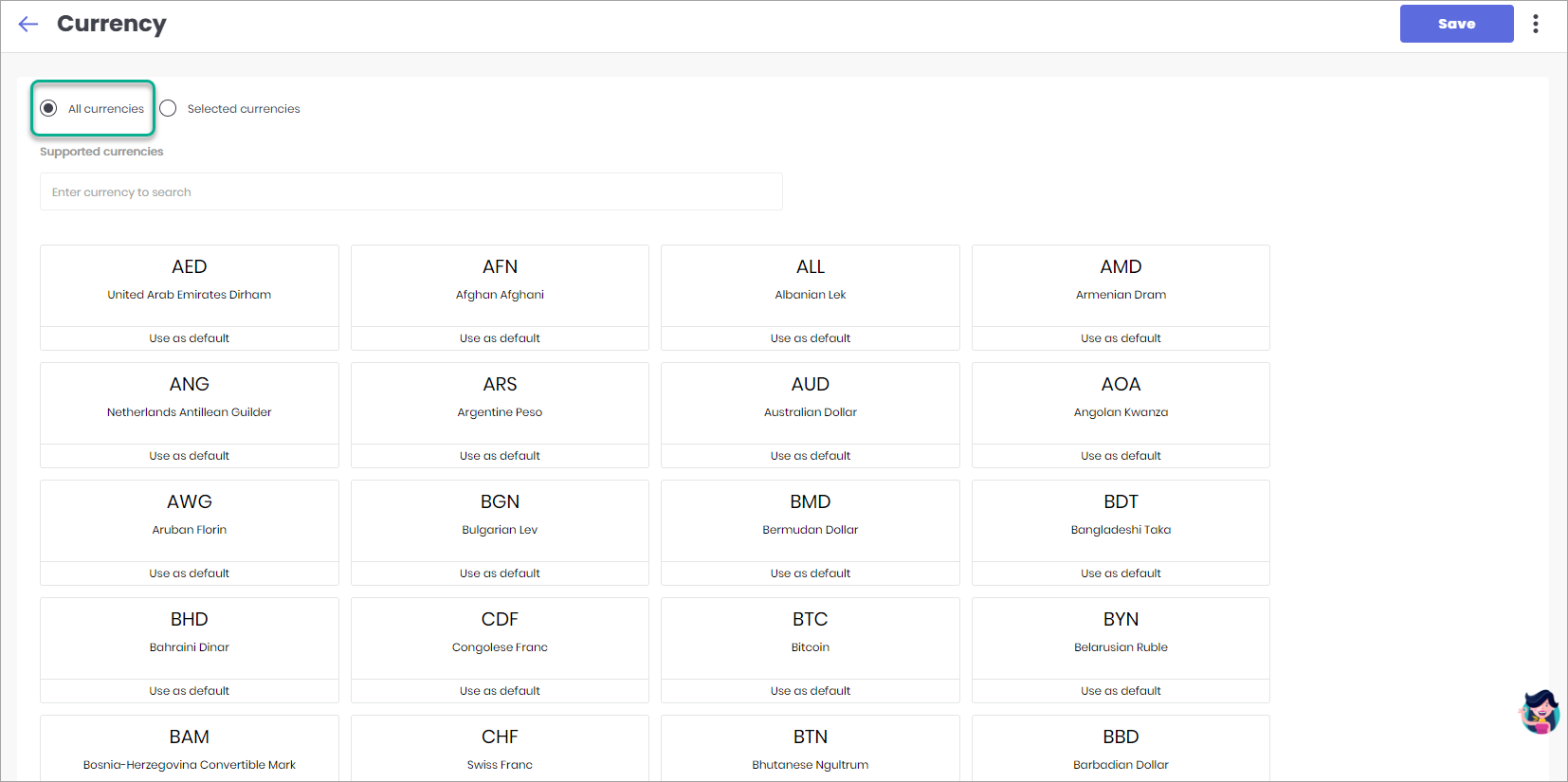
Here, you can choose the currencies in which the price of the items will be displayed. You can either support all or specific currencies through which a customer can do a payment in your application. Moreover, you can also set a default currency.
- All Currencies
- Selected Currencies