- Add Credit Card details or any Credit Balance in Finance & Payments on Fynd Commerce Platform ↗
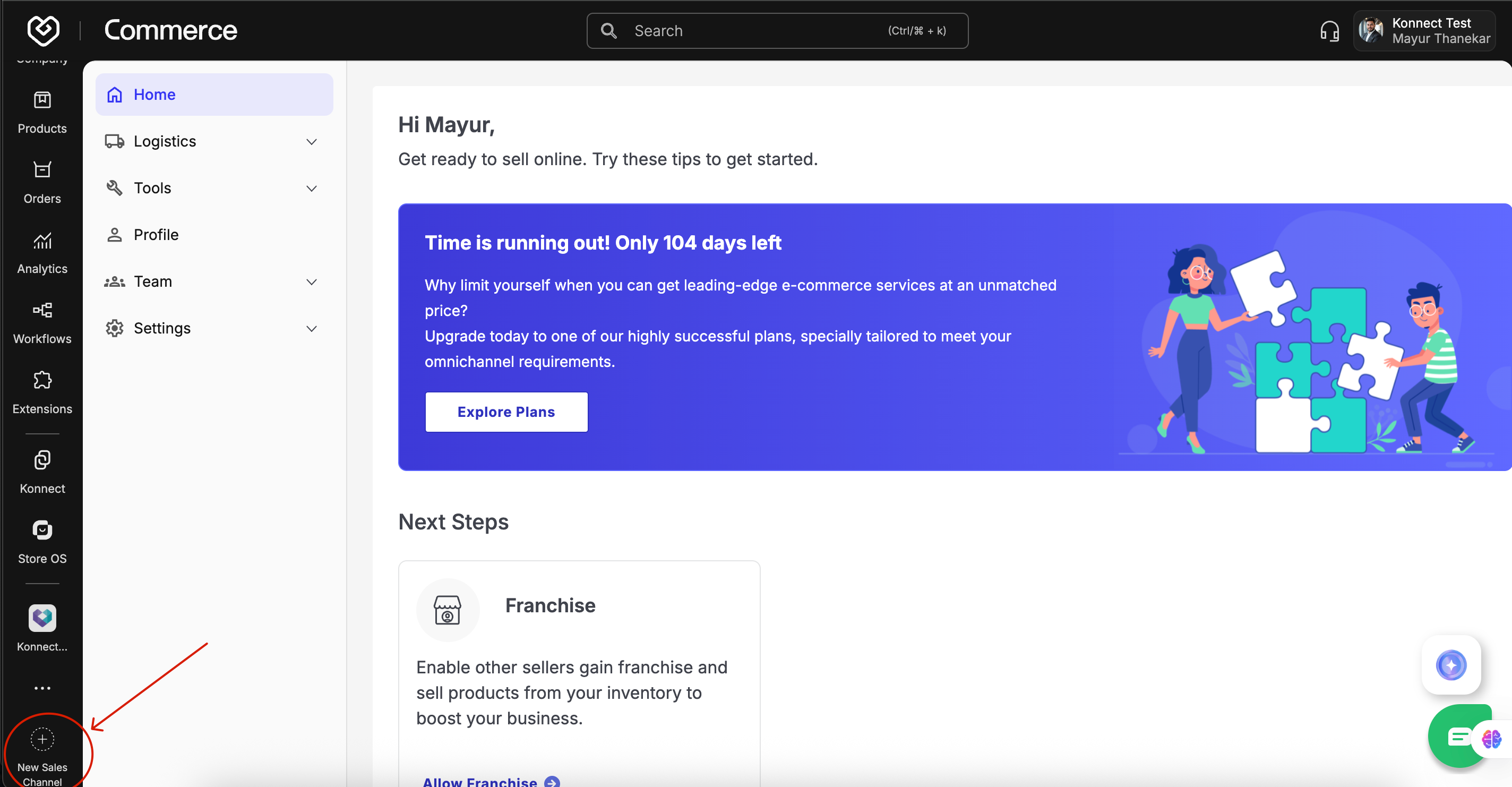
- Create a new Sales Channel for Google LIA (Google Shopping Channel)
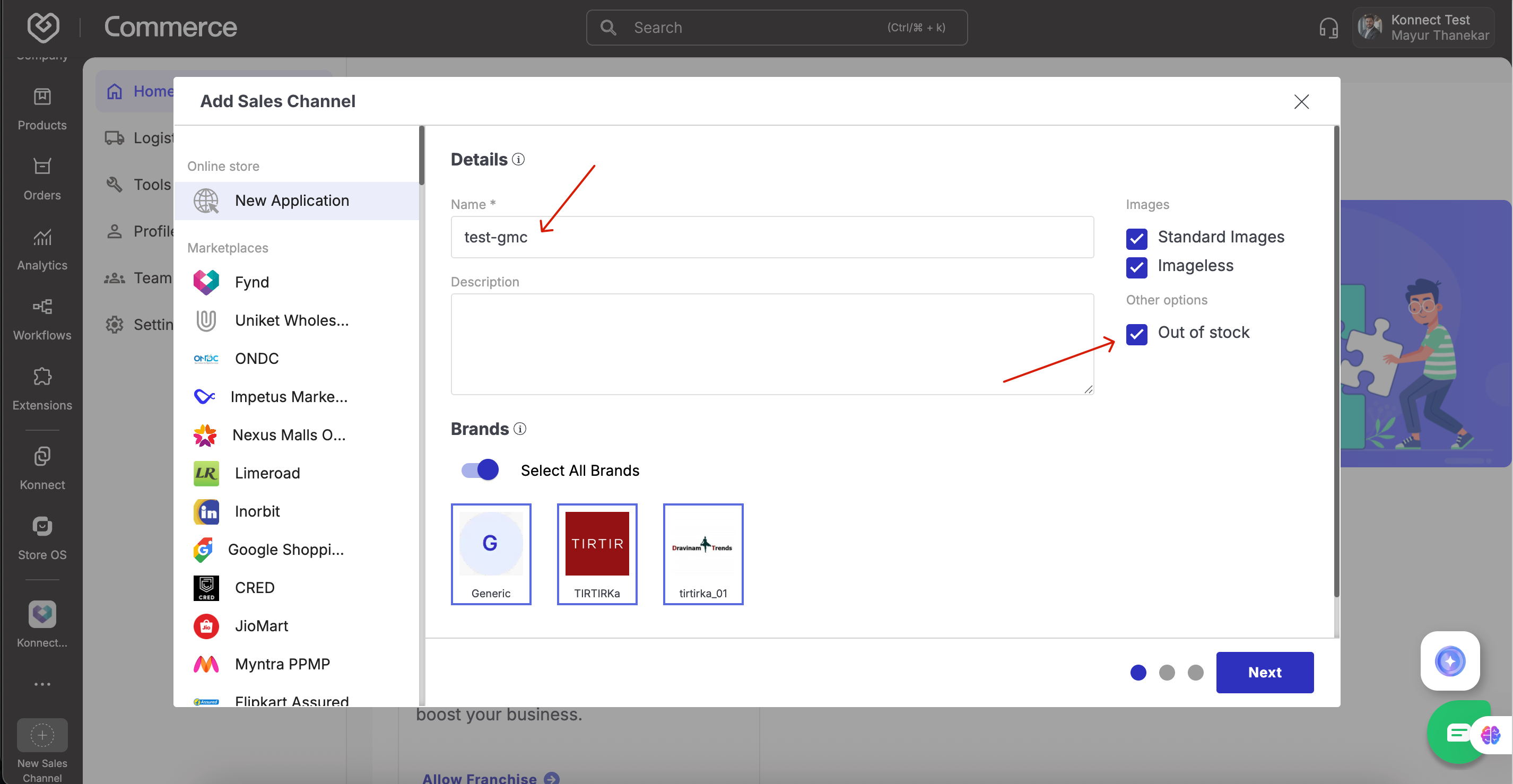
- Name Format: Brand-GMC
- Enable
Out-of-stockproduct handling
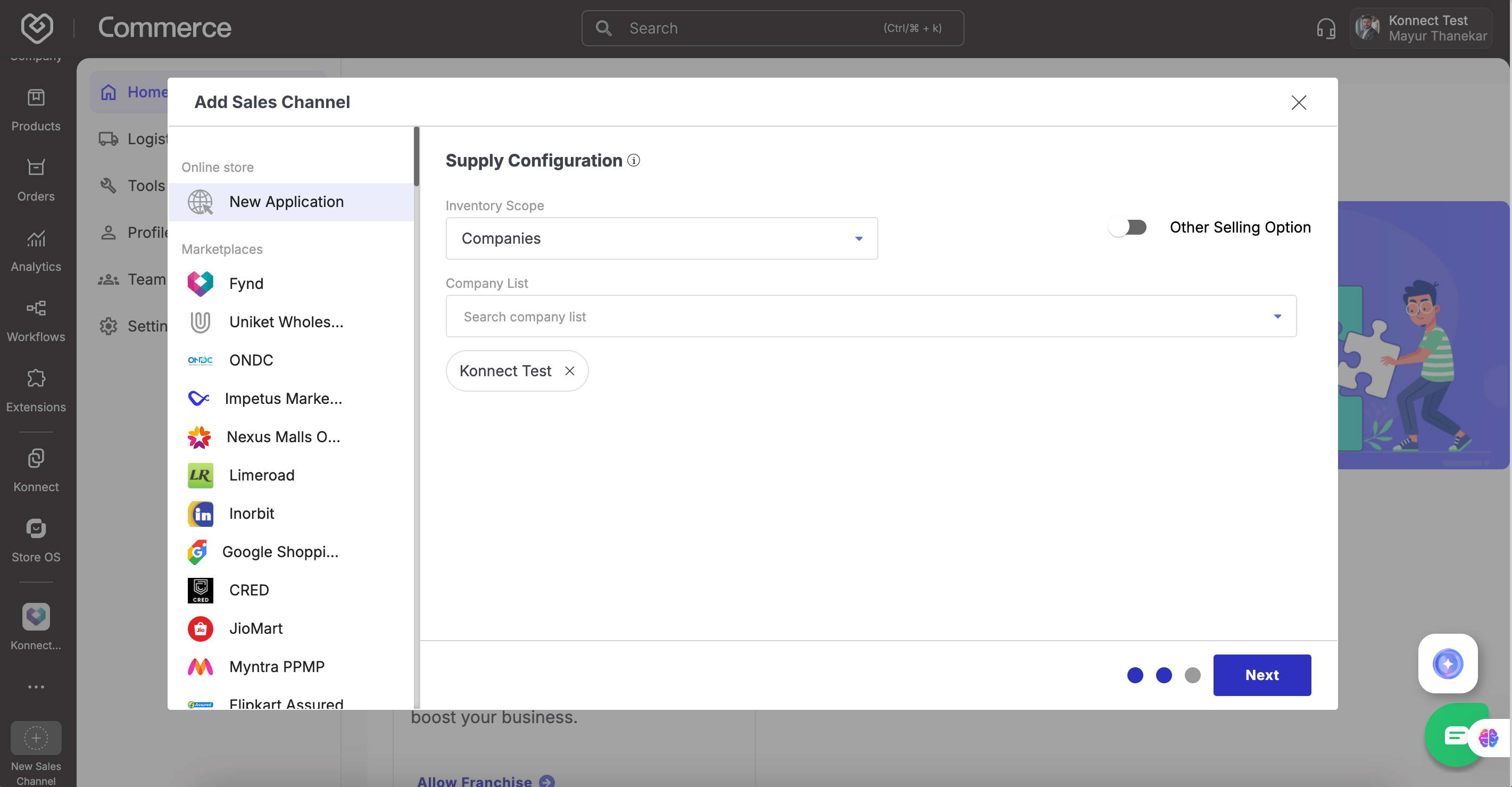
- Configure all companies instead of stores so that it is applicable to all stores of that company
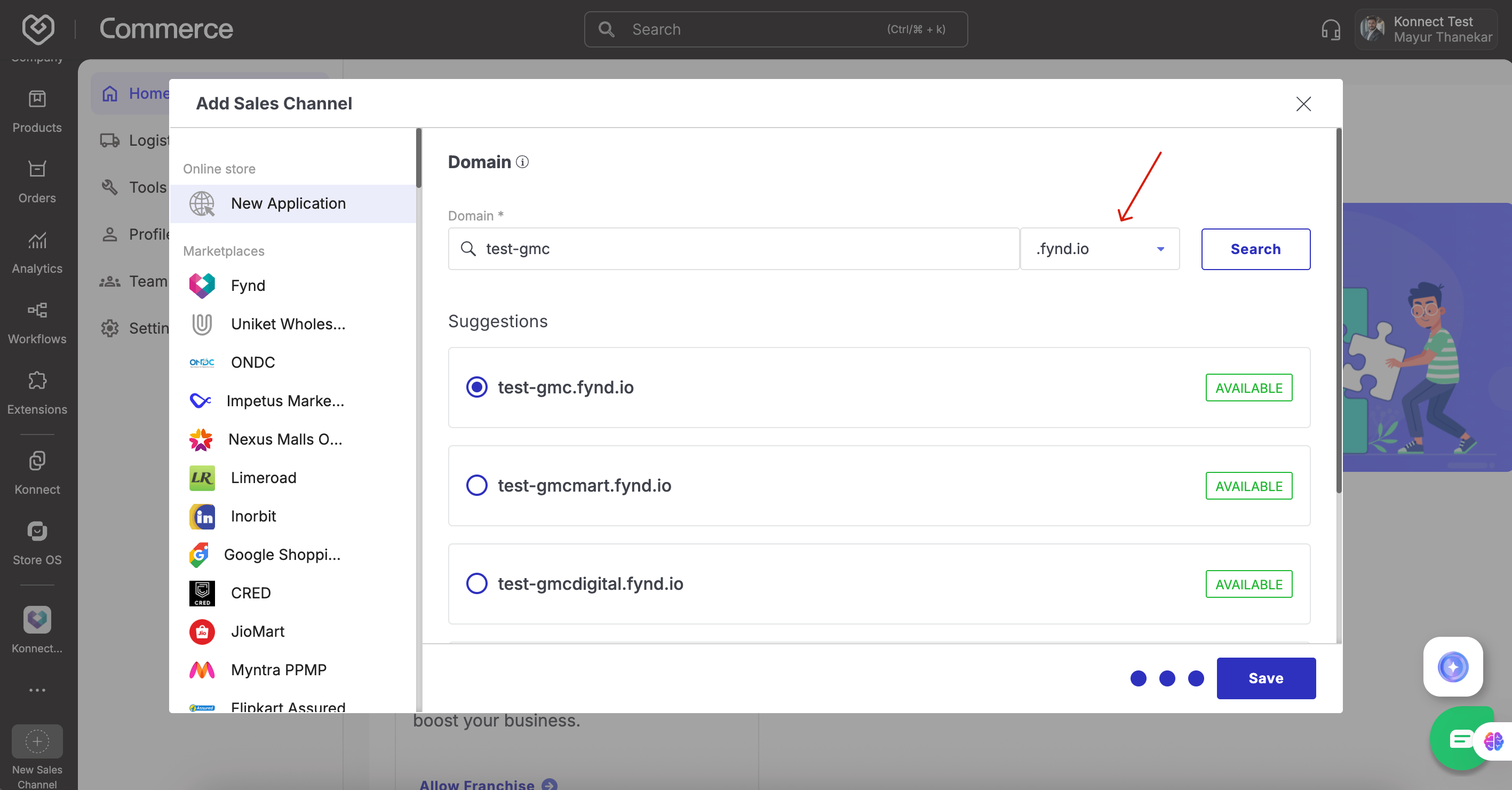
Use only fynd.io domain
Navigate to: Fynd Platform → Sales Channel Website → Content → SEO →
robots.txtEnsure the file includes:
User-agent: Googlebot
Disallow:

User-agent: Googlebot-image
Disallow:
- Head over to Fynd Commerce Platform ↗.
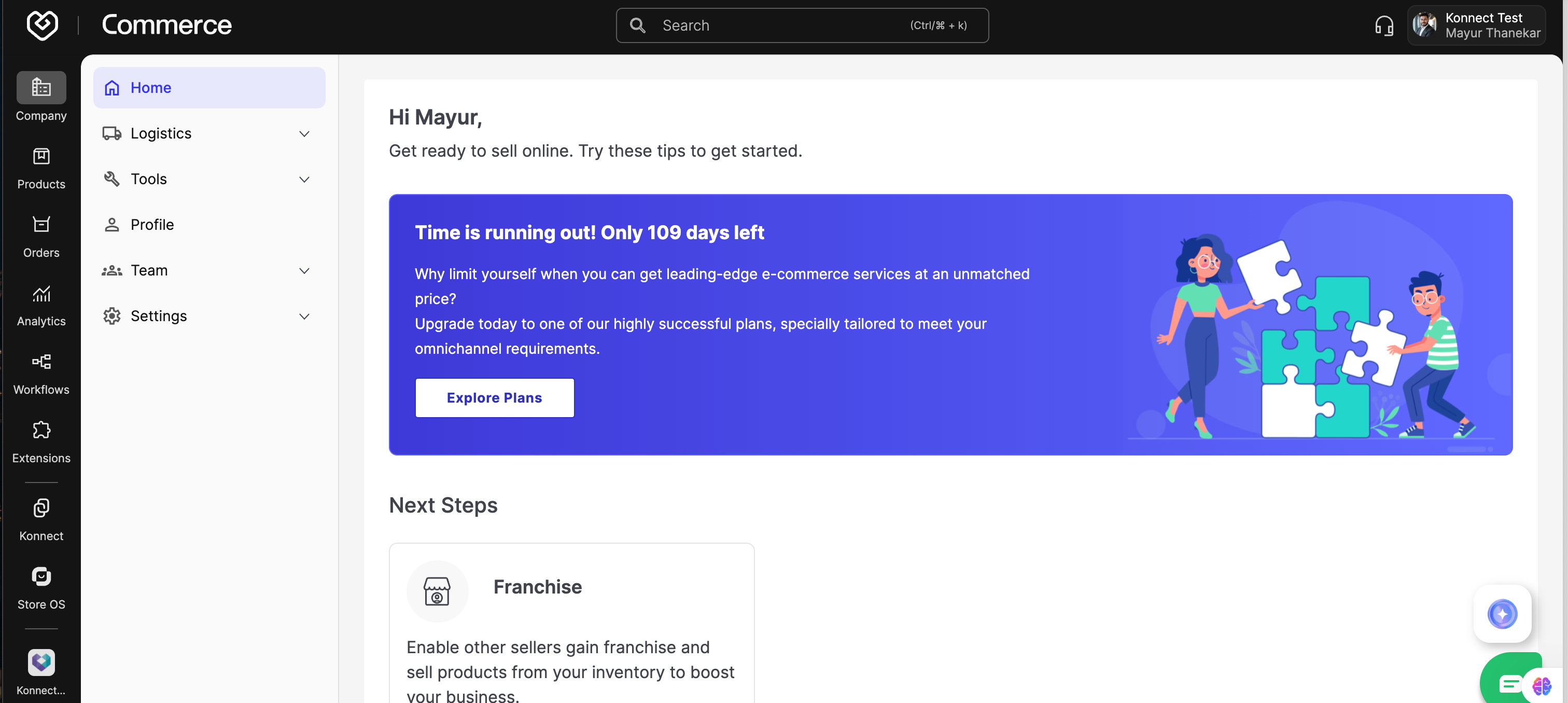
- Navigate to: Extensions → Extensions Marketplace → Search “Google Shopping”
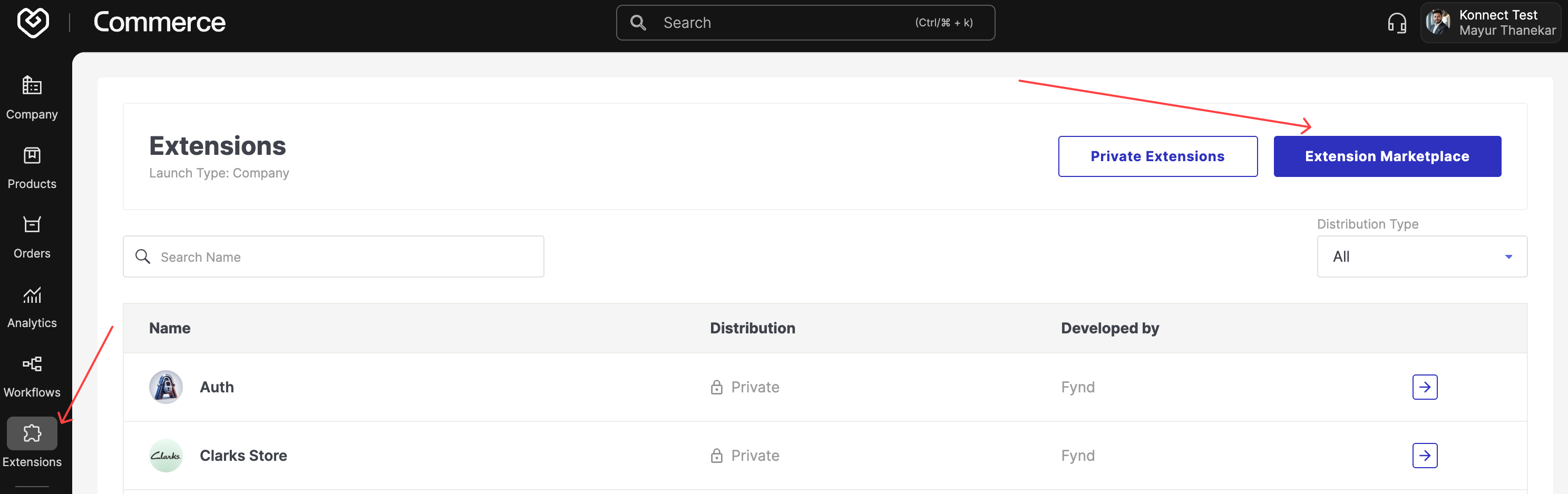

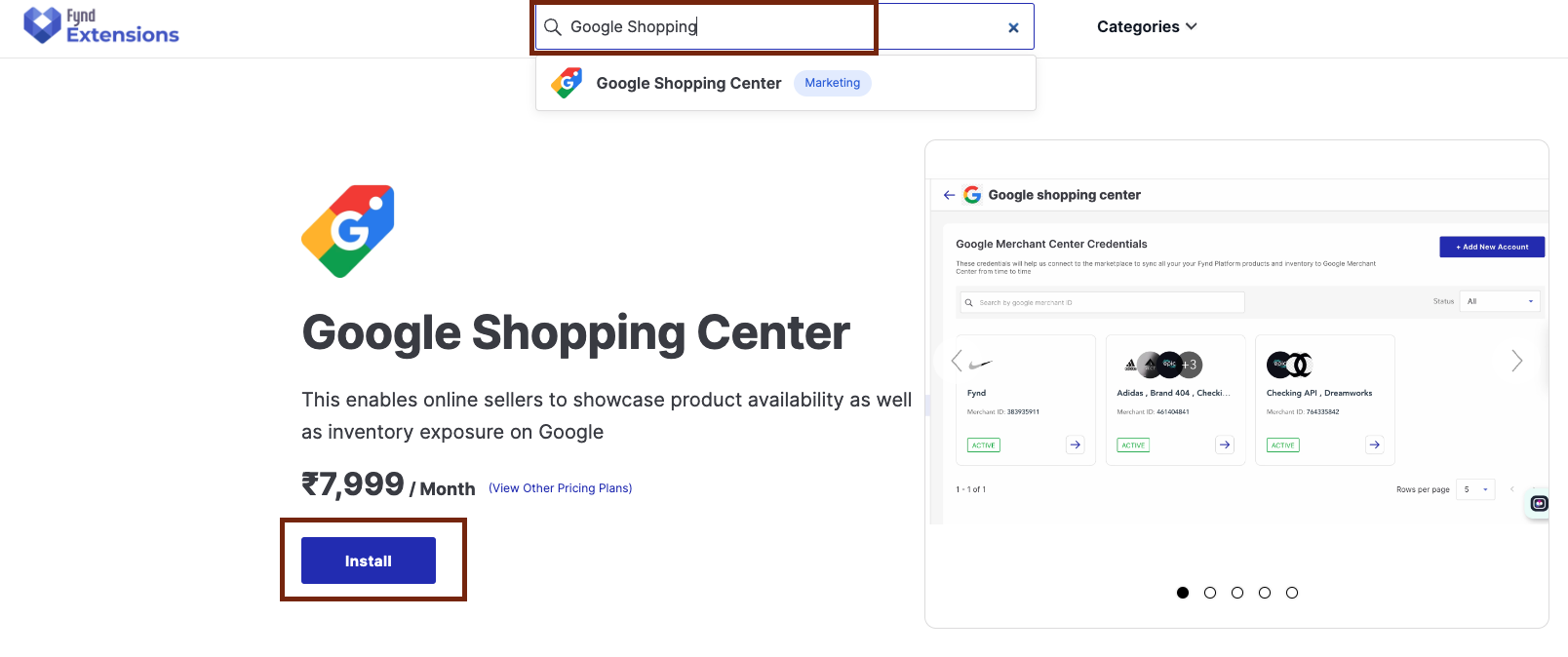
- Click Install
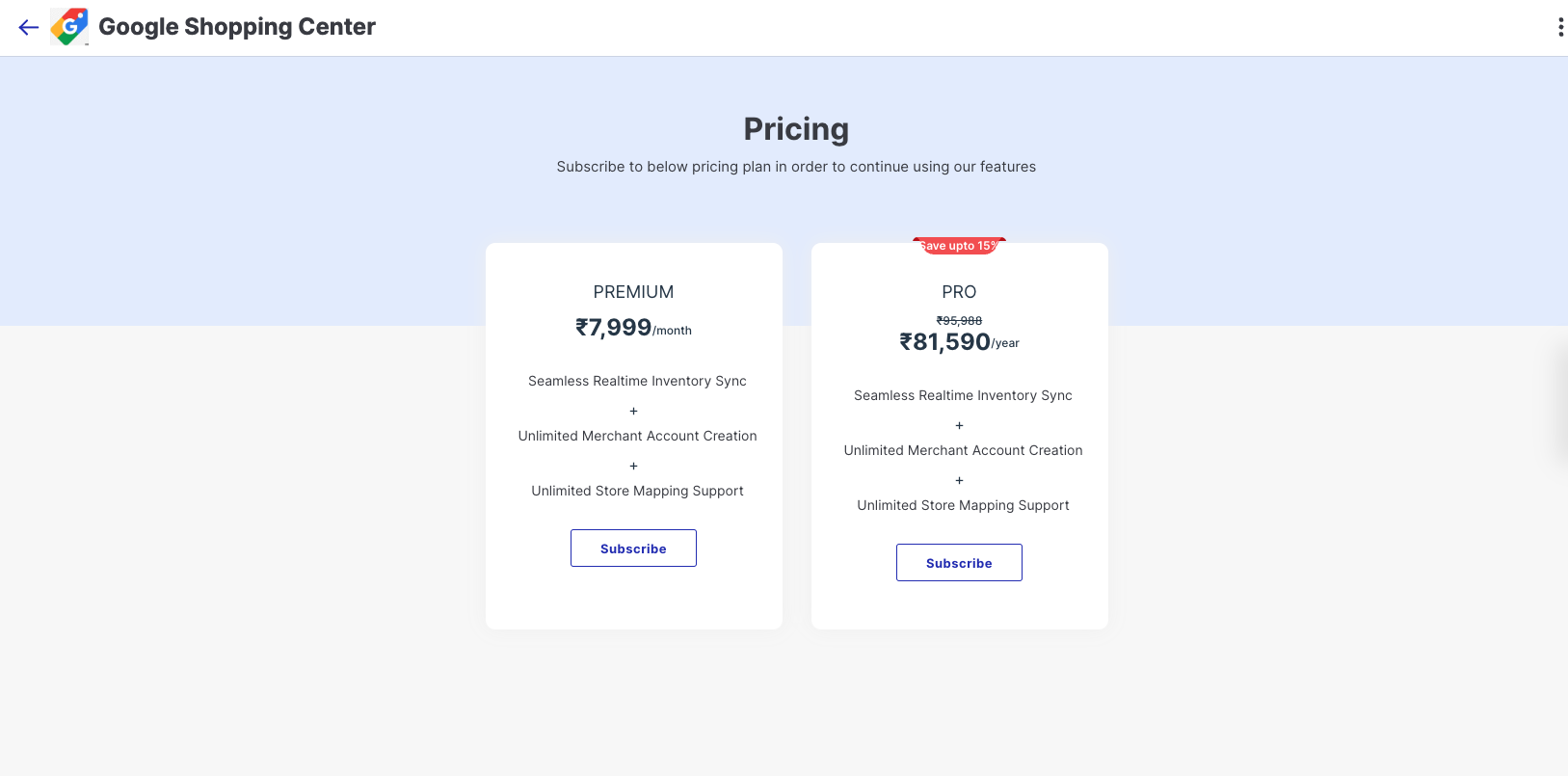
- Choose a subscription plan (Monthly/Yearly) and approve charges.
- Click Add New Account on the extension page.
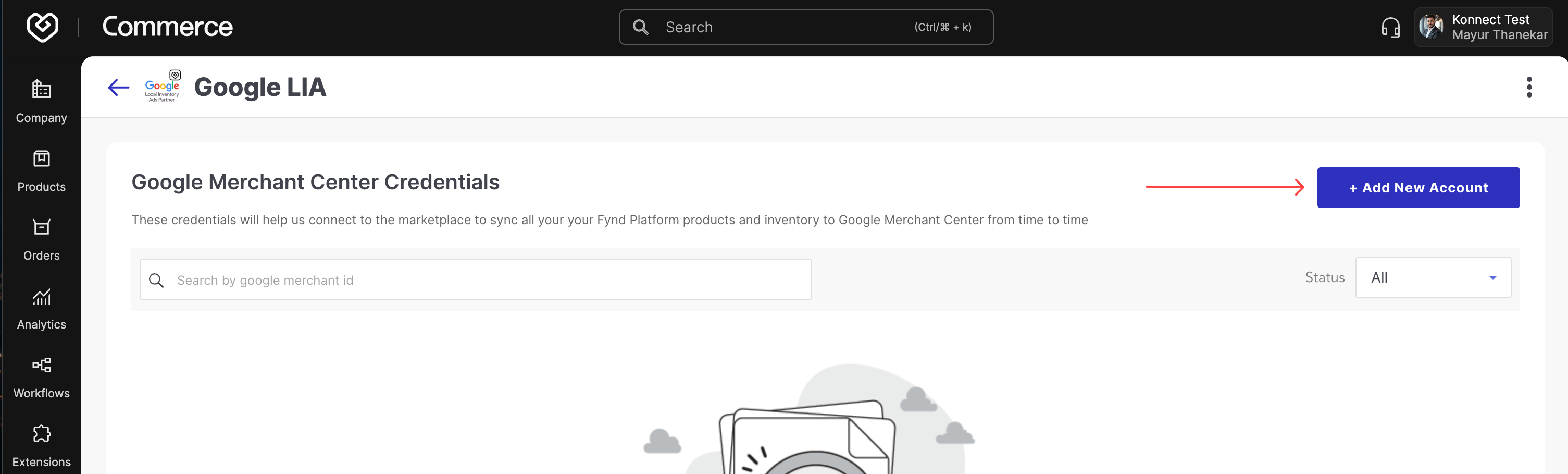
- Fill in:
- Google Merchant ID (from GMC URL)
- HTTP domain (e.g., https://brandname.fynd.io)
- Sales Channel (created earlier)
- Brand
- Authenticate with the Login with Google CTA using gmc@gofynd.com
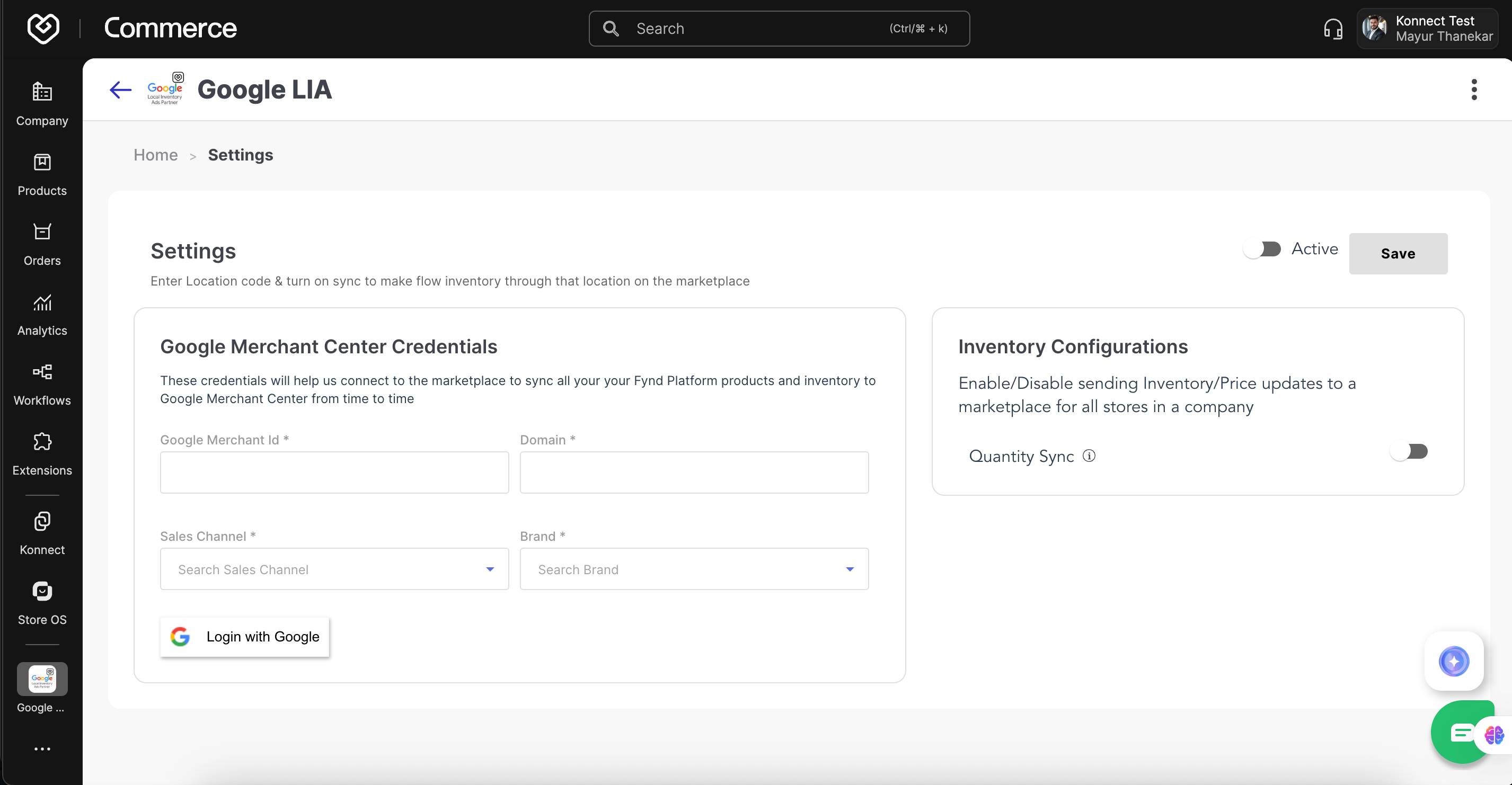
- Enable both toggles: Active status
Quantity sync - Click Save
The account will be initialised in approximately 5–10 minutes.