Commerce Panel → Sales Channel (select application) → Configuration → Customer Support
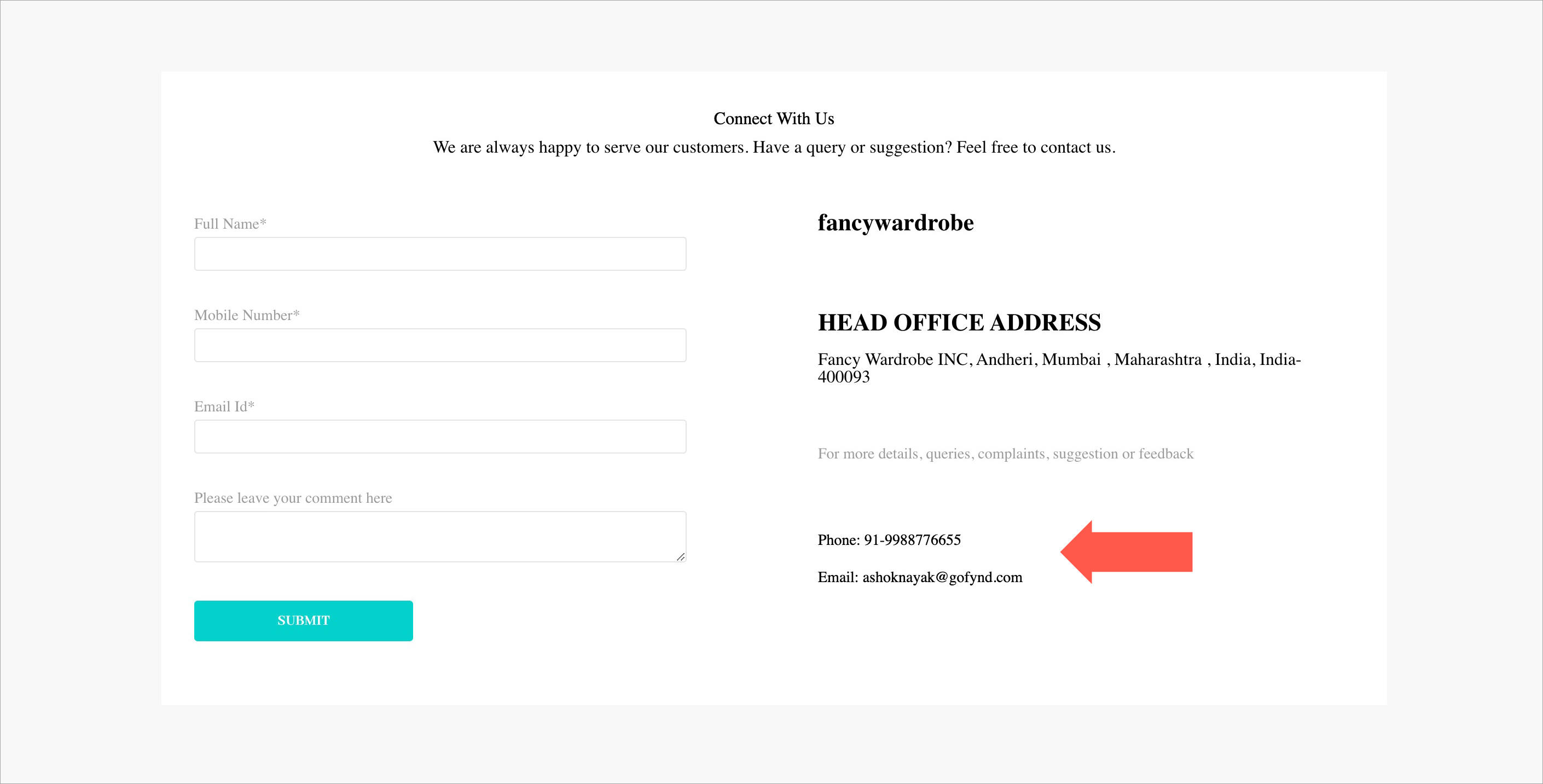
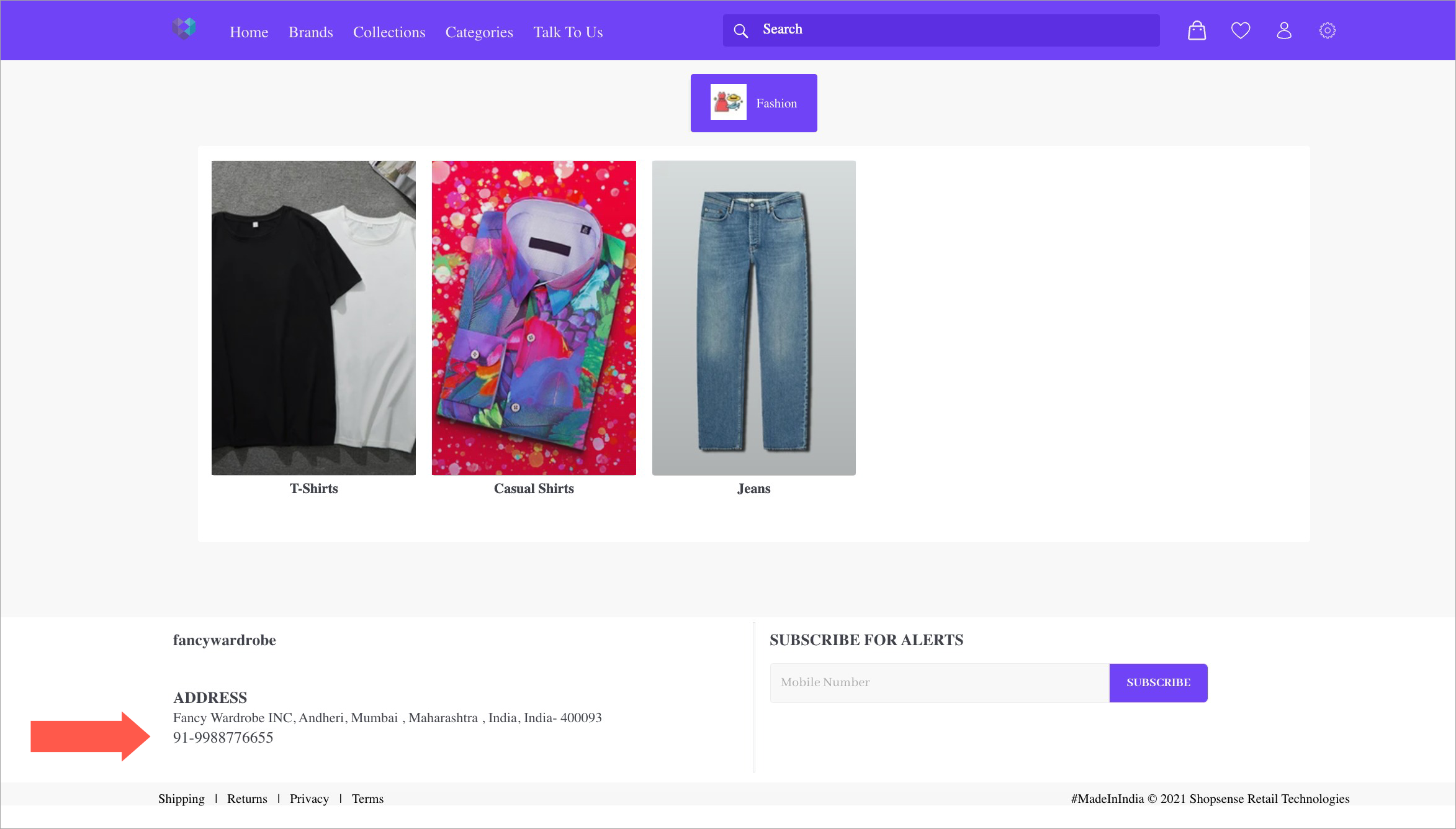
In this section, you may offer your contact details for attending customer queries. The details you enter would be visible on the footer of your website, and also on the contact us page of your website.
Email Support - Here you can add the name and email of the person who is responsible for attending your customer queries over mail. If there are multiple support staff, you can add more entries too.
Call Support - Here you can add the name and phone number of the person who is responsible for attending your customer queries over phone call. If there are multiple support staff, you can add more entries too.
Integration - Freshchat is an online messaging platform for sales, customer and user engagement. Using Freshchat, you can interact with your customers and address their queries, online. Click Freshchat to understand how to integrate it in your application.
Click Save.