Unmapped SKU Review: Unmapped SKUs will appear separately for manual mapping if not automapped in Products → Channel Mapping.
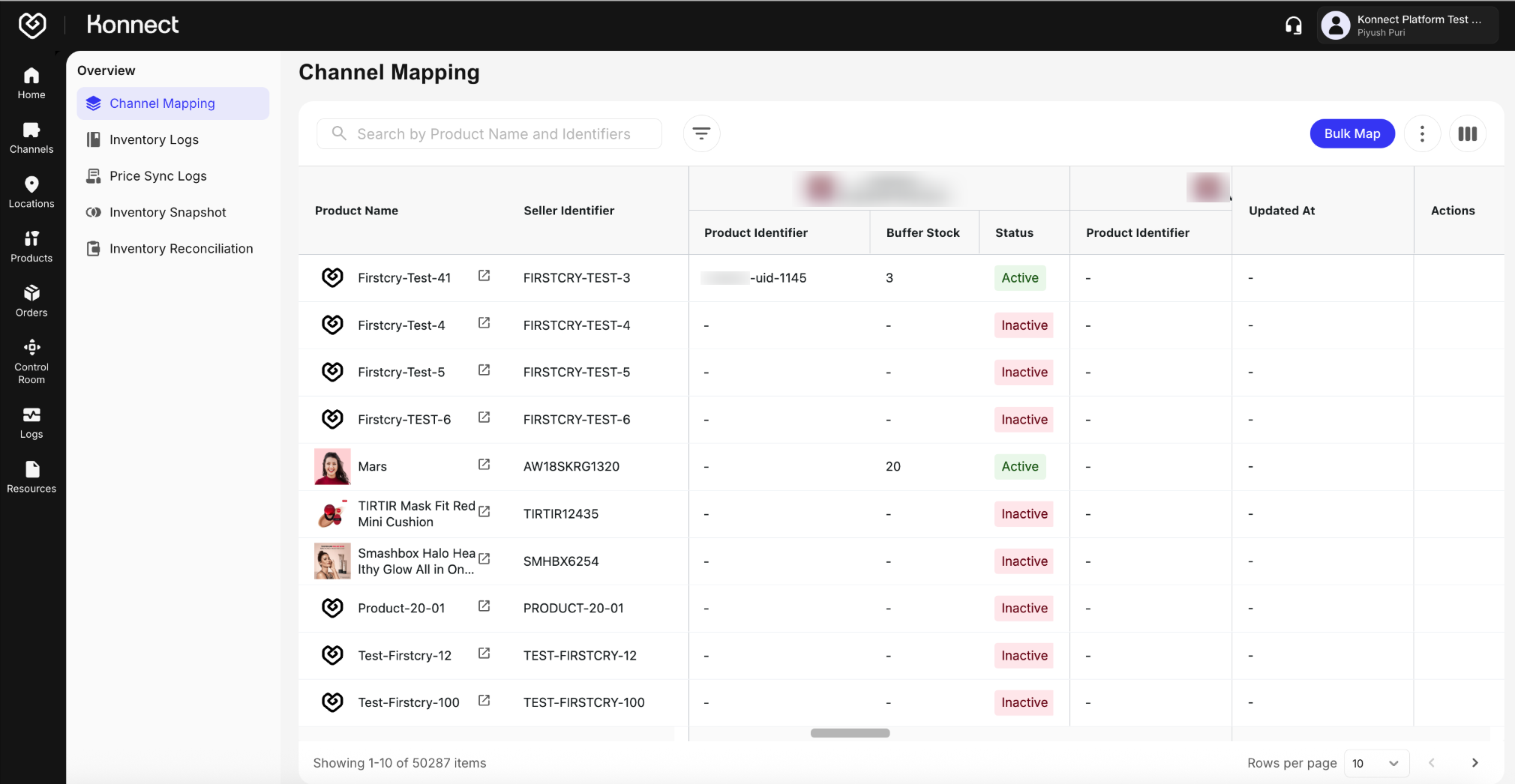
Figure 1: Product Validation Mapping Accuracy Goal: Review Product IDs, Buffer Stocks, and Status Toggles
Use Inventory Logs to validate stock syncs, buffer application, and reconciliation runs. Learn more about Konnect’s Inventory Logs here
Navigate to Products → Inventory Logs
Filter by Shopee account and last 24 hours
Monitor sync logs of inventory to check inventory sent, buffer applied, etc.
Inventory Reconciliation Test
- Trigger manual reconciliation
- Validate mismatches resolved automatically
Buffer Stock Accuracy
- Calculate:
Visible Stock = Total - Buffer - Validate across 3 to 5 random SKUs
- Calculate:
Run a Test Order (via live low-value product or Shopee support):
- Product must be mapped and in stock with active location
Confirm order appears in Fynd Konnect
Verify:
- Customer info
- Pricing
- Fulfillment location
- Inventory deduction
- Status flow: New → Confirmed → Packed → Shipped → Delivered
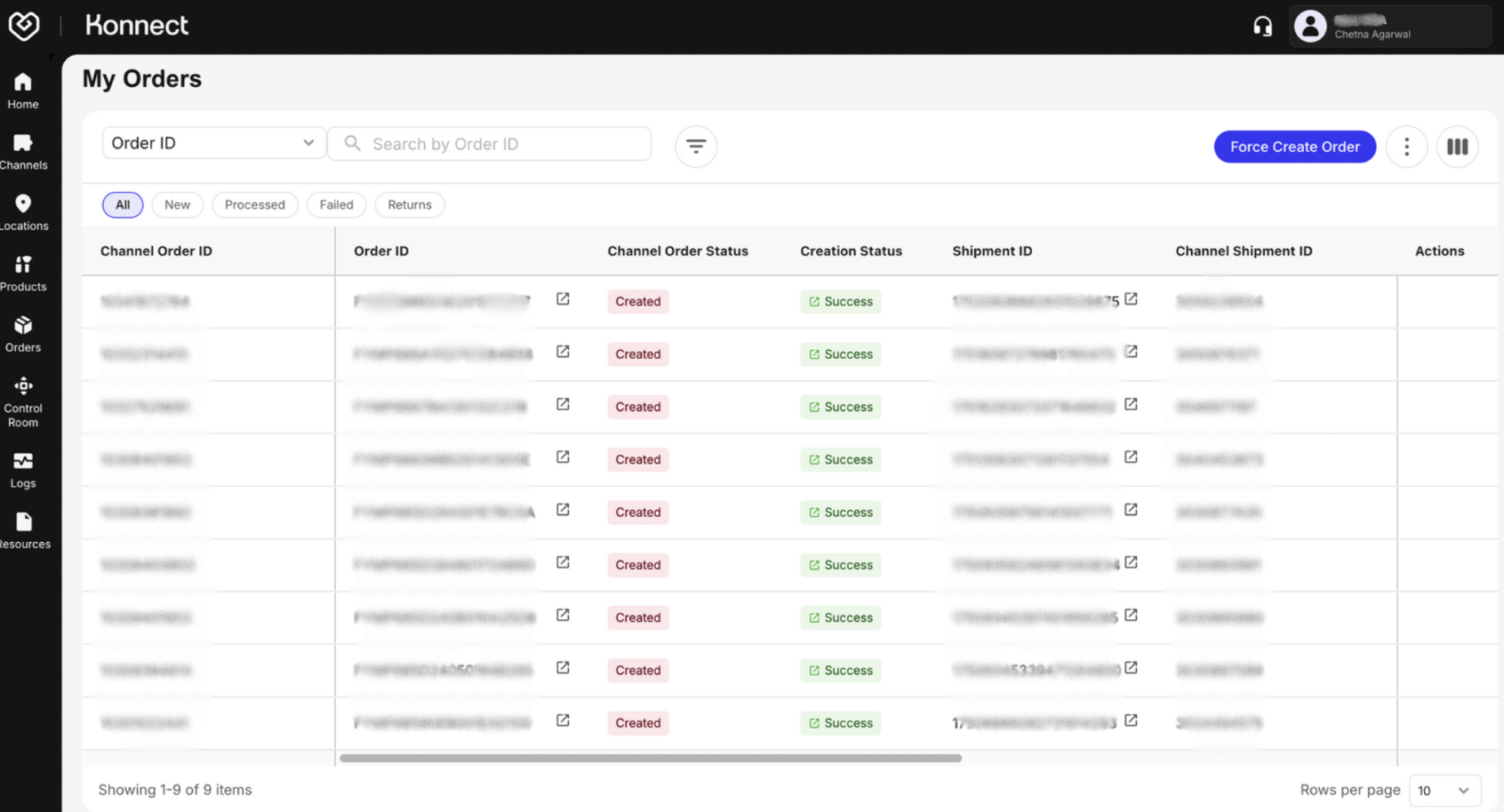
Figure 2: Order Flow Testing
Return Sync Test
- If enabled, simulate a return
- Confirm return appears and restocks inventory
- Ensure reason codes are synced
Customer Cancellations
- Confirm cancellation reflects in Fynd Konnect
- Inventory should auto-revert