How to access on Fynd Commerce
Commerce Panel → Orders → My Orders
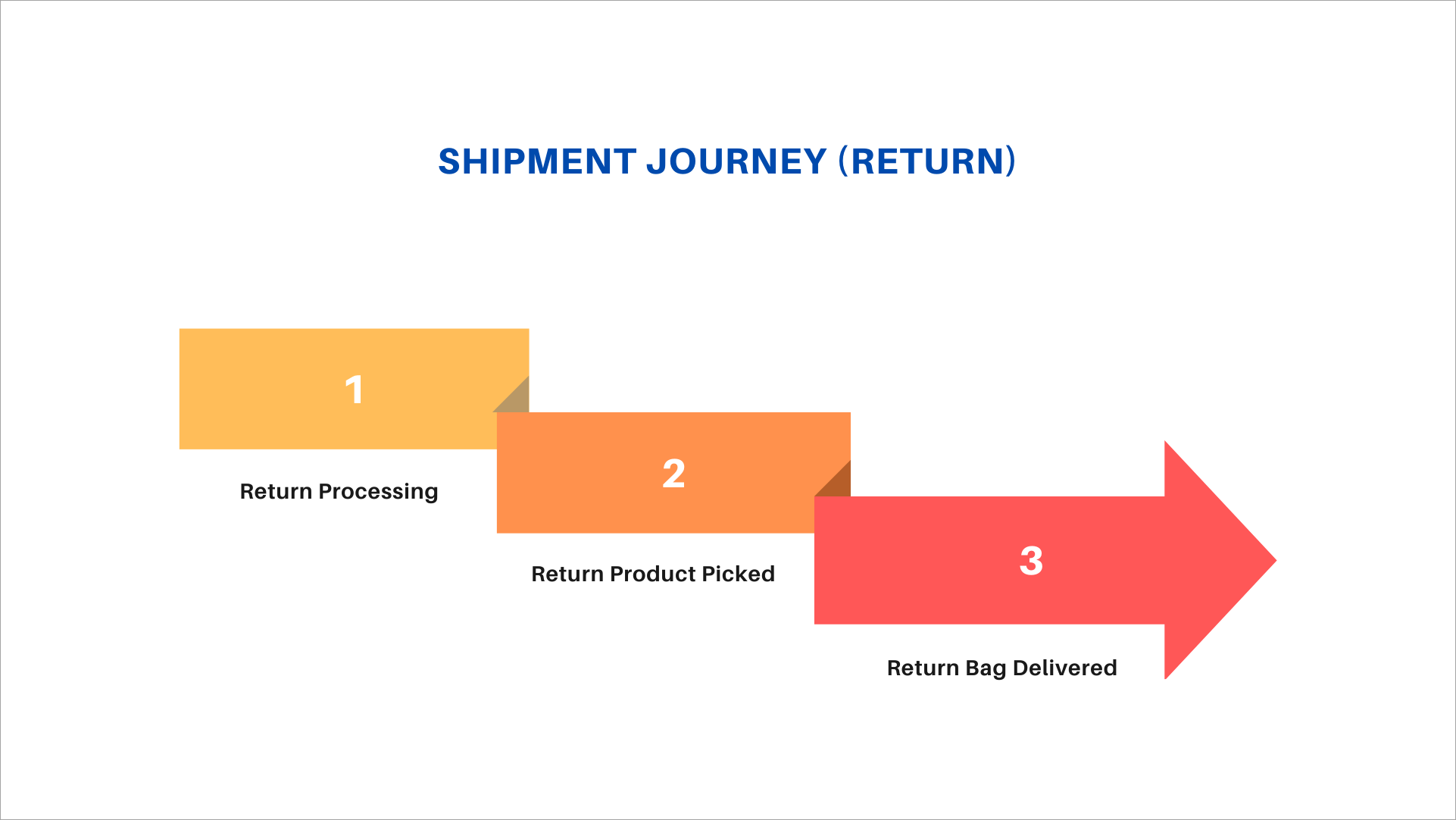
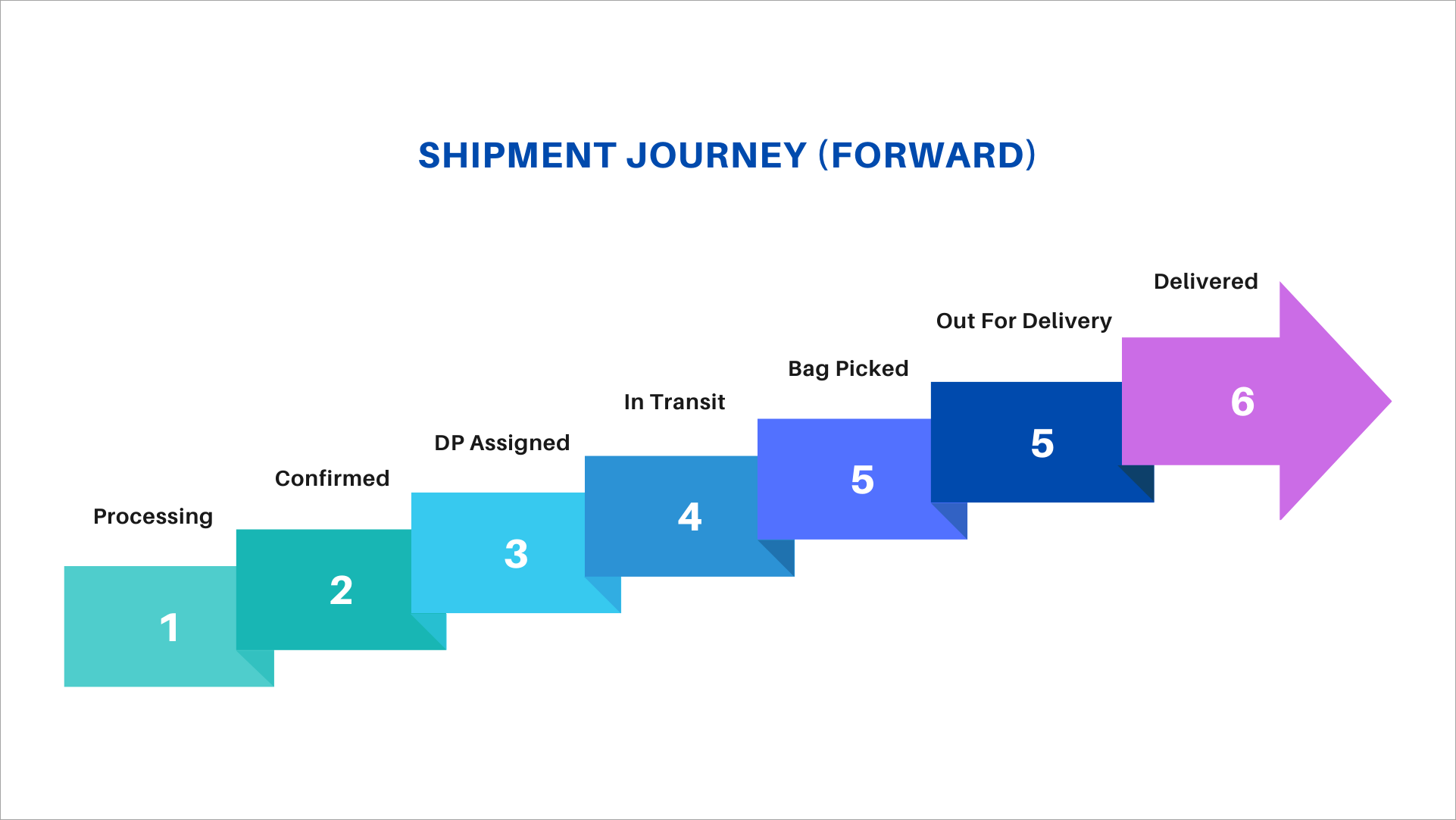
You can track the journey of each shipment using the OMS. You can view the journey for both forward shipments and returns.
To view the shipment journey:
- Open any order from the Orders section.
- Scroll down to the Shipment Details section.
- Click the Shipment Journey button to view the complete shipment timeline.
Forward Journey:
Return Journey: