This document explains how Cash Management is used throughout a typical store day. It follows the natural flow of store operations, from opening the store in the morning to closing and depositing cash at the end of the day. The goal of this journey is simple: every movement of cash is recorded.
A Store Associate (or Cashier) interacts with Cash Management mainly through their Sales Register. Their responsibilities are limited to their own register to ensure clarity and accountability.
When the store opens, the associate begins by opening their sales register.
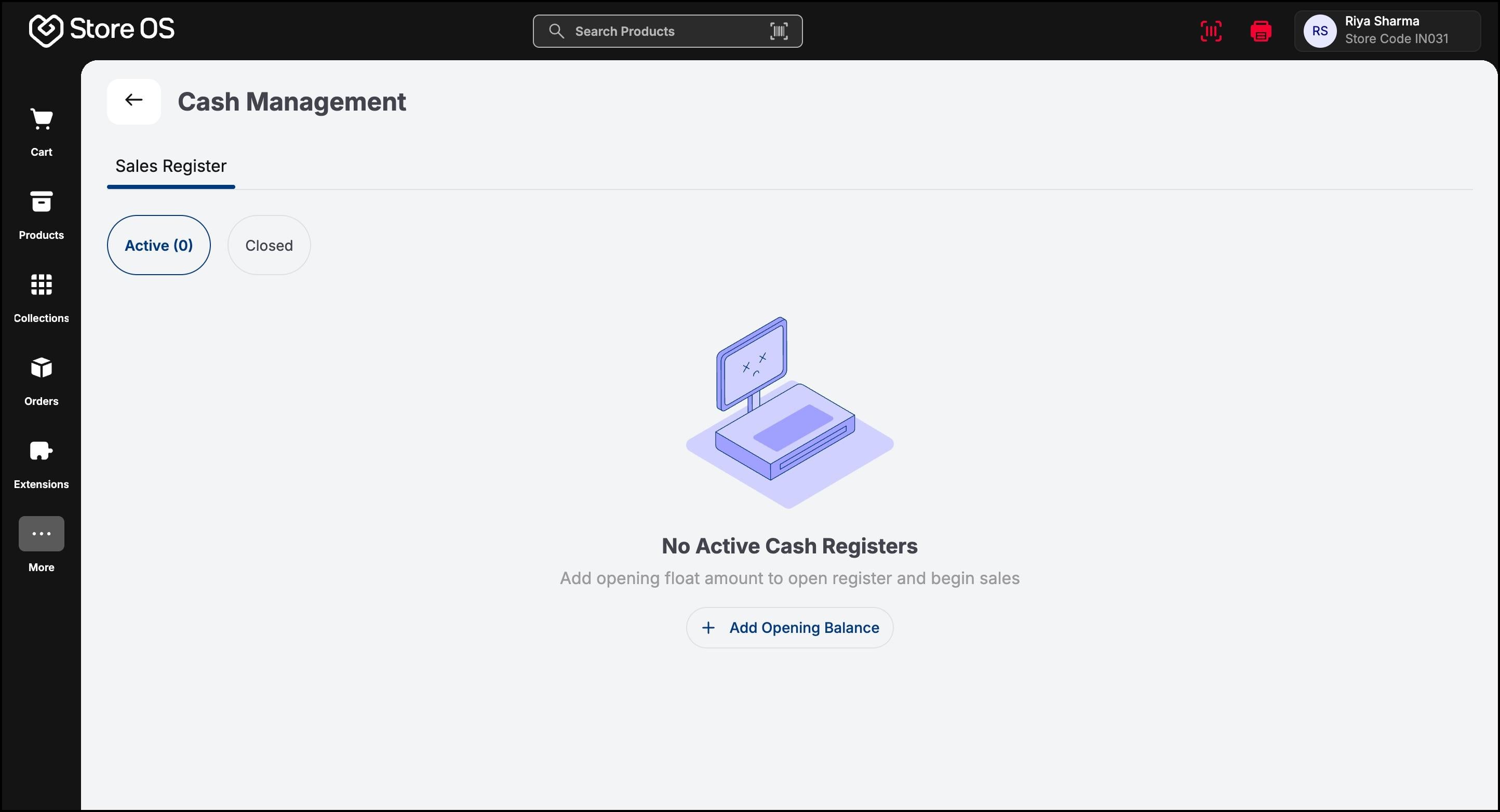
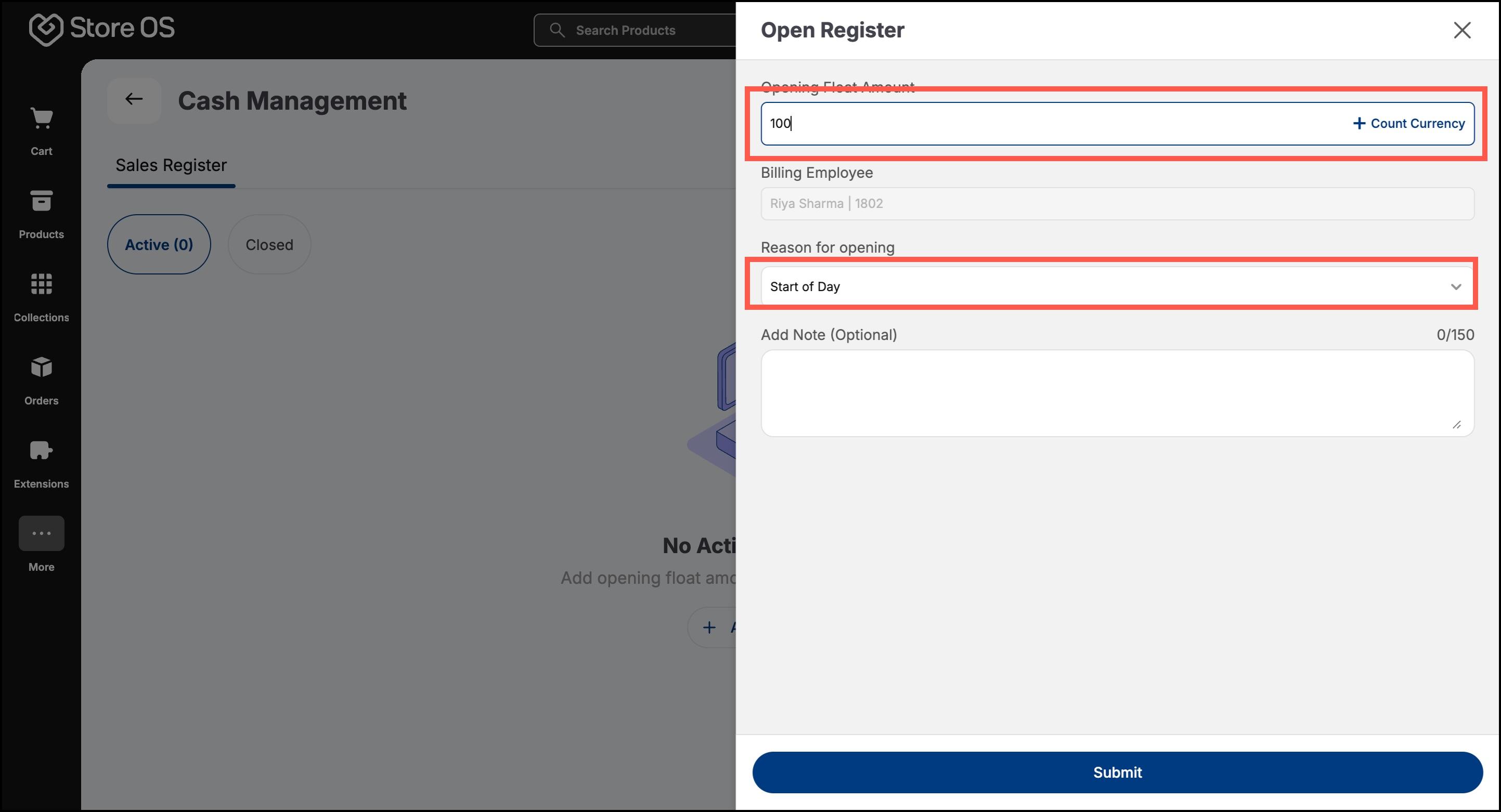
They enter the opening cash amount and its denominations, which are taken from the Store Deposit Register. A reason is selected, such as “Opening balance” or “Start of day”. Once the register is opened, the associate can begin billing customers.
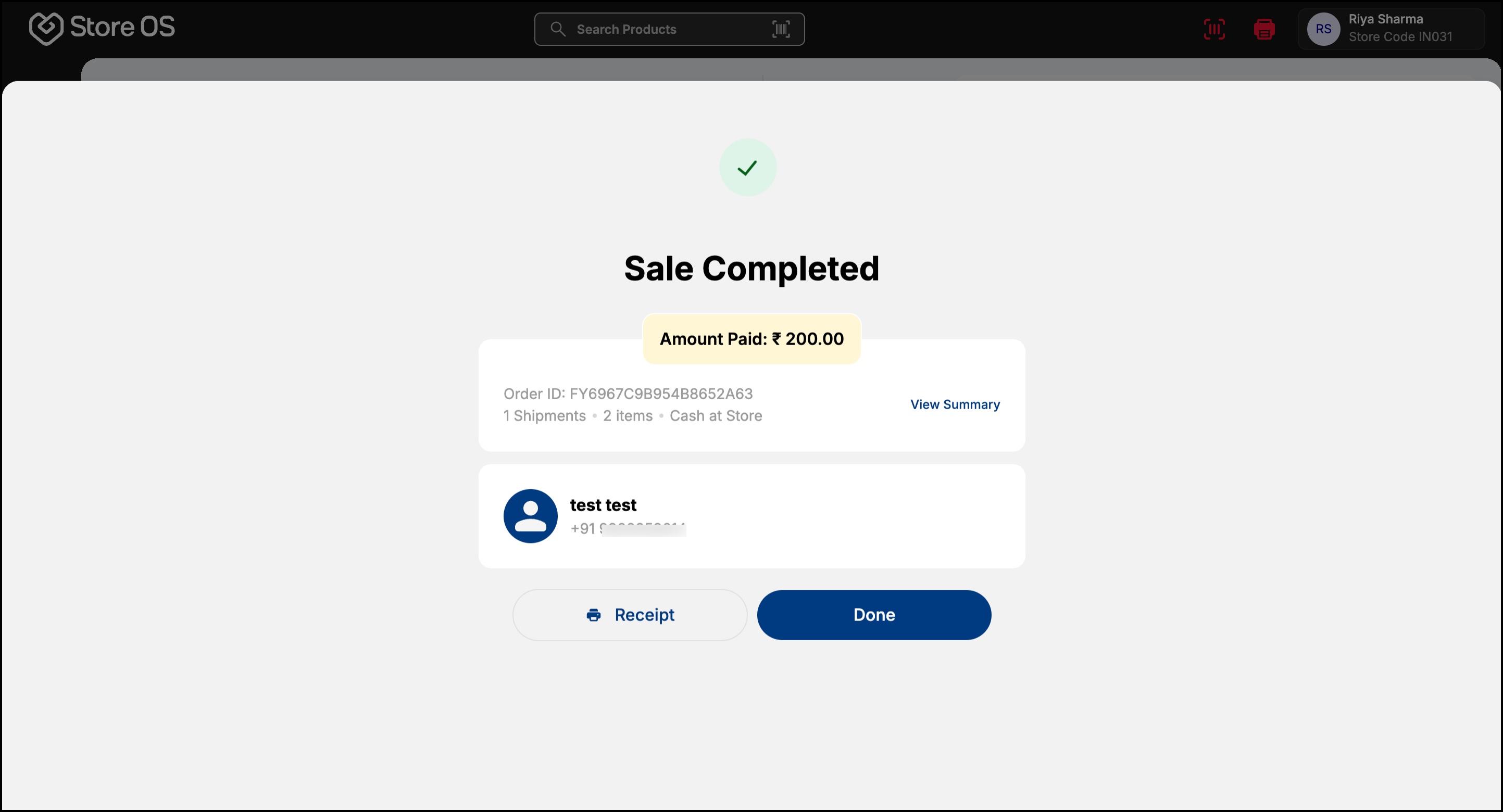
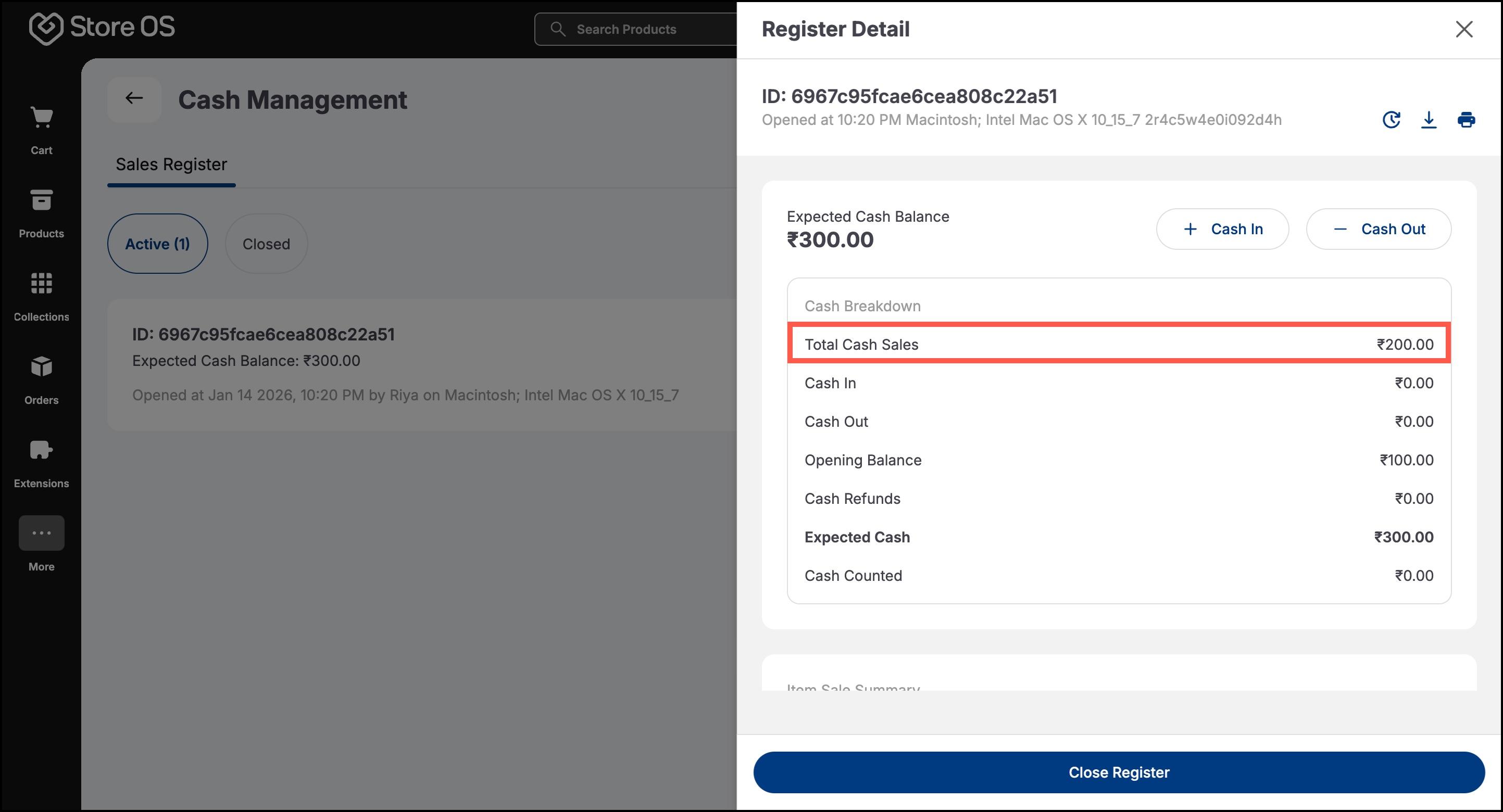
- Whenever a customer pays in cash, the system automatically updates the sales register balance. The associate does not need to manually record these entries—every cash sale is captured as part of the order.
During busy hours, certain denominations may run out. In such cases, the associate can perform a cash in operation. Cash can be added to the sales register from:
- The Store Deposit Register
- Another active sales register within the same store
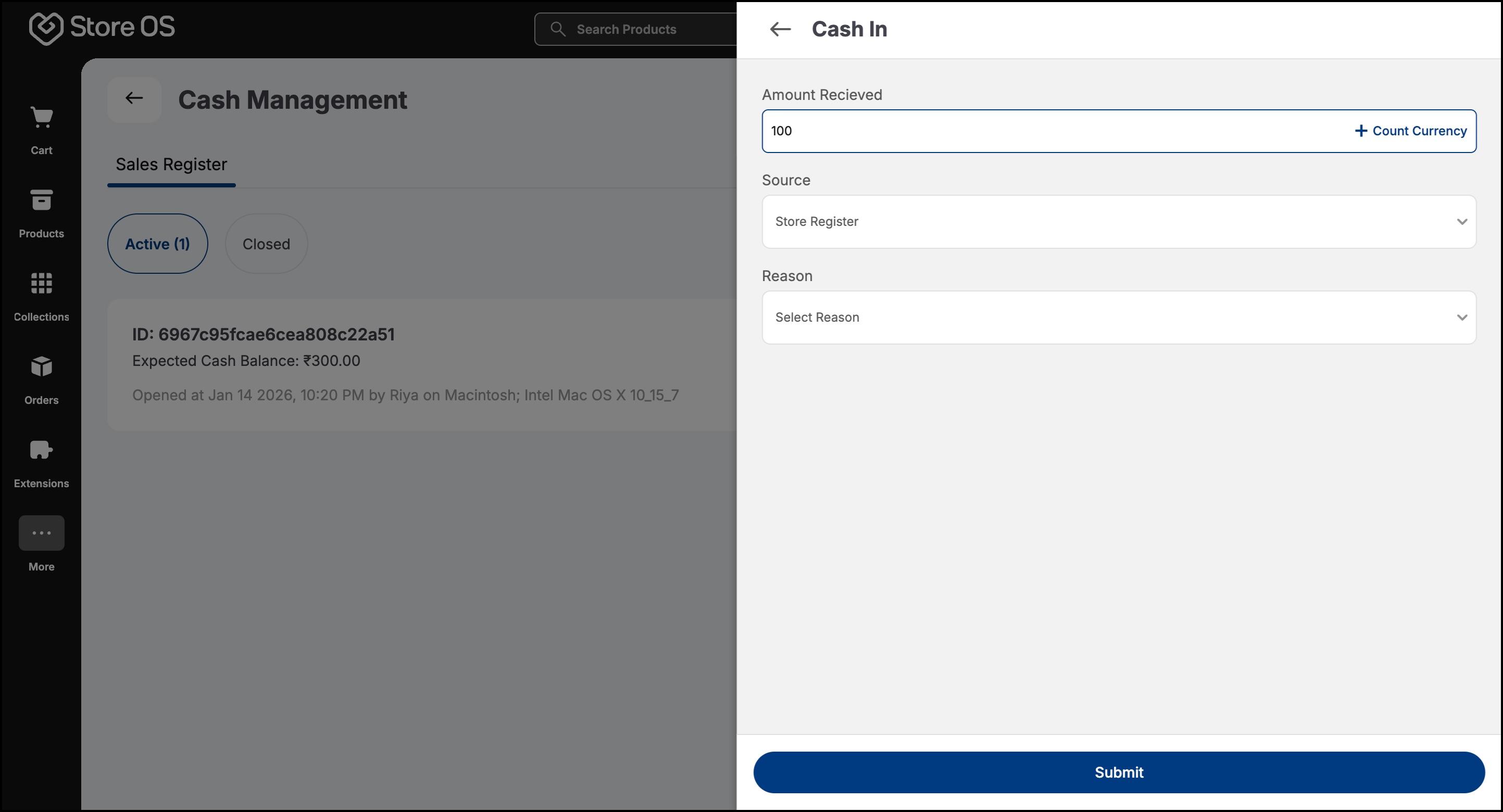
The system automatically records a corresponding cash out from the source register, keeping both sides balanced.
- Cash out from a sales register is allowed only to the Store Deposit Register. This usually happens when excess cash builds up at the counter. A reason must be selected, such as “Excess cash” or “Mid-day transfer”.
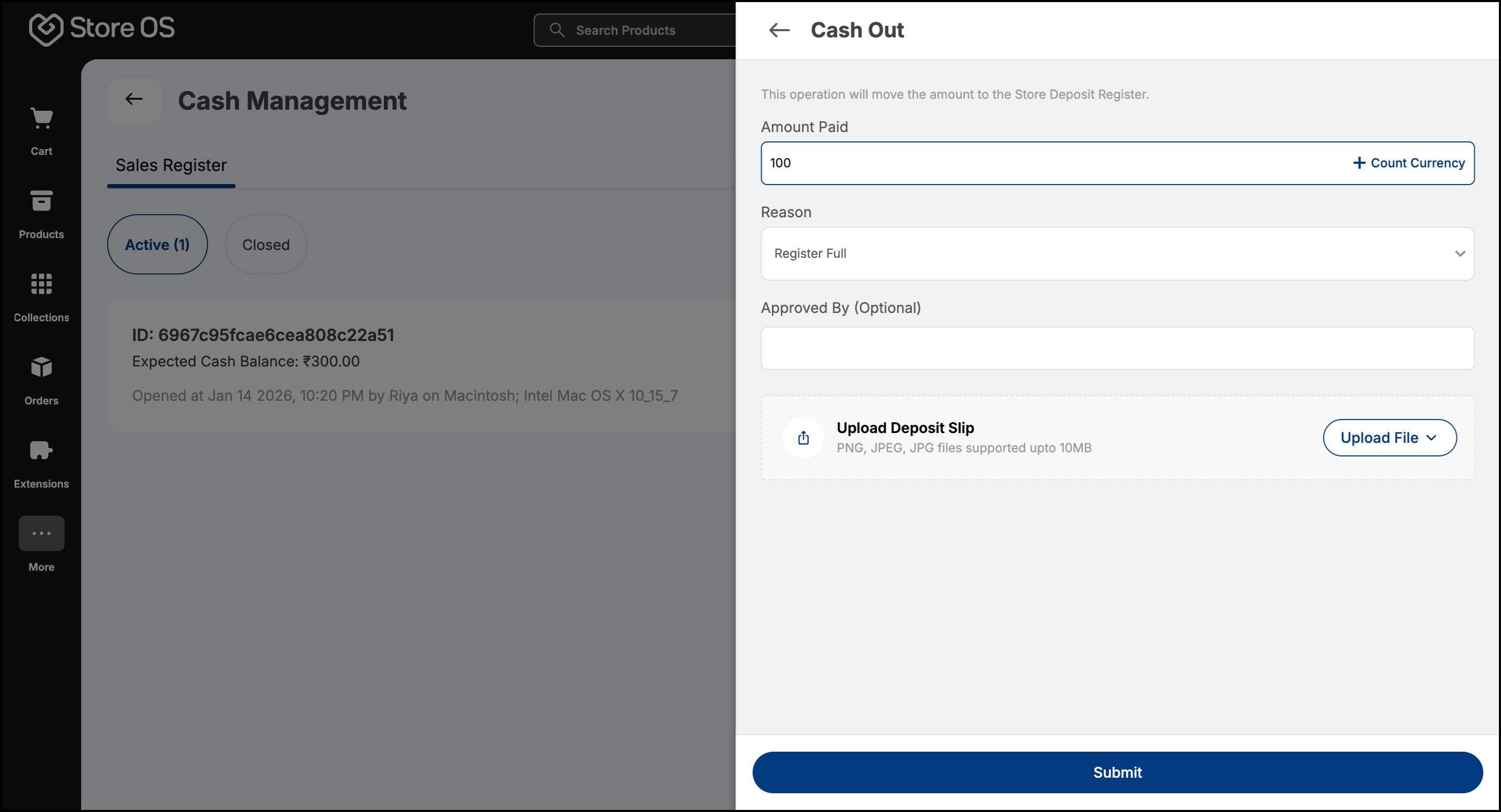
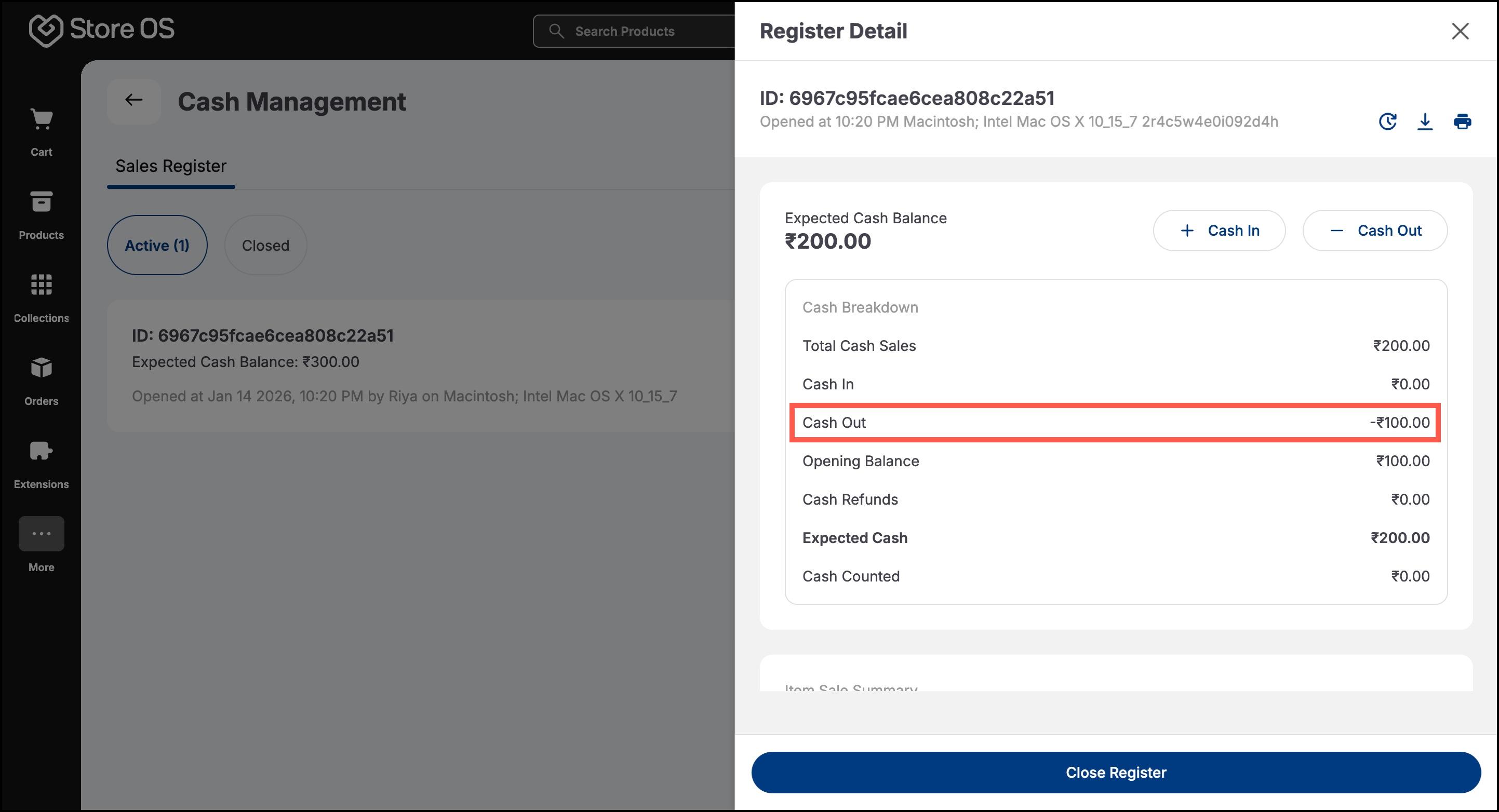
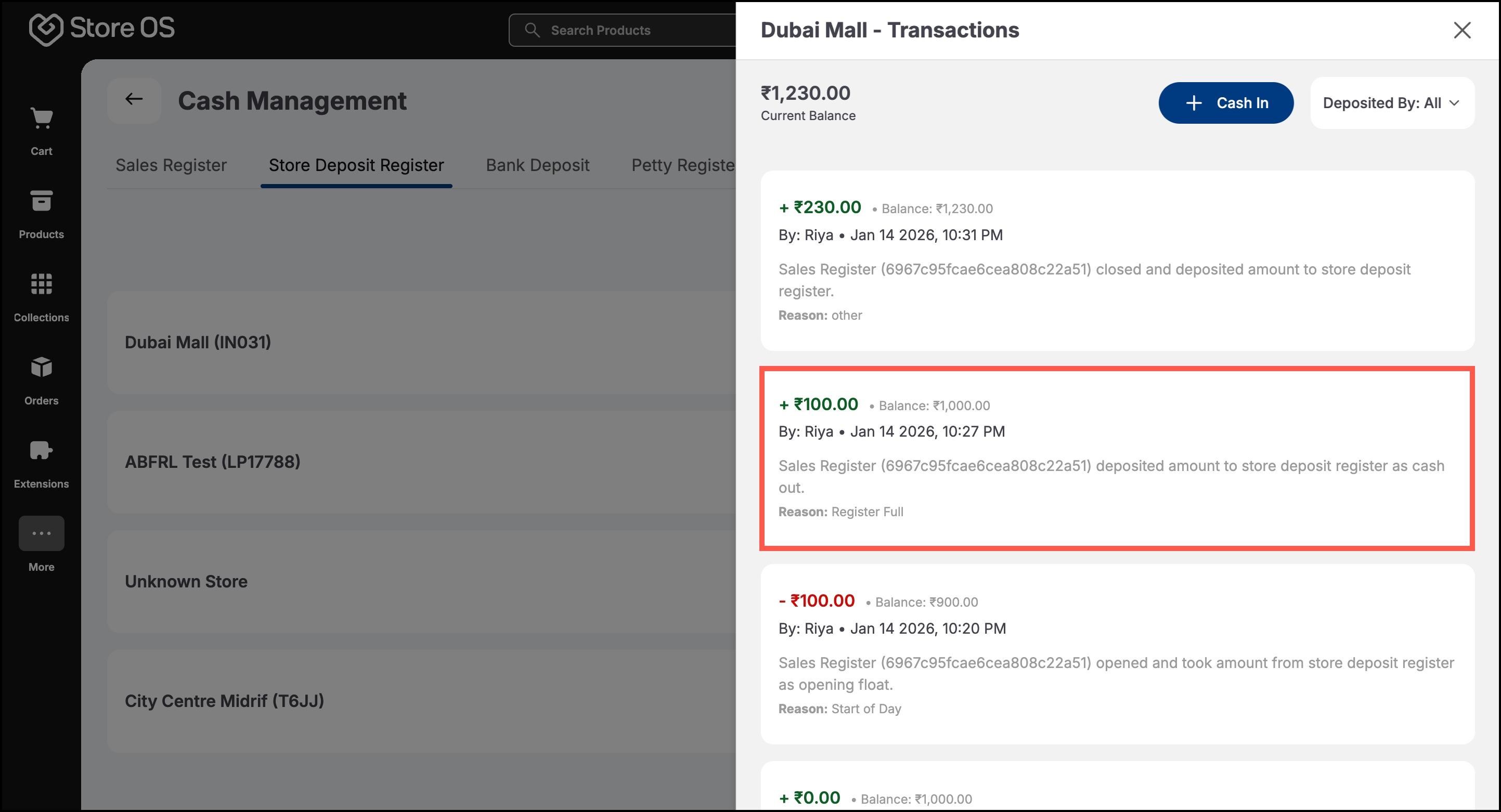
At the end of the shift or business day, the associate closes their sales register.
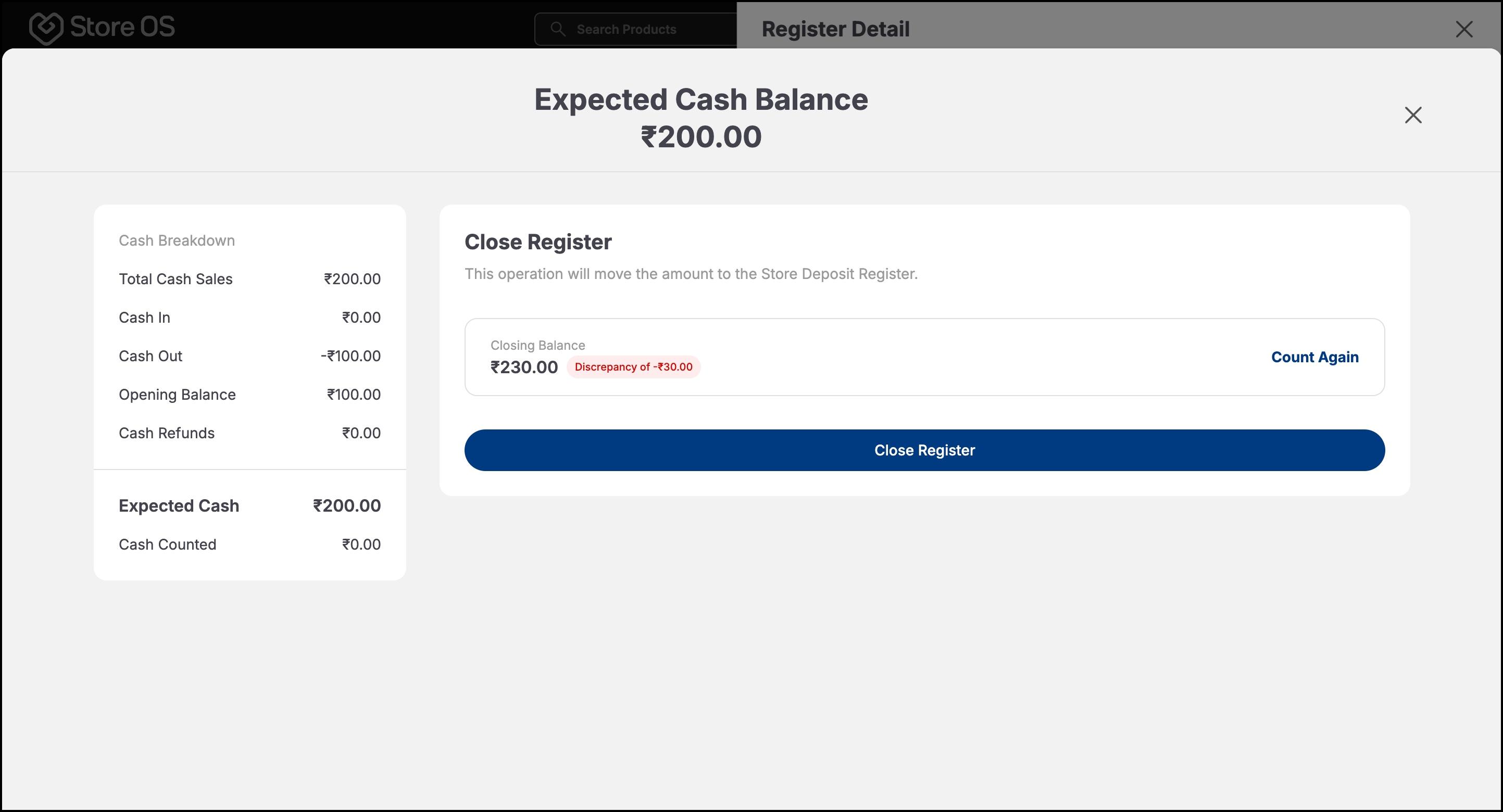
- They count the physical cash and enter the amount in the system. If the counted cash matches the system balance, the register closes smoothly.
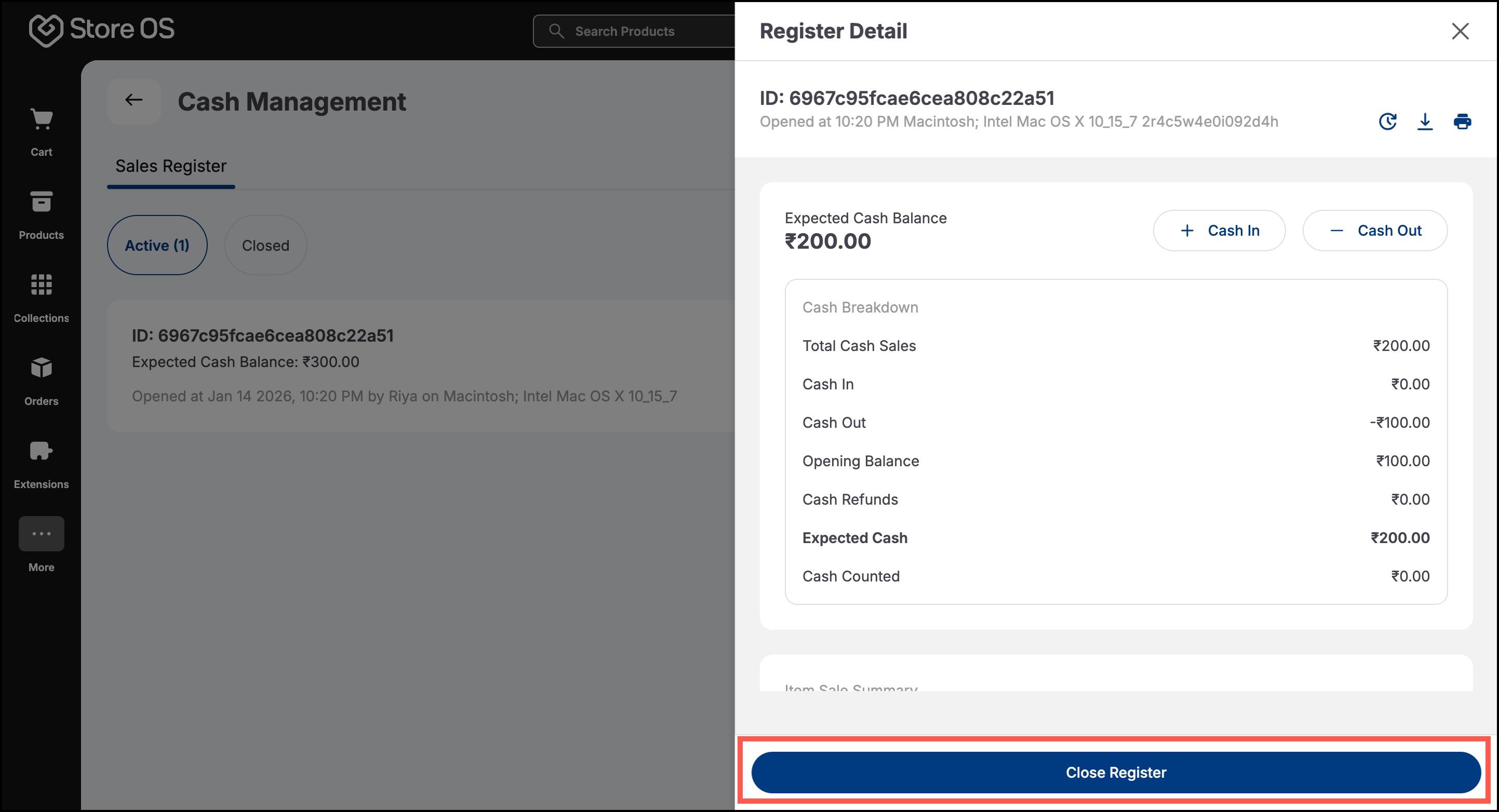
- If there is a difference, the system checks it against the configured discrepancy limit. Small differences within the limit are recorded, while larger differences require manager approval before closure.
The Store Manager ensures that all cash handled by associates is accurate and properly recorded. Their role is more supervisory than transactional.
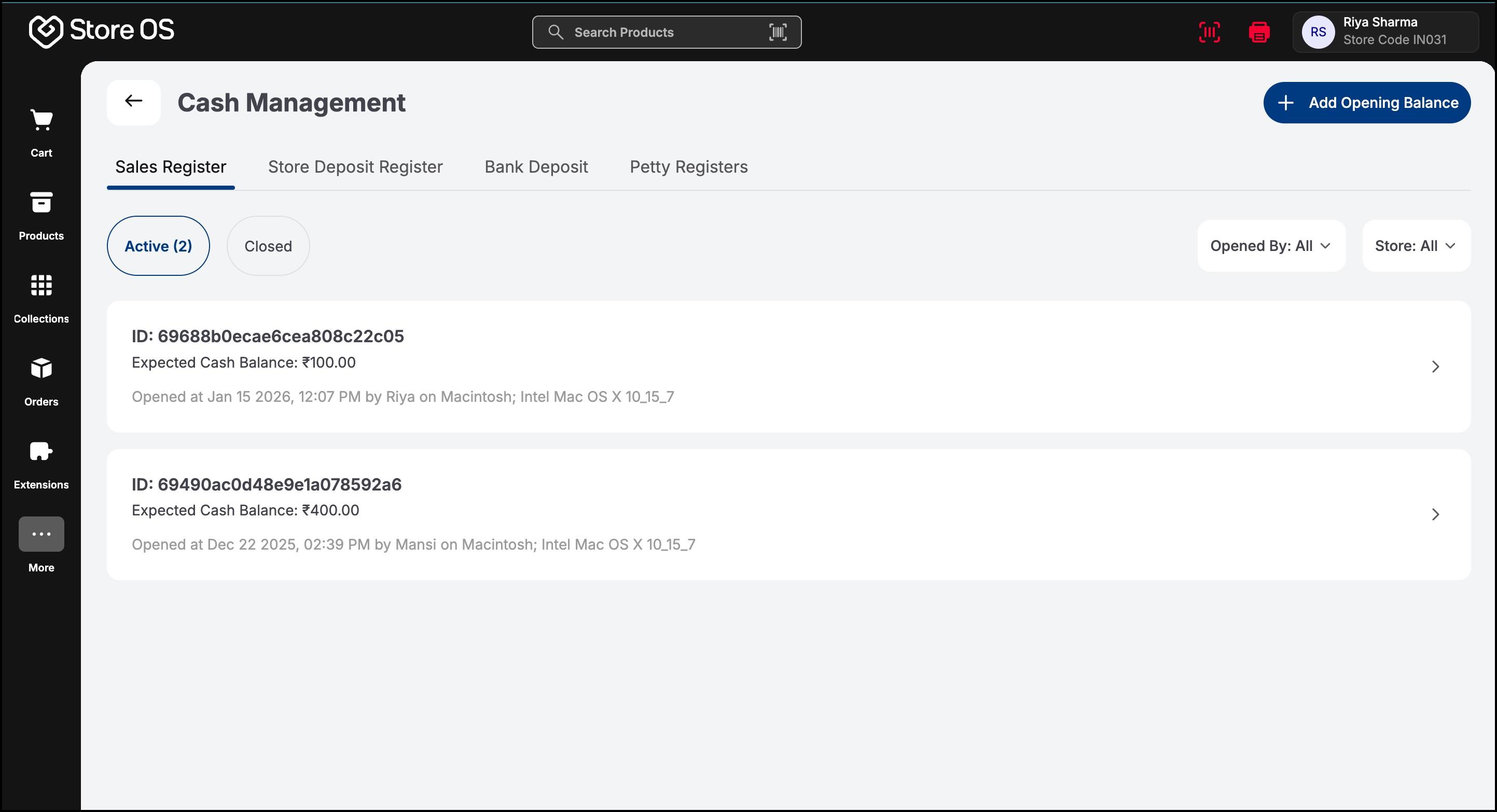
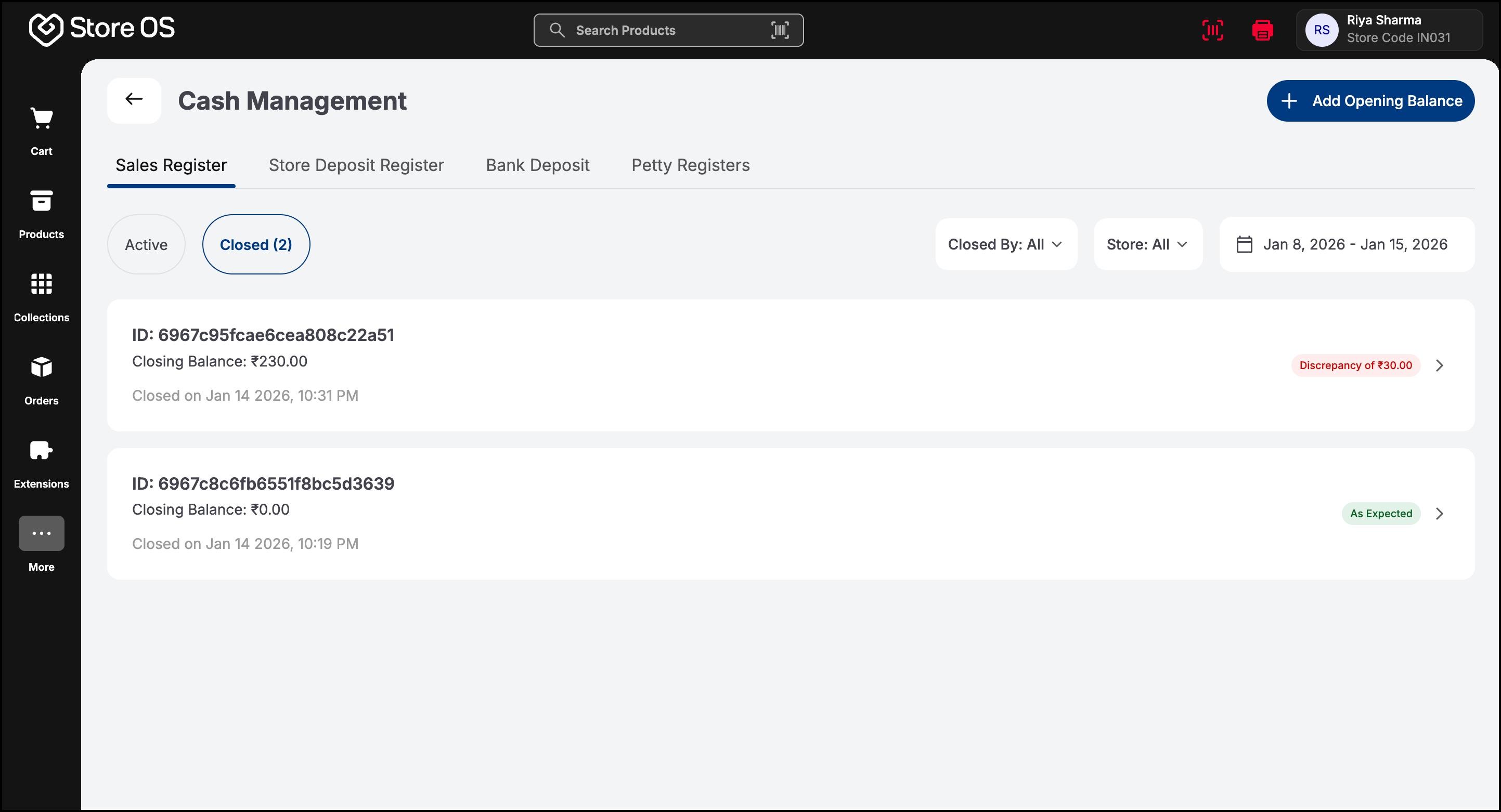
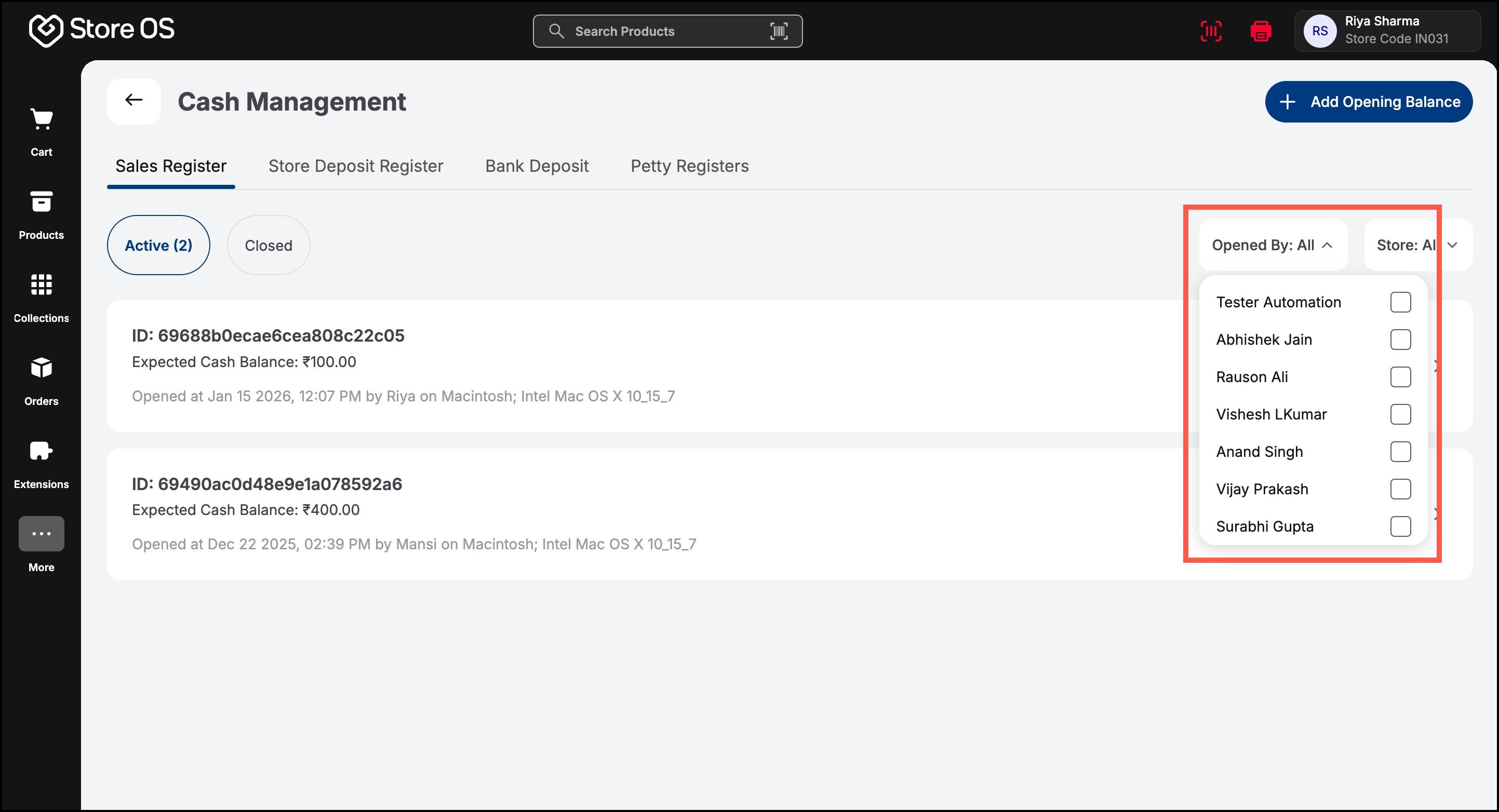
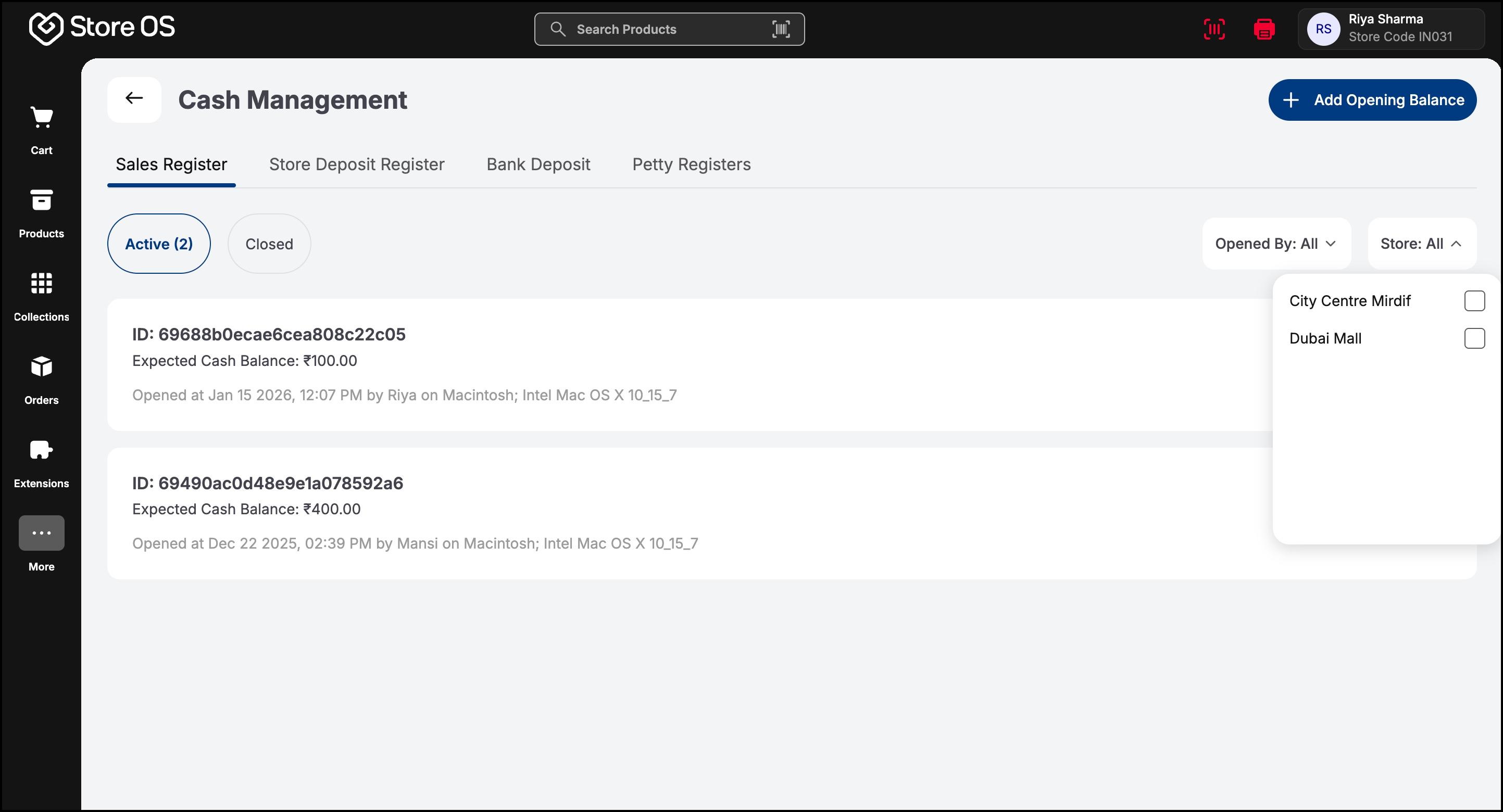
- Throughout the day, the Store Manager can view all sales registers in their store. They can filter by associate name to see who is currently active, how much cash each register holds, and whether any registers are pending closure.
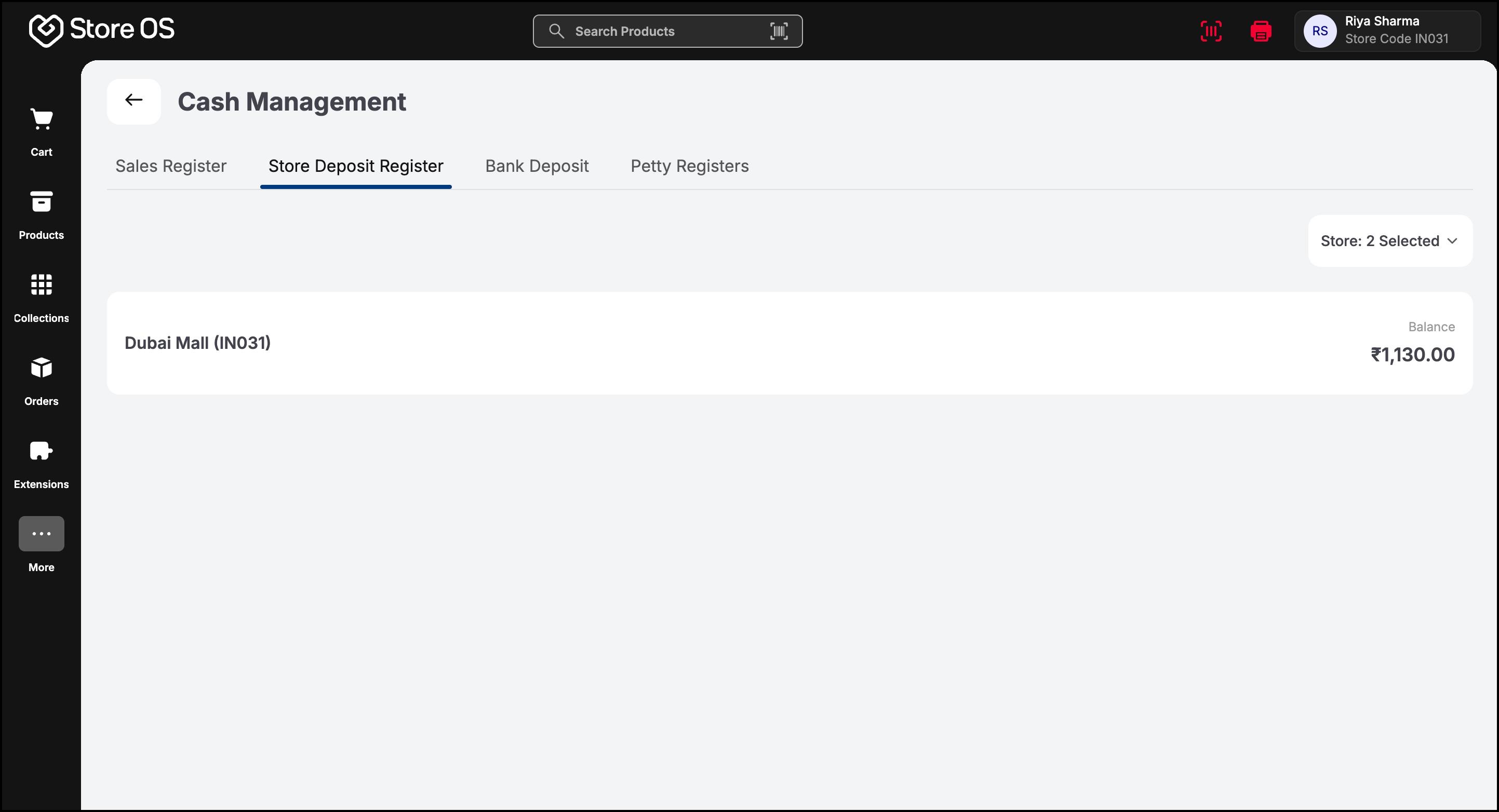
- At the end of the day or the next morning, cash is deposited into the bank. Cash can be deposited into the bank only from the Store Deposit Register.
- The Store Manager records this using the Bank Deposit option.
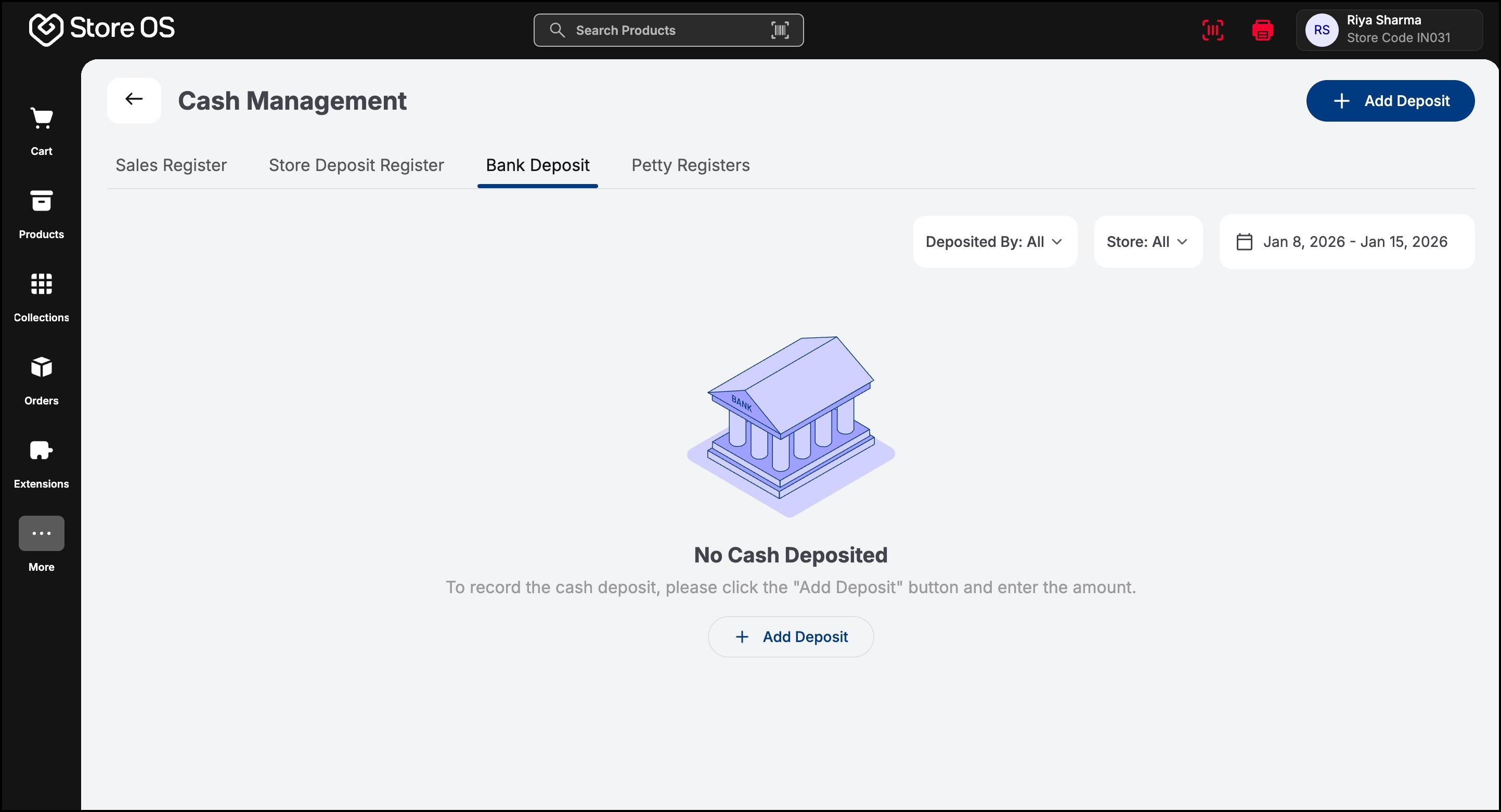
- Fill in all the details for bank deposit and submit the form.
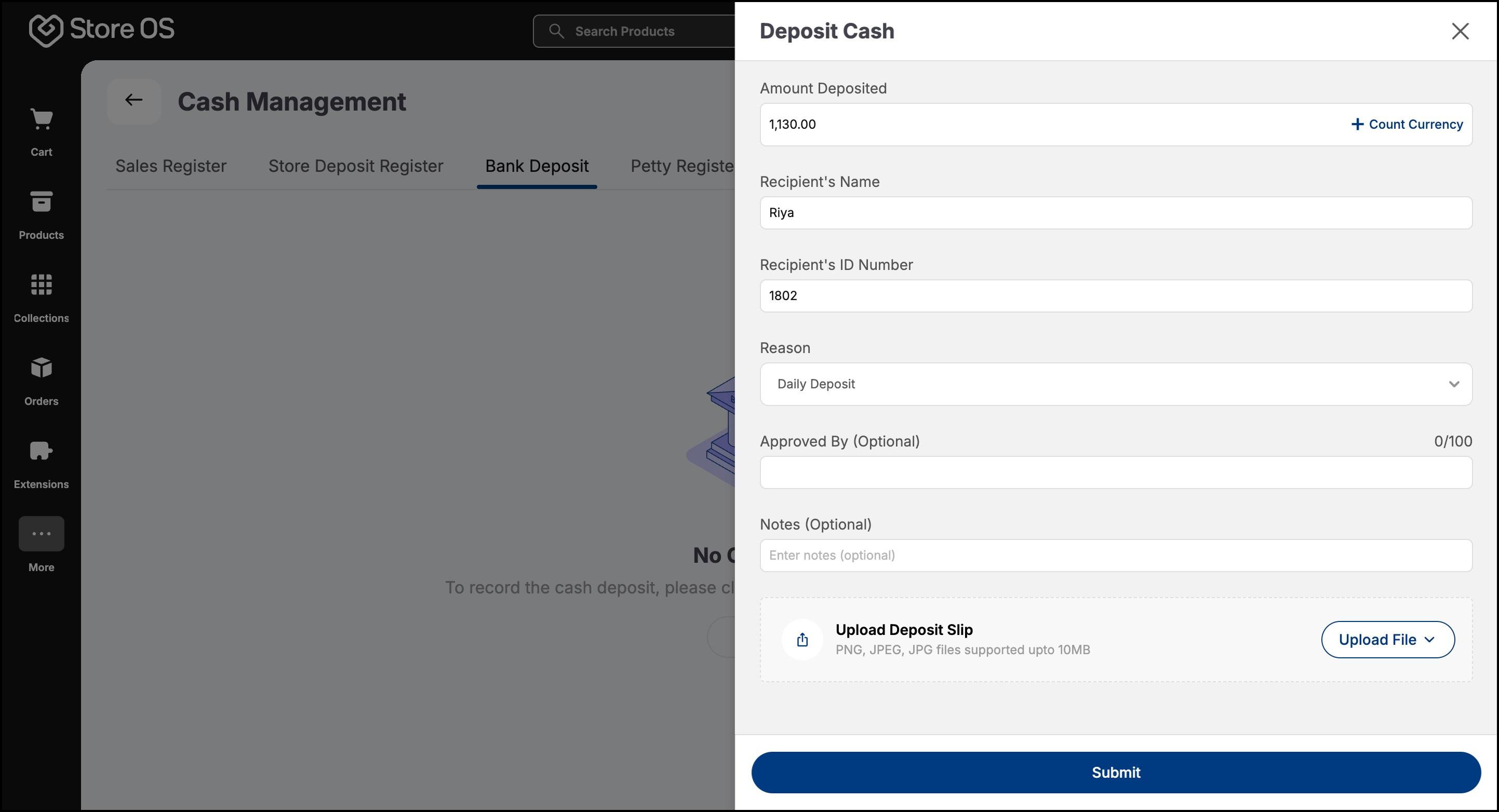
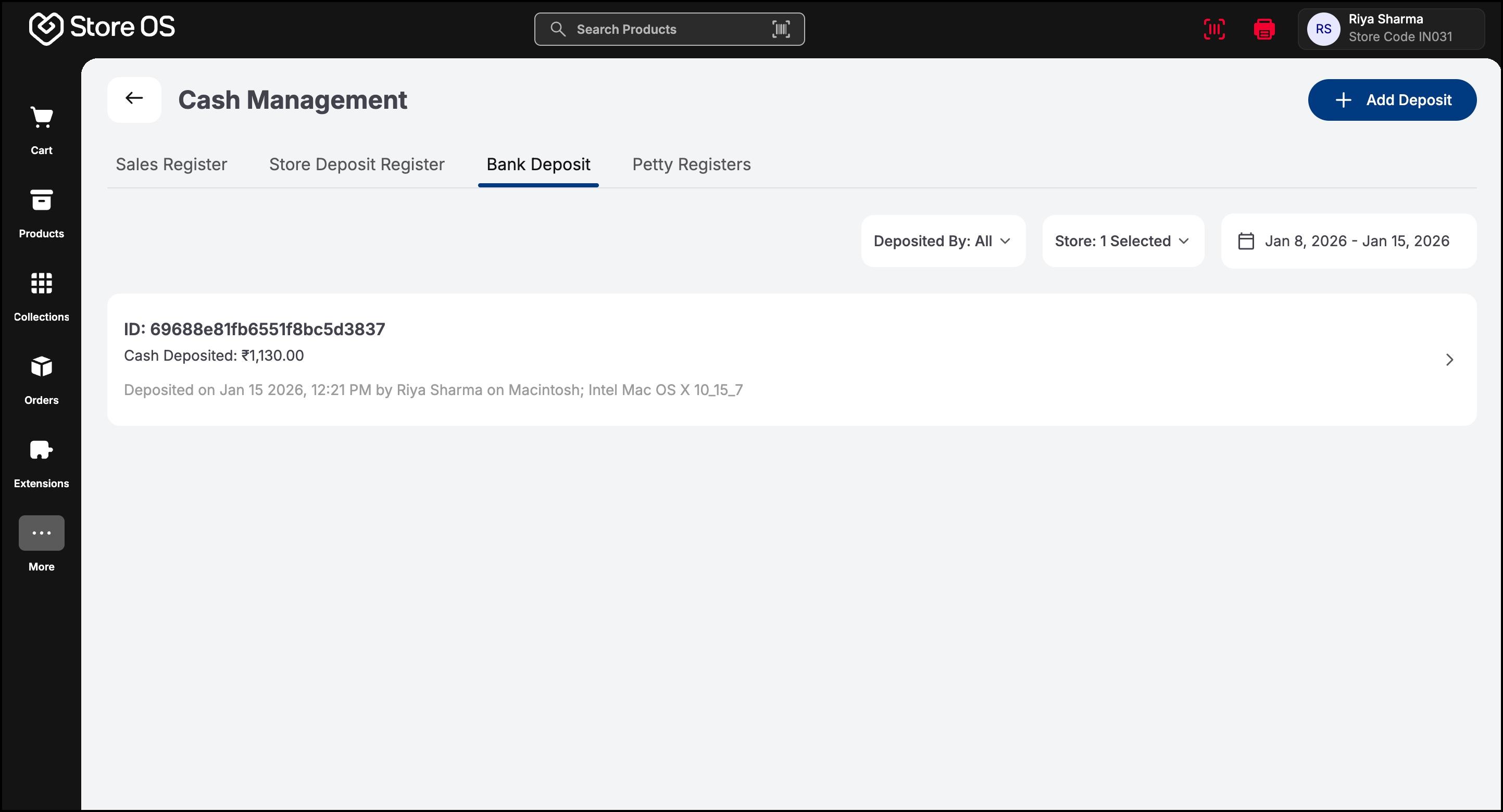
- The deposited amount is deducted from the Store Deposit Register.
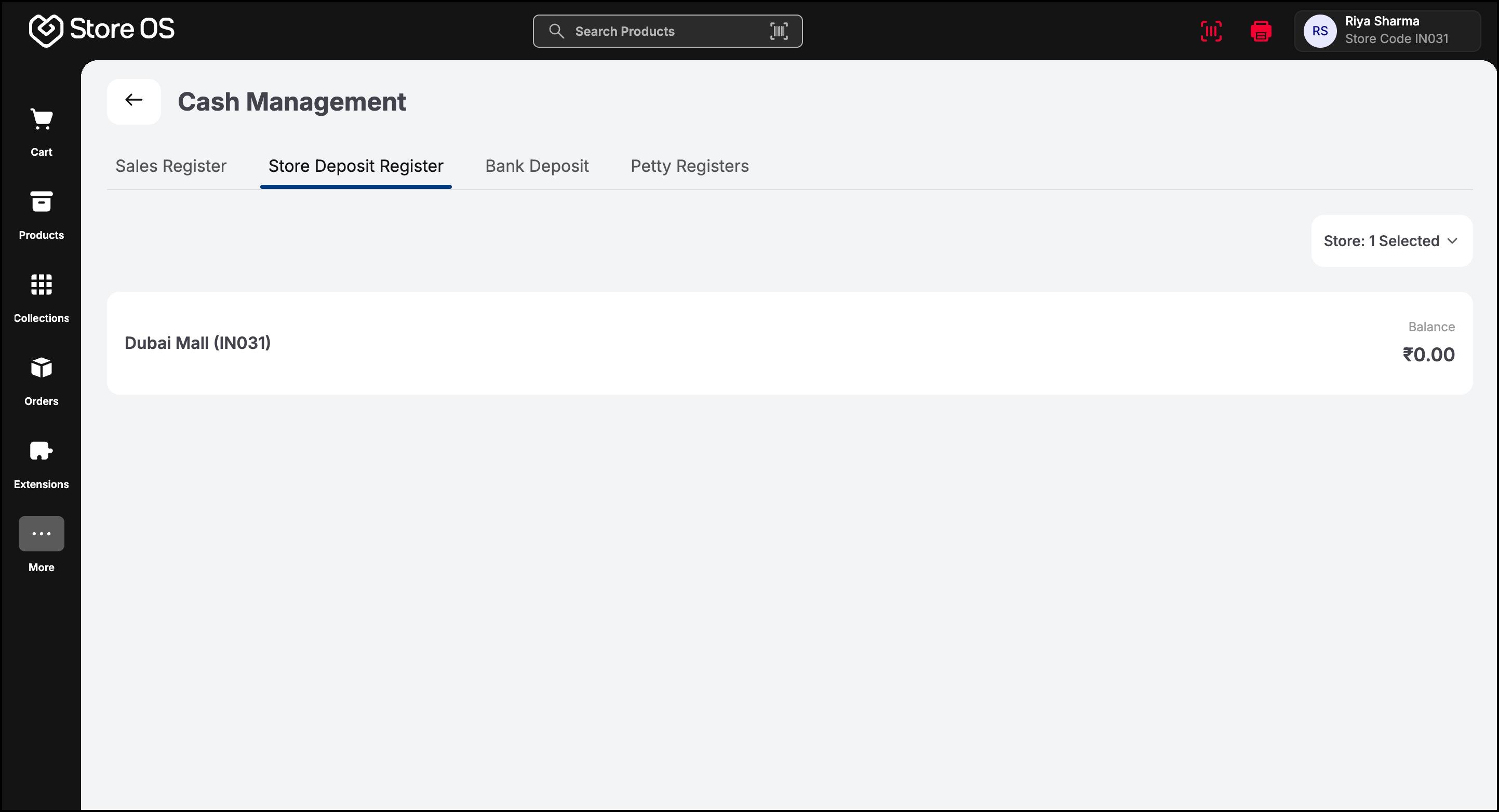
- If the entered deposit amount is higher than the available balance, the system blocks the action and shows an error.
For day-to-day expenses such as repairs or supplies, the Store Manager may use a Petty Register. Petty registers receive cash from:
- Store Deposit Register
- Headquarters
Unlike sales registers, petty registers do not need to be closed daily. They continue over time and show a complete history of cash movements. Cash out from petty registers can be recorded as:
- Store expenses
- Transfers back to the Store Deposit Register
Before closing the day, the Store Manager ensures:
- All sales registers are closed
- Excess cash is returned to the store deposit
- Any discrepancies are reviewed
- Bank deposits are recorded if required
This completes the store’s daily cash cycle.