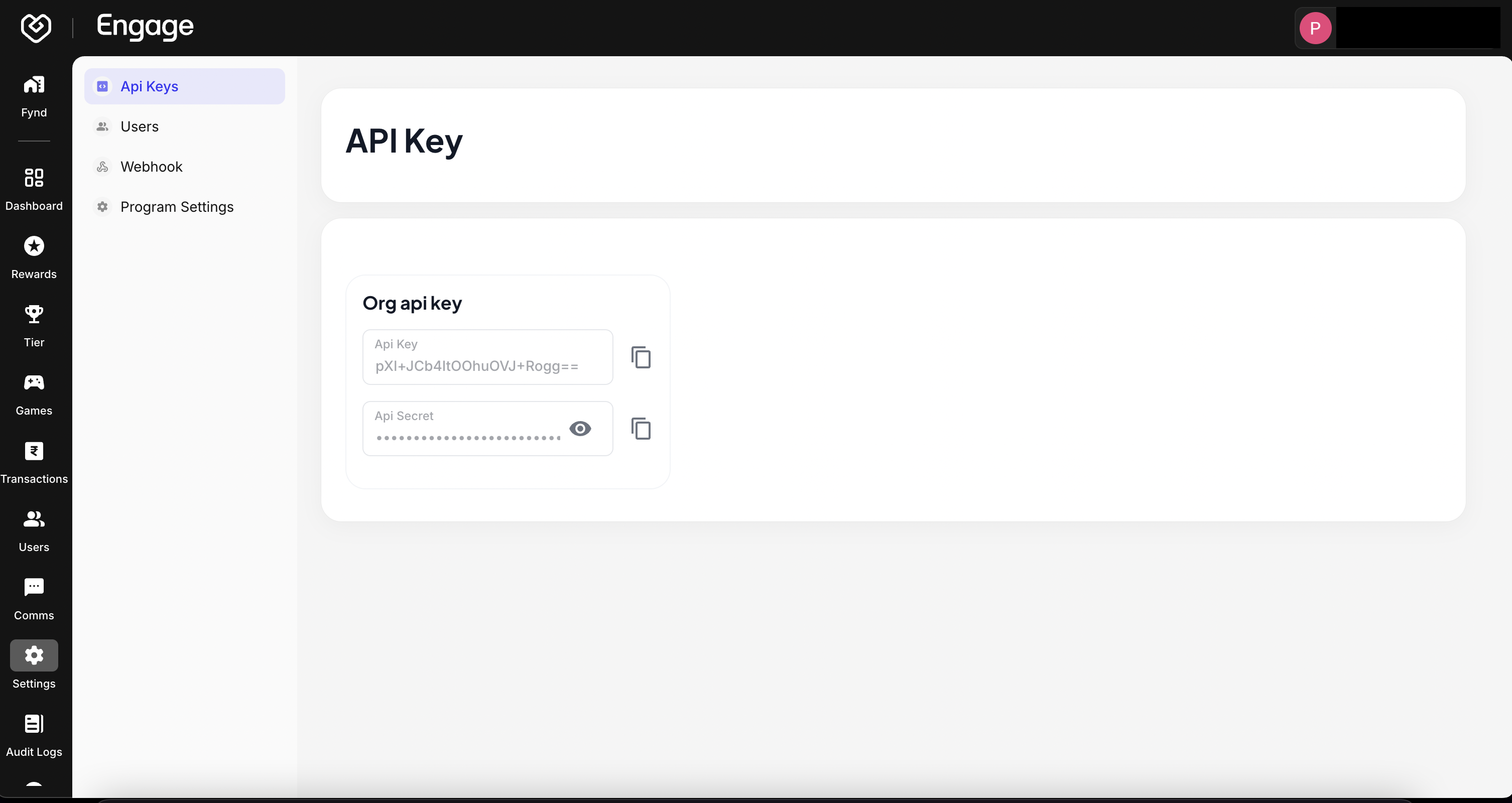
API Keys are the security tokens used to authenticate your external applications with the Fynd Engage platform. These credentials allow your backend systems to securely access loyalty data, trigger events, and manage users programmatically.
Security Note
Your Engage Platform API Secrets are sensitive credentials. Never expose them in client-side code or public repositories
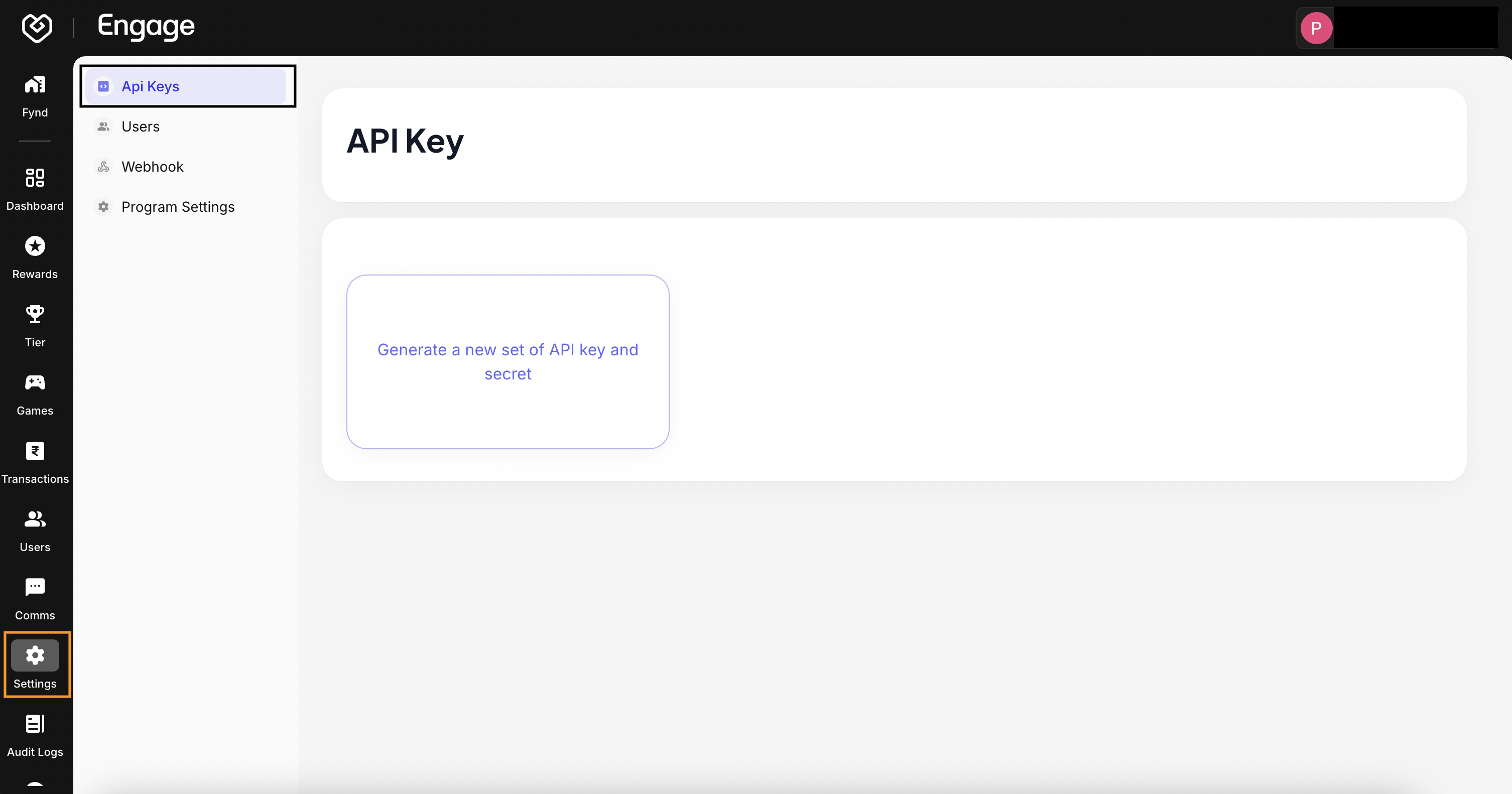
- Access Security Settings - Navigate to the Settings tab in the dashboard and select API Keys from the sidebar menu. This page lists all active credentials for your organization.
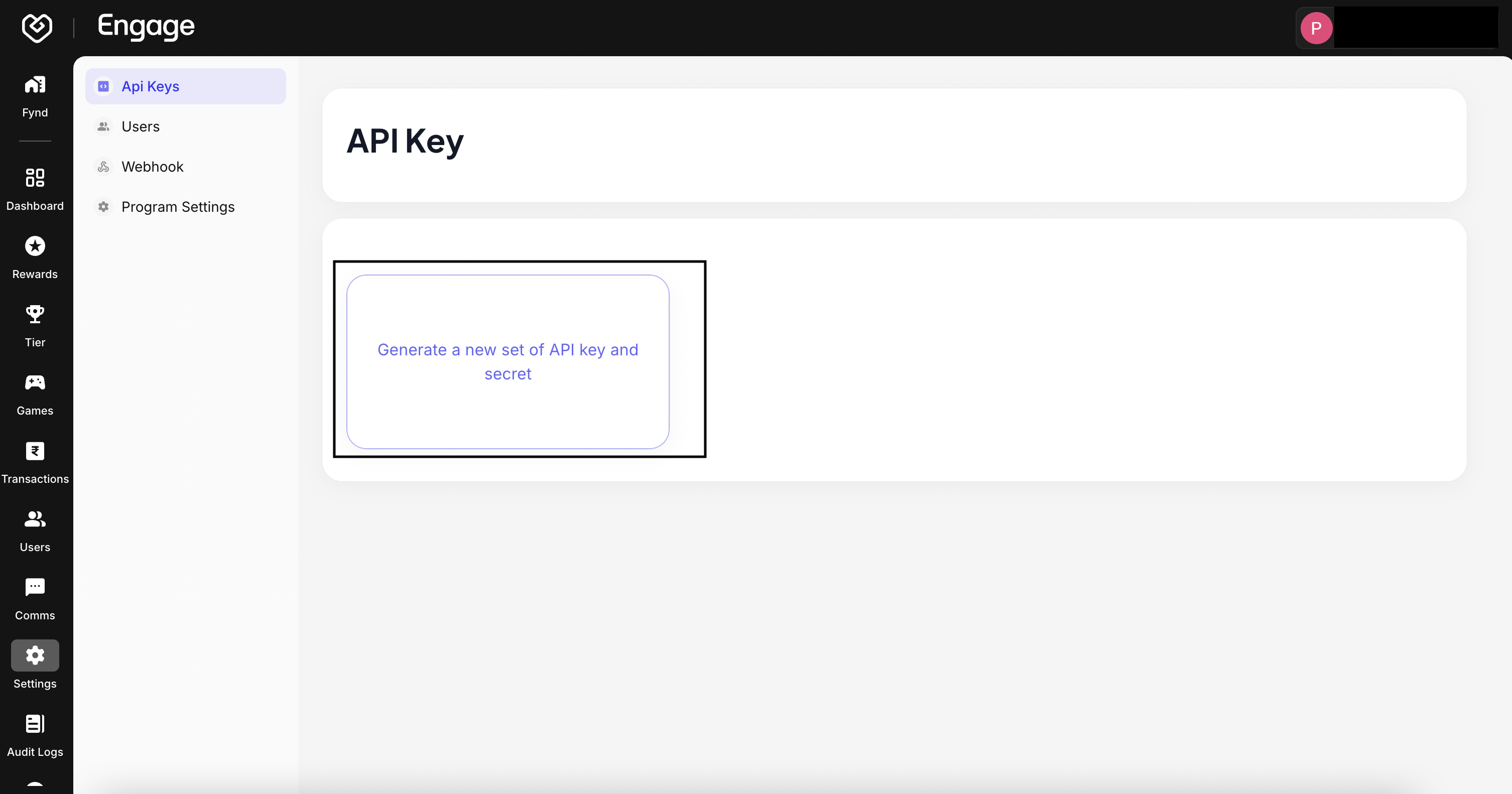
- Initiate Key Generation - Click the Generate New API Key button to begin the creation process.
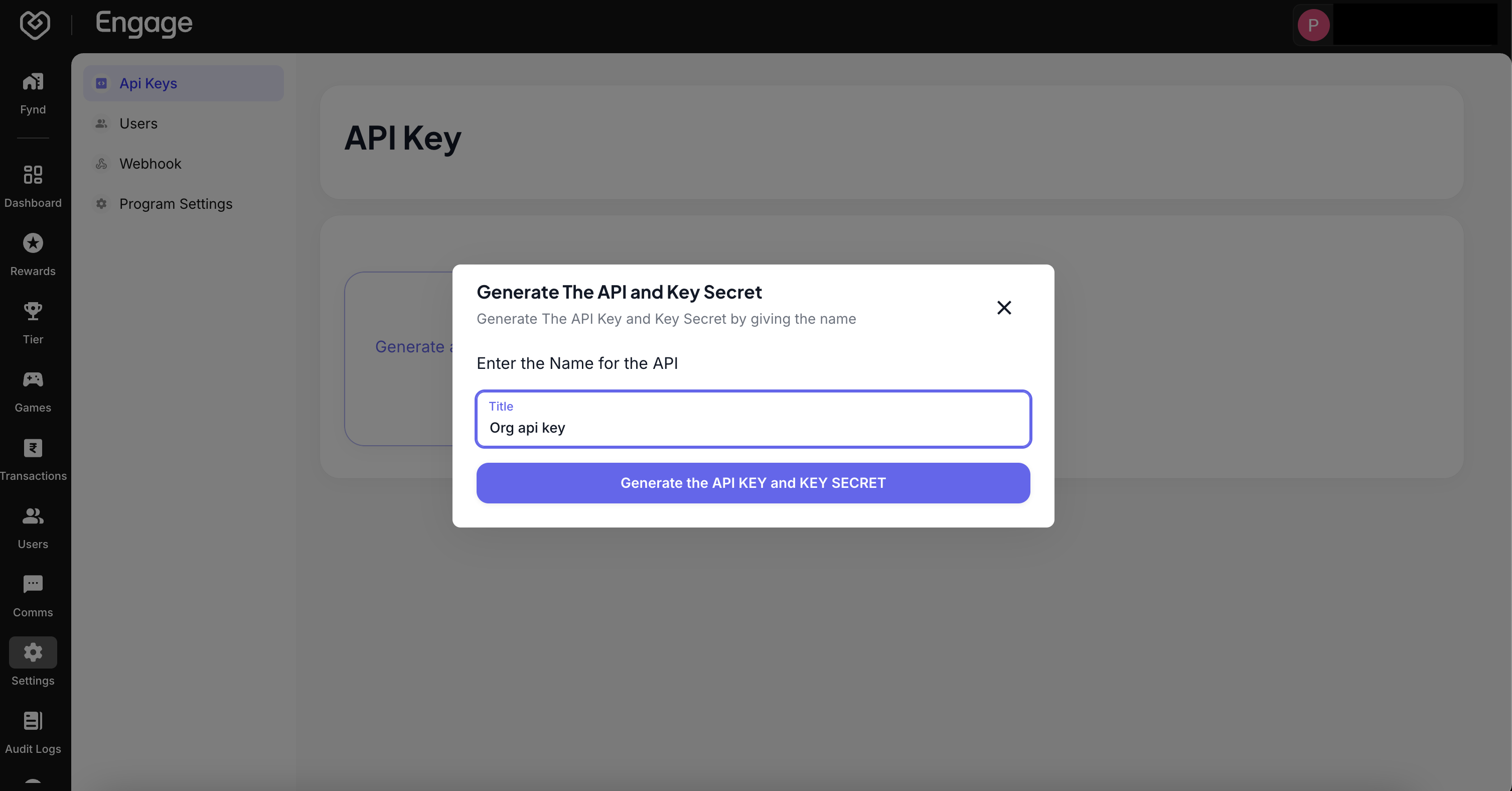
- Label Your Key - Enter a descriptive Name for the API Key (e.g., "Mobile App Integration" or "POS System"). This helps you identify the key's usage later if you need to revoke it.
- Retrieve and Secure Credentials - Once generated, the system will display your API Key and API Secret.