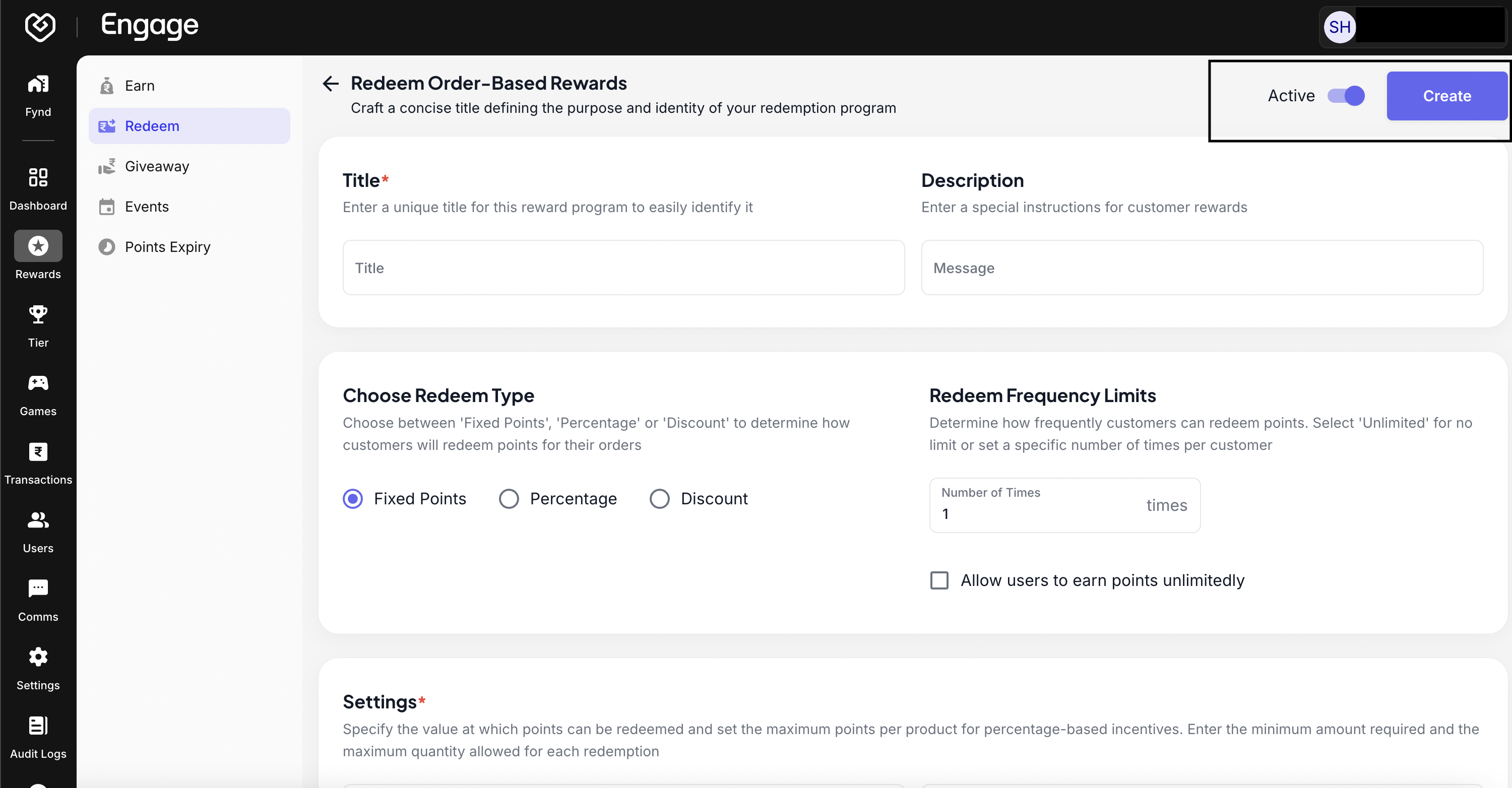
The Redeem Rules configuration empowers your customers to utilize their hard-earned points. By setting up flexible redemption options - such as order discounts or exclusive offers - you close the loyalty loop and encourage repeat purchases.
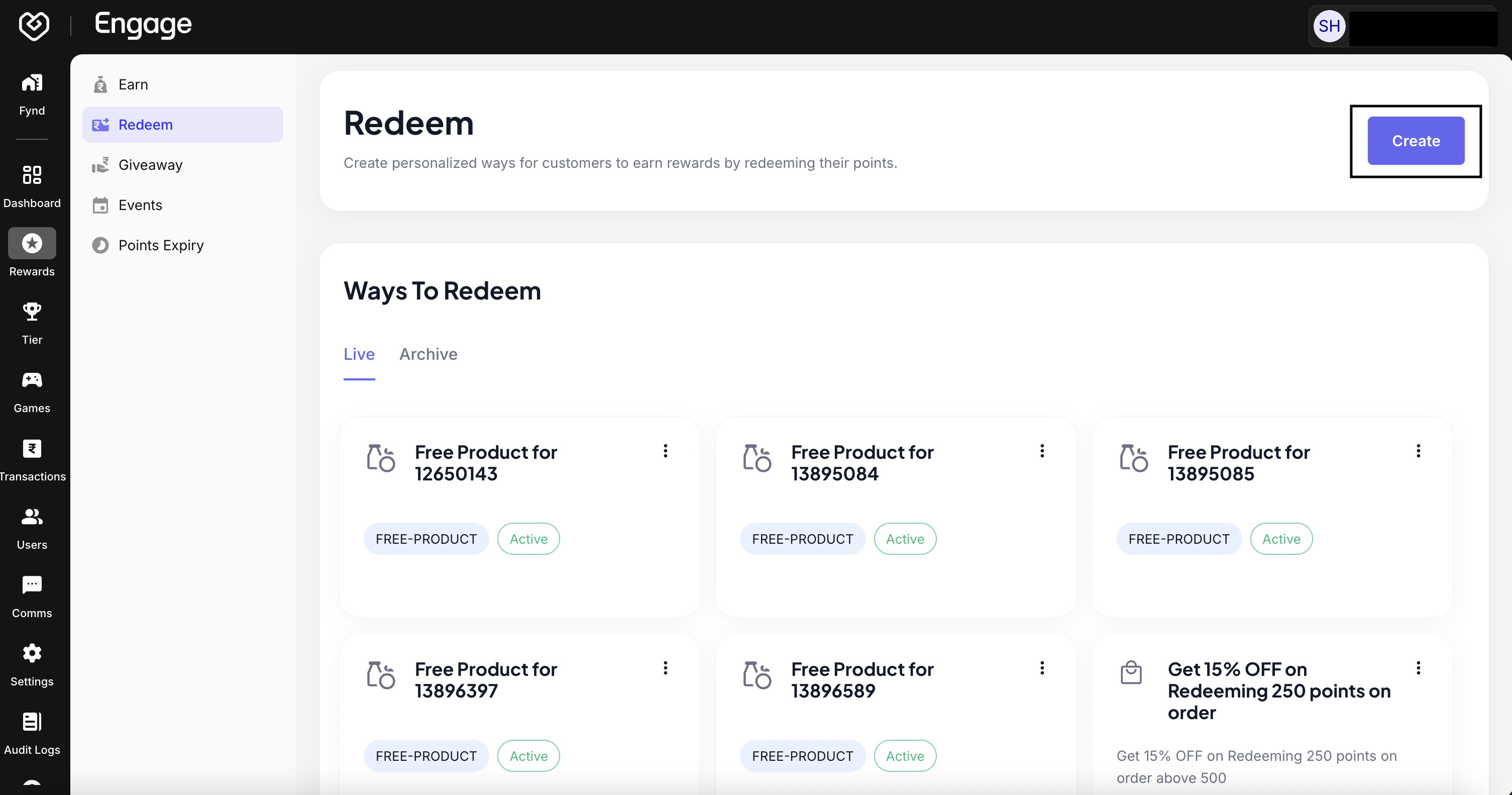
- Initiate Redemption Setup - Navigate to the Redeem Rules section and click on Create to begin configuring a new redemption strategy.
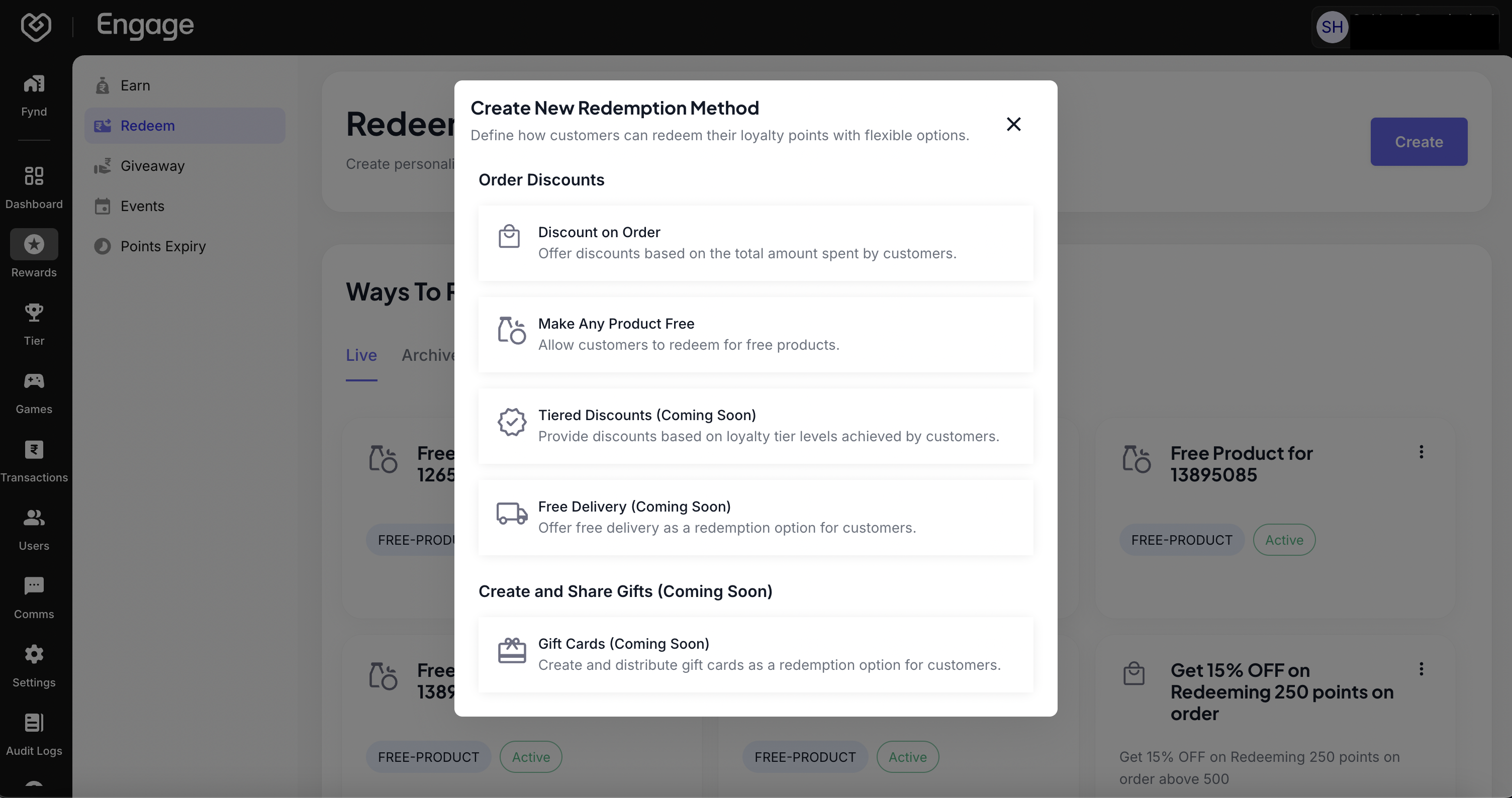
- Select Redemption Method - Choose the appropriate method from the available options.
- Discount on Order Value: Allows customers to use points to reduce their cart total at checkout.
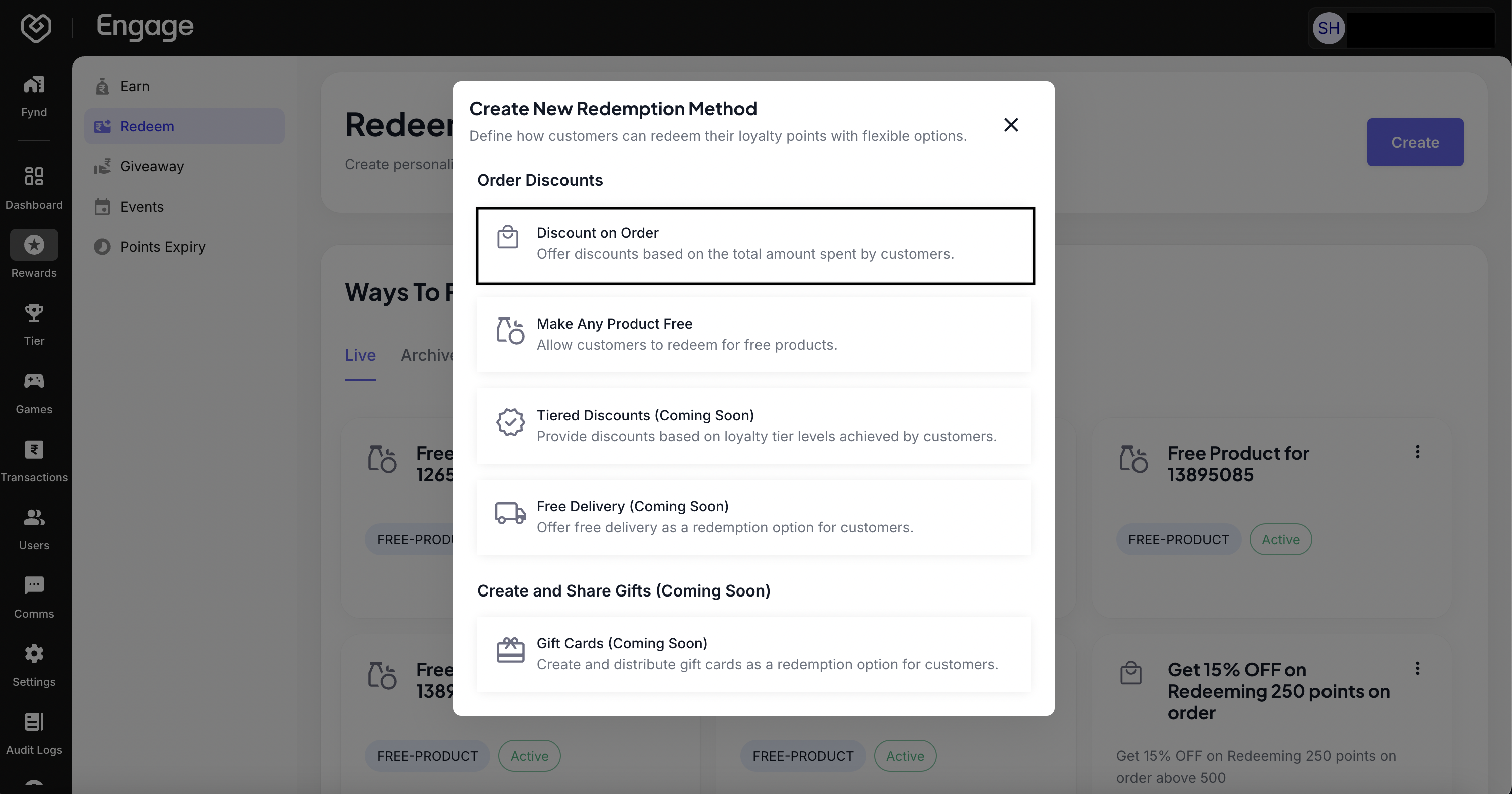
- Configure Strategy - Click on the Discount on Order Value card to enter the detailed configuration screen.
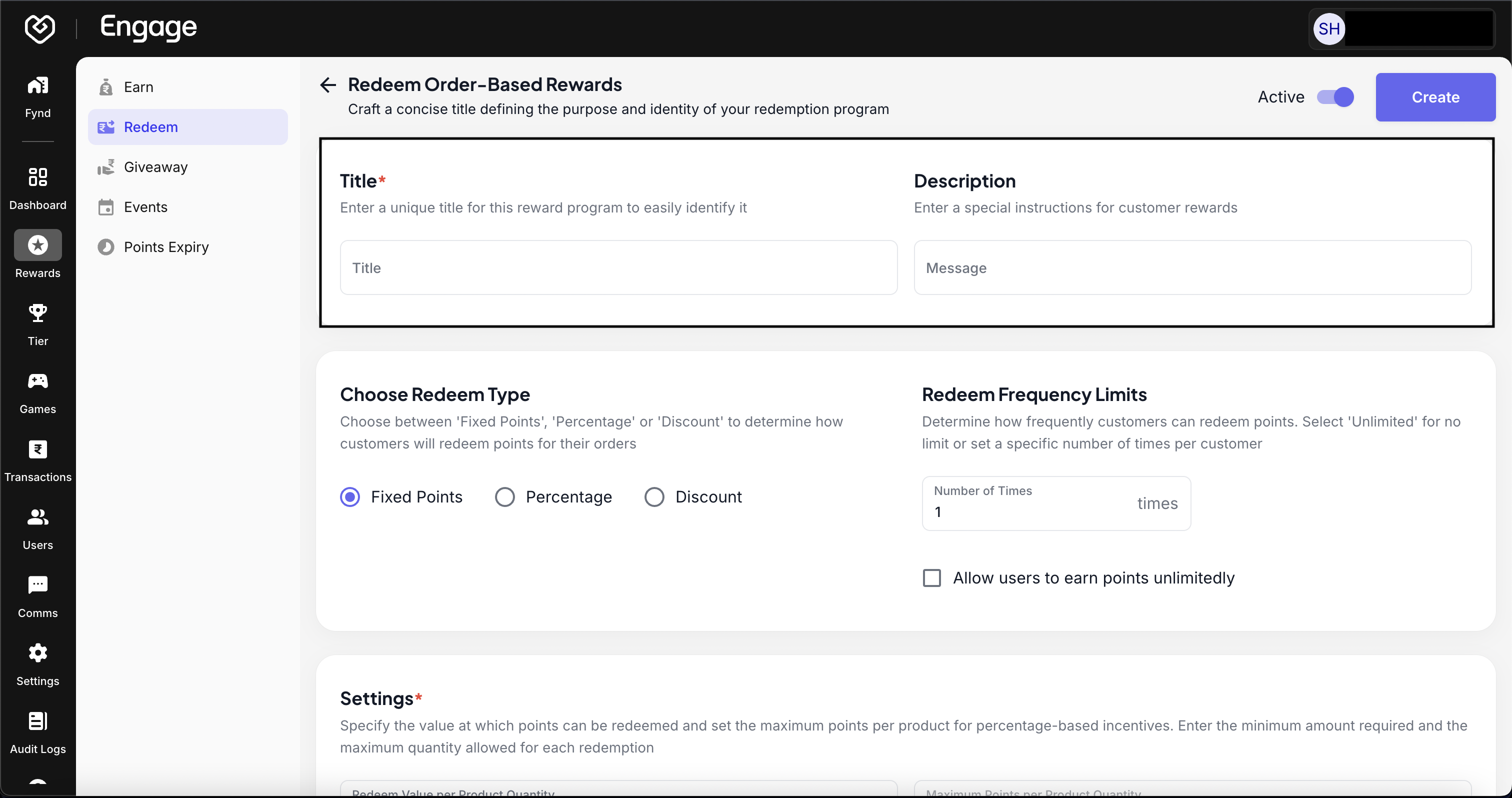
- Define Program Title - Enter a customer-facing Program Title (e.g., "Burn Points for Cash" or "Checkout Discount"). This text appears during the checkout process.
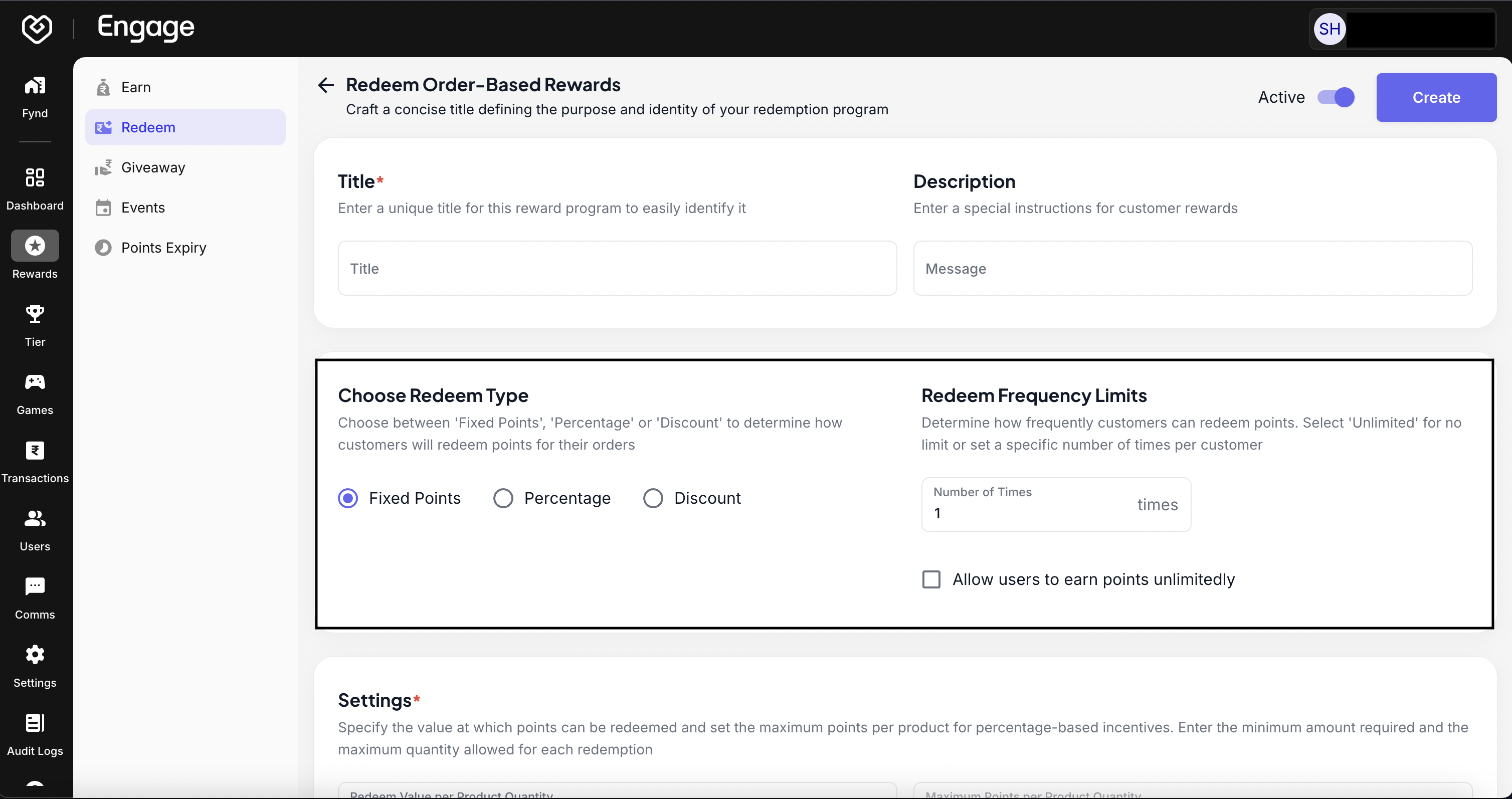
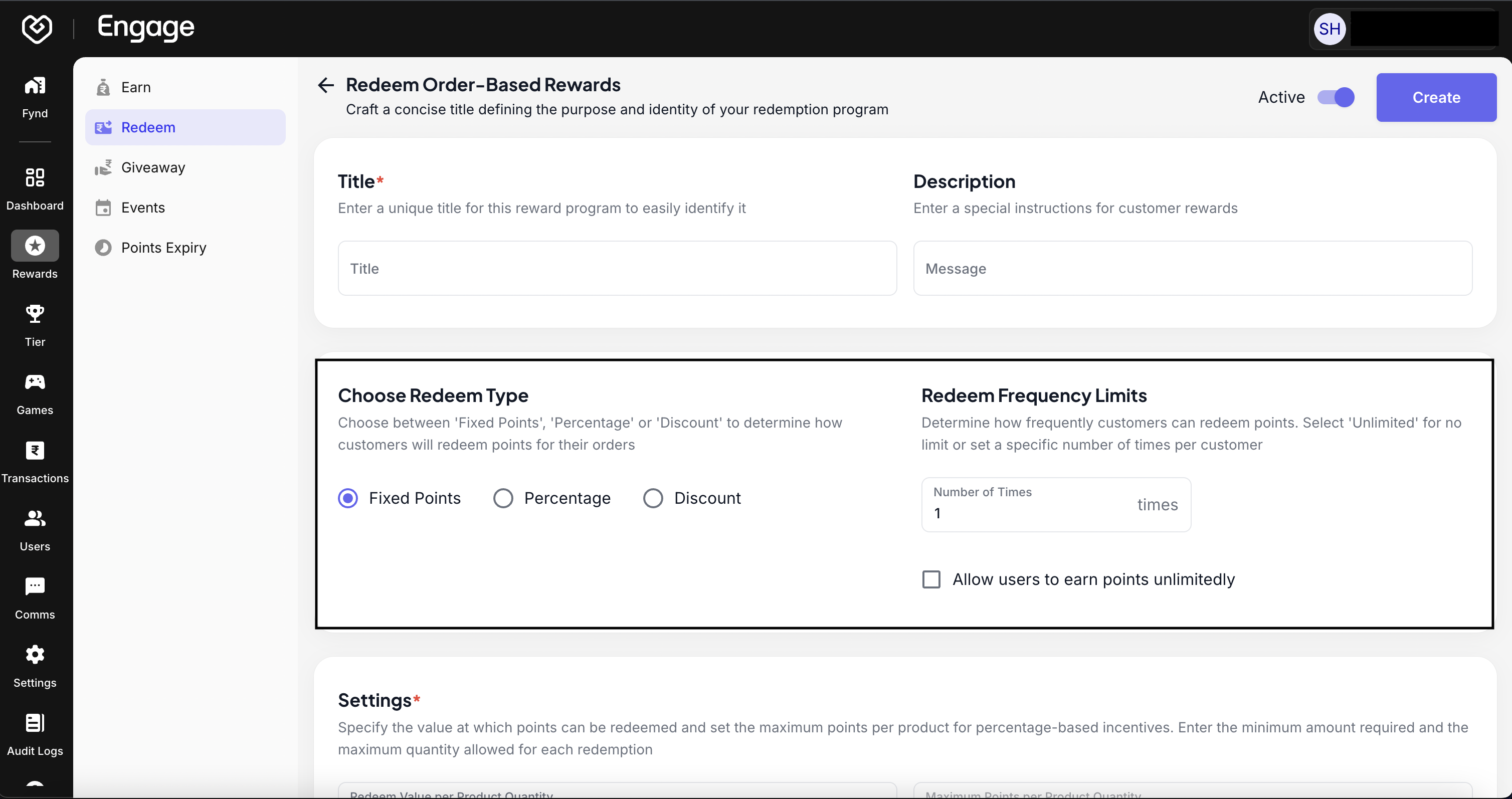
- Choose Discount Logic - Select the Redeem Type:
- Fixed: Points convert to a flat currency amount (e.g., 100 points = $10 off).
- Percentage: Points convert to a percentage off the total order.
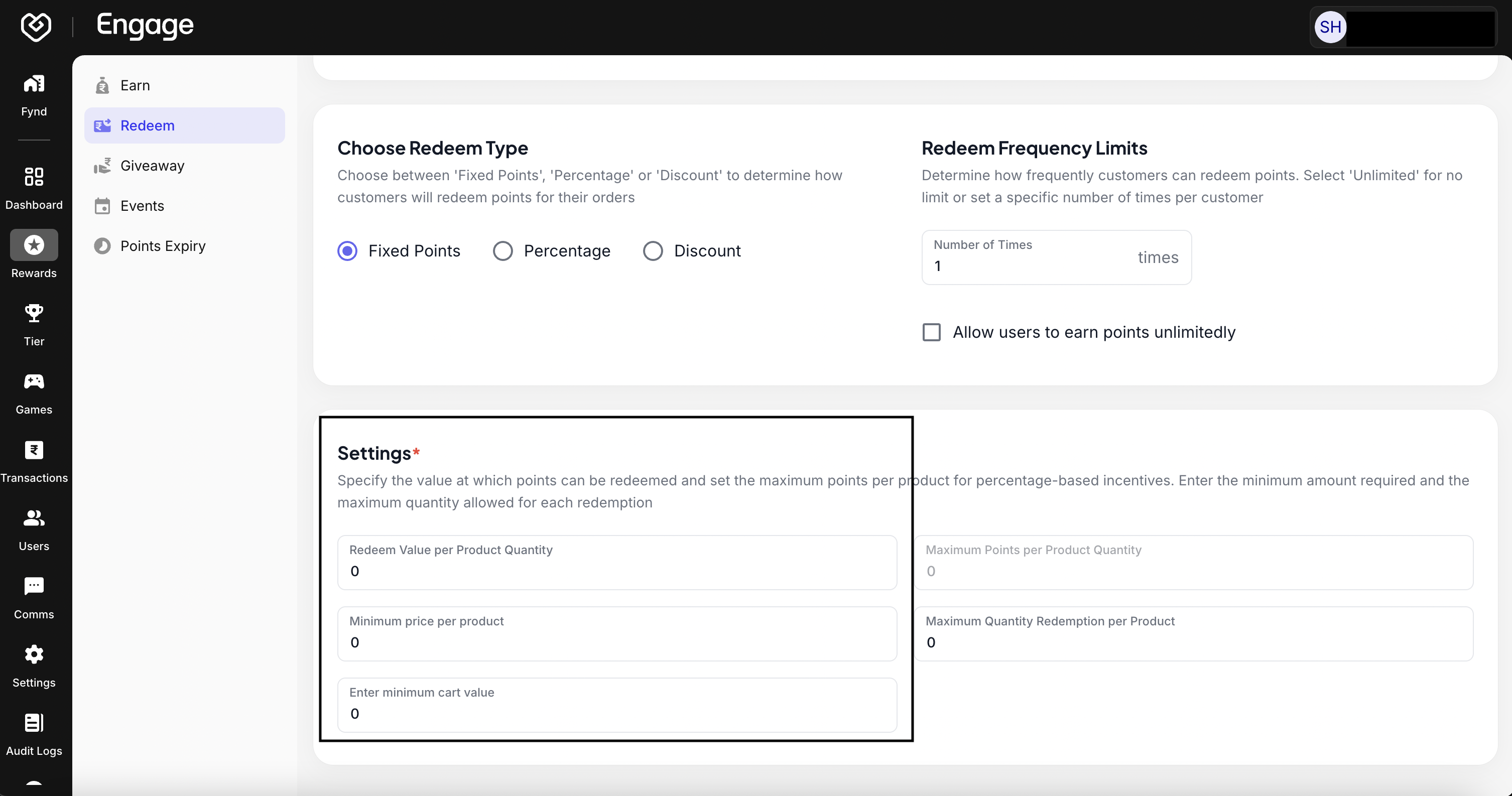
- Set Eligibility Thresholds - Define the Eligibility Criteria by setting a minimum cart value. This ensures that points can only be burned on orders that meet a specific monetary threshold.
- Configure Exchange Value - Specify the Redeem Points ratio. This defines the "exchange rate" of your loyalty currency (e.g., how many points are needed to get a specific discount amount).
- Activate Rule - Review your configuration and toggle the switch to Active. Click Save to make this redemption option live for your customers.