The Transaction History ledger provides a granular audit trail of every point movement within your ecosystem. Whether investigating a customer support query or reconciling monthly liabilities, this view offers complete visibility into earned, redeemed, and expired points.
Navigate to History - From the main dashboard, select the Transaction History tab. This loads the master list of all point-related activities across your user base.
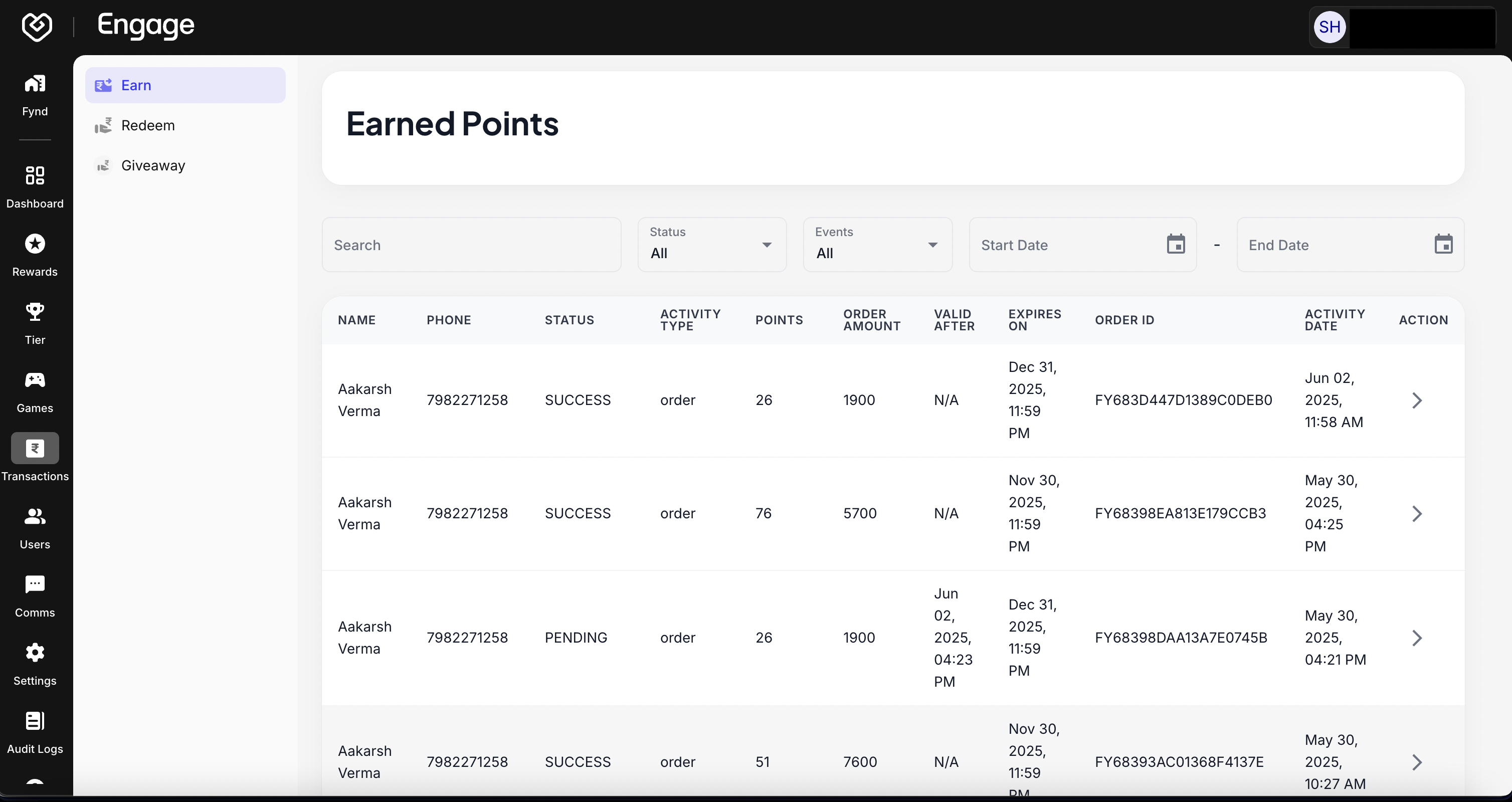
To locate specific records among large datasets, utilize the search and filter tools located at the top of the grid.
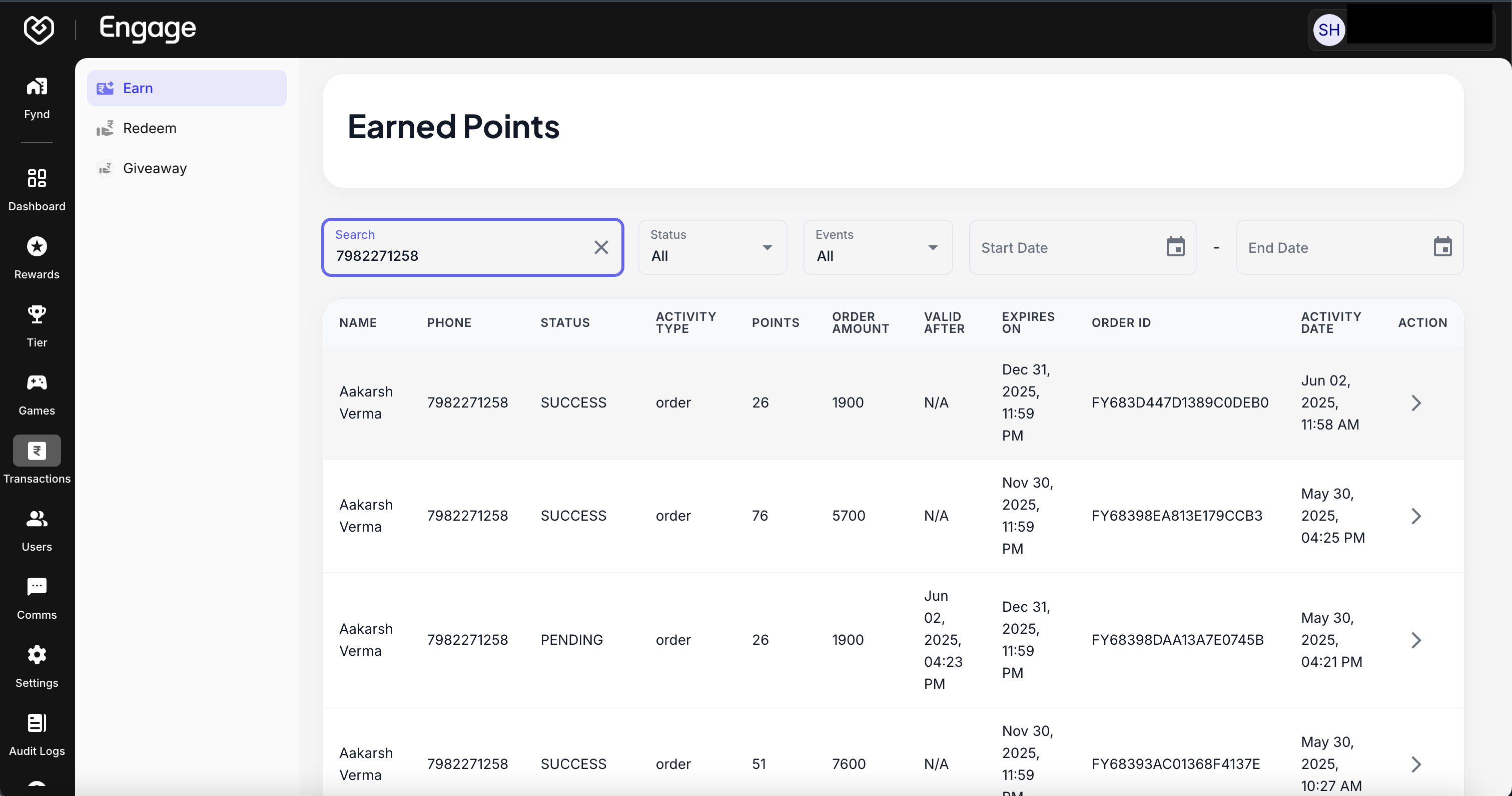
- Search by Entity - Use the search bar to find transactions associated with a specific User Name, User ID, or Transaction ID. This is essential for resolving individual customer tickets.
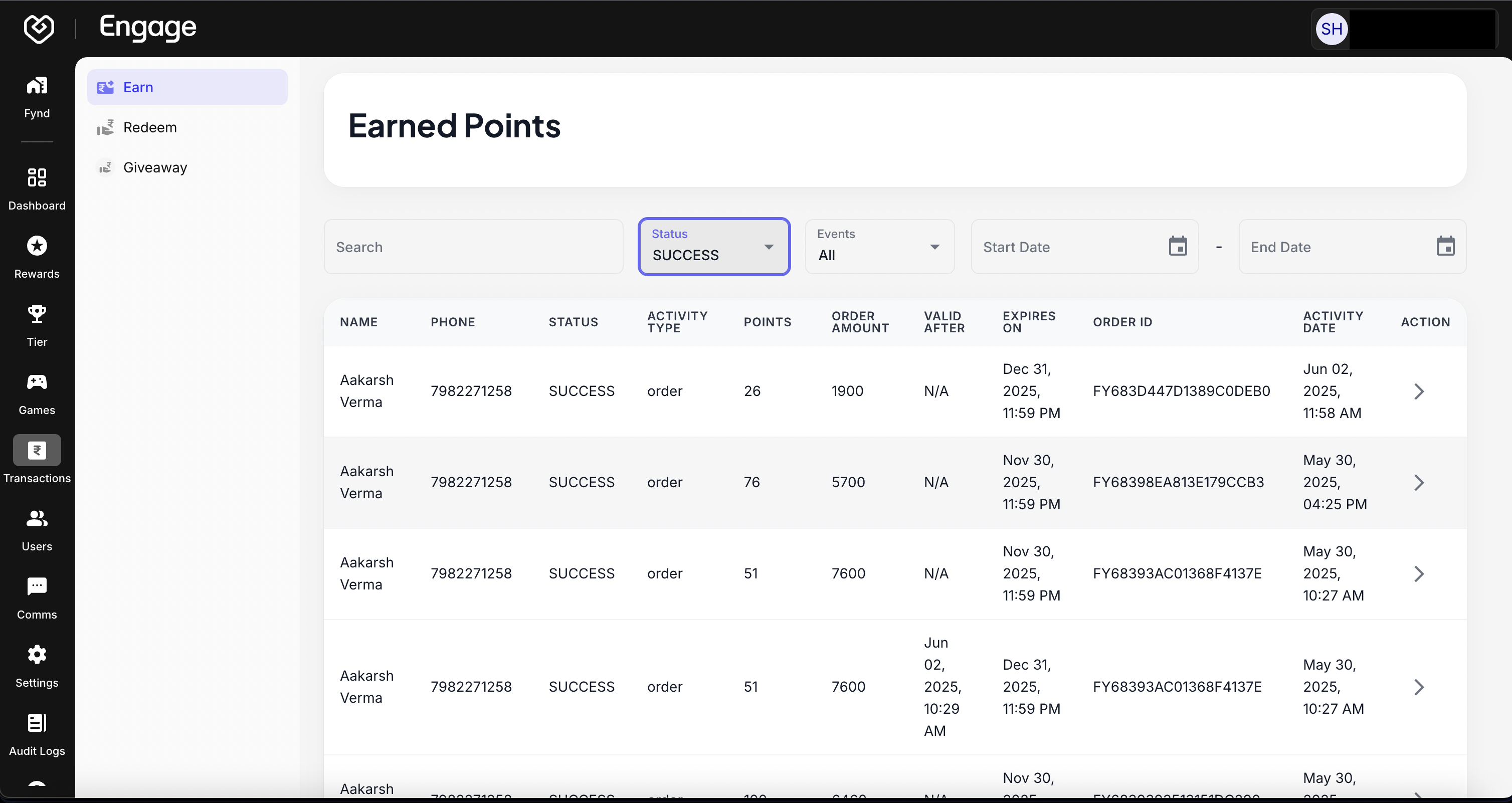
- Filter by Status - Apply the Status filter to isolate specific transaction outcomes. Common statuses include:
- SUCCESS: Points successfully credited or debited.
- EXPIRED: Points that were not used within their validity period.
- REVERTED: Points removed due to order returns or cancellations.
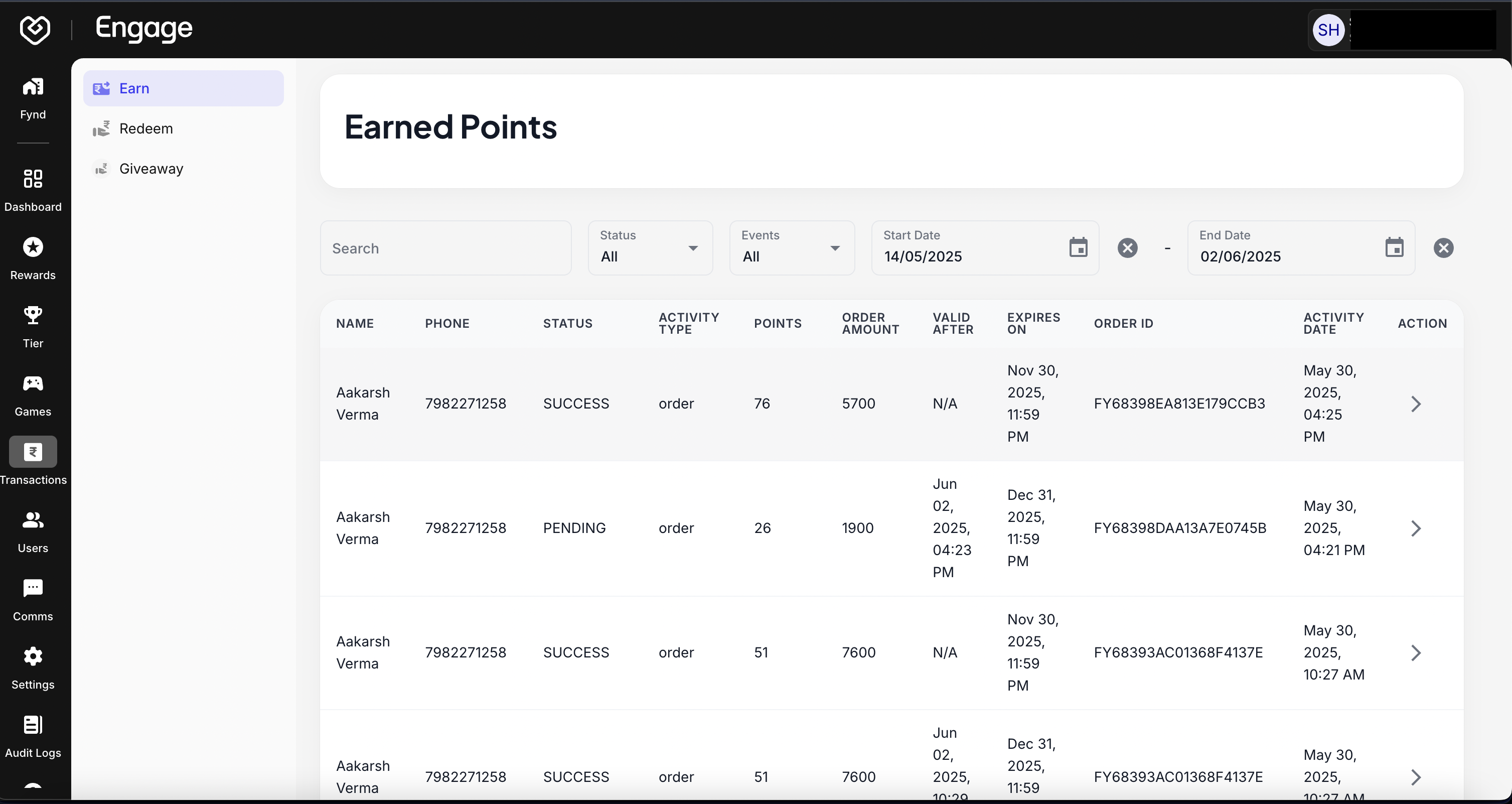
- Filter by Date Range - Select a Date Range to analyze program activity during specific campaigns, holidays, or fiscal periods.
For a deeper analysis of a specific entry, click the arrow icon (chevron) next to any row to expand the details card.
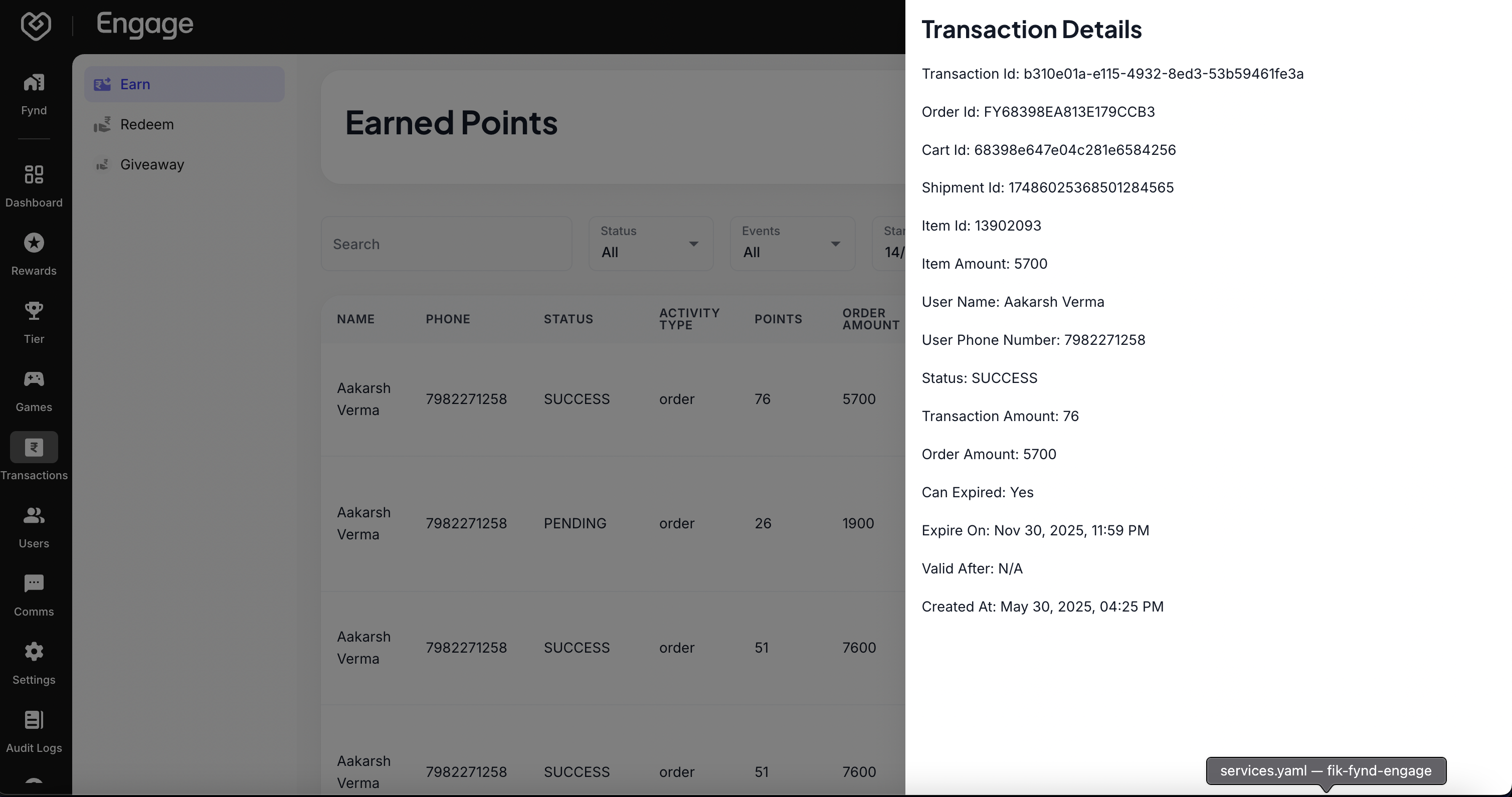
Key Data Points:
- User Name: The identity of the customer involved.
- Activity Type: The trigger event (e.g., Order Purchase, Sign-up Bonus, Referral Reward).
- Points Impact: The specific number of points Earned (+) or Redeemed (-).
- Order Amount: The monetary value of the transaction (if applicable).
- Valid After: The vesting date when points became usable.
- Expires On: The exact date the points will lapse (or "Unlimited" if applicable).