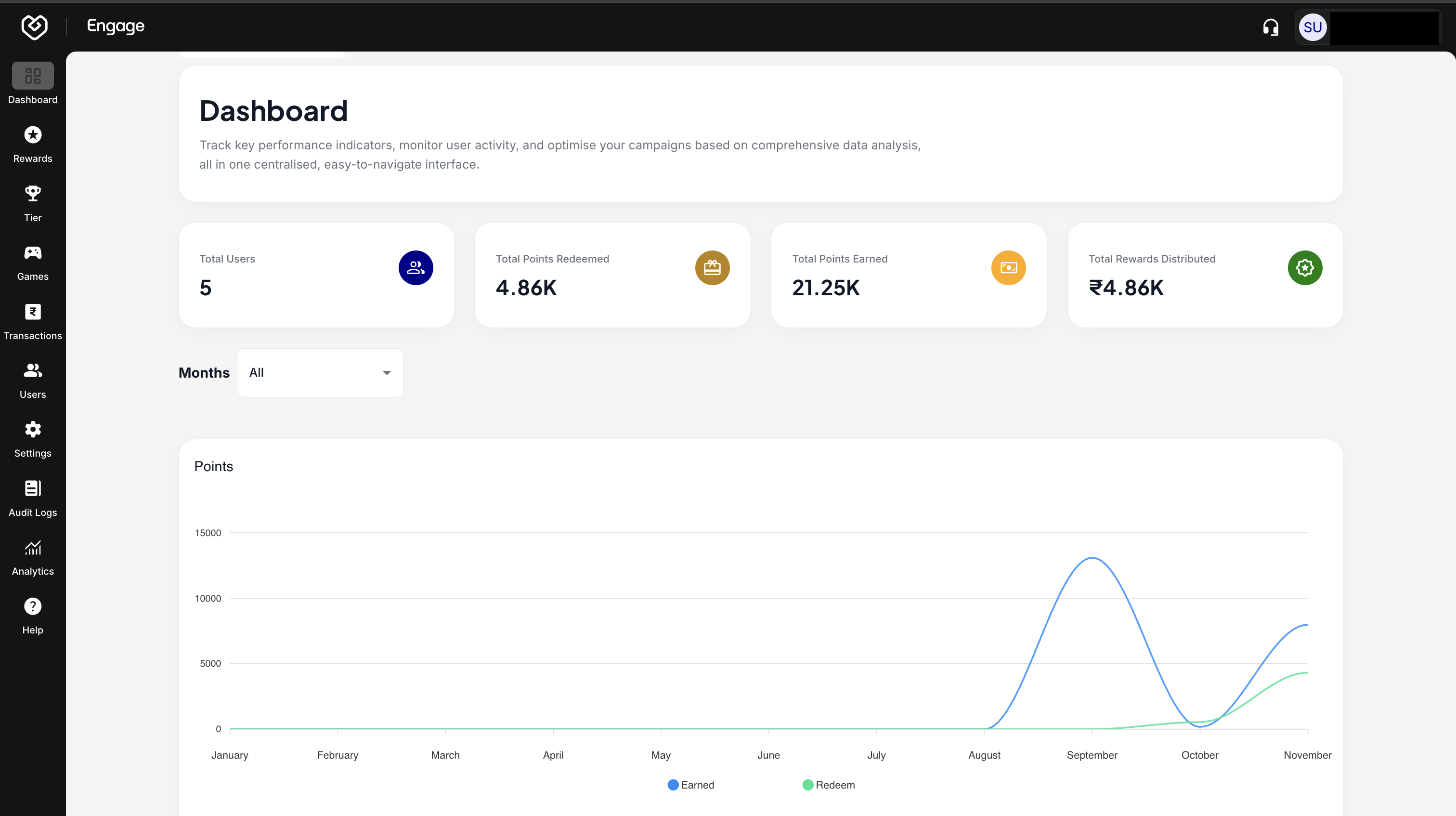
Fynd Engage is a customer loyalty platform that helps businesses boost retention and engagement. It allows for the creation of reward programs, offering points for purchases, referrals, and social media interactions. With features like points-based programs, referral incentives, and VIP tiers, Fynd Engage fosters customer loyalty and satisfaction. The platform integrates seamlessly with e-commerce solutions, helping businesses build a loyal customer base and drive repeat sales.
Follow this guide to set up your account and access the Fynd Engage platform.
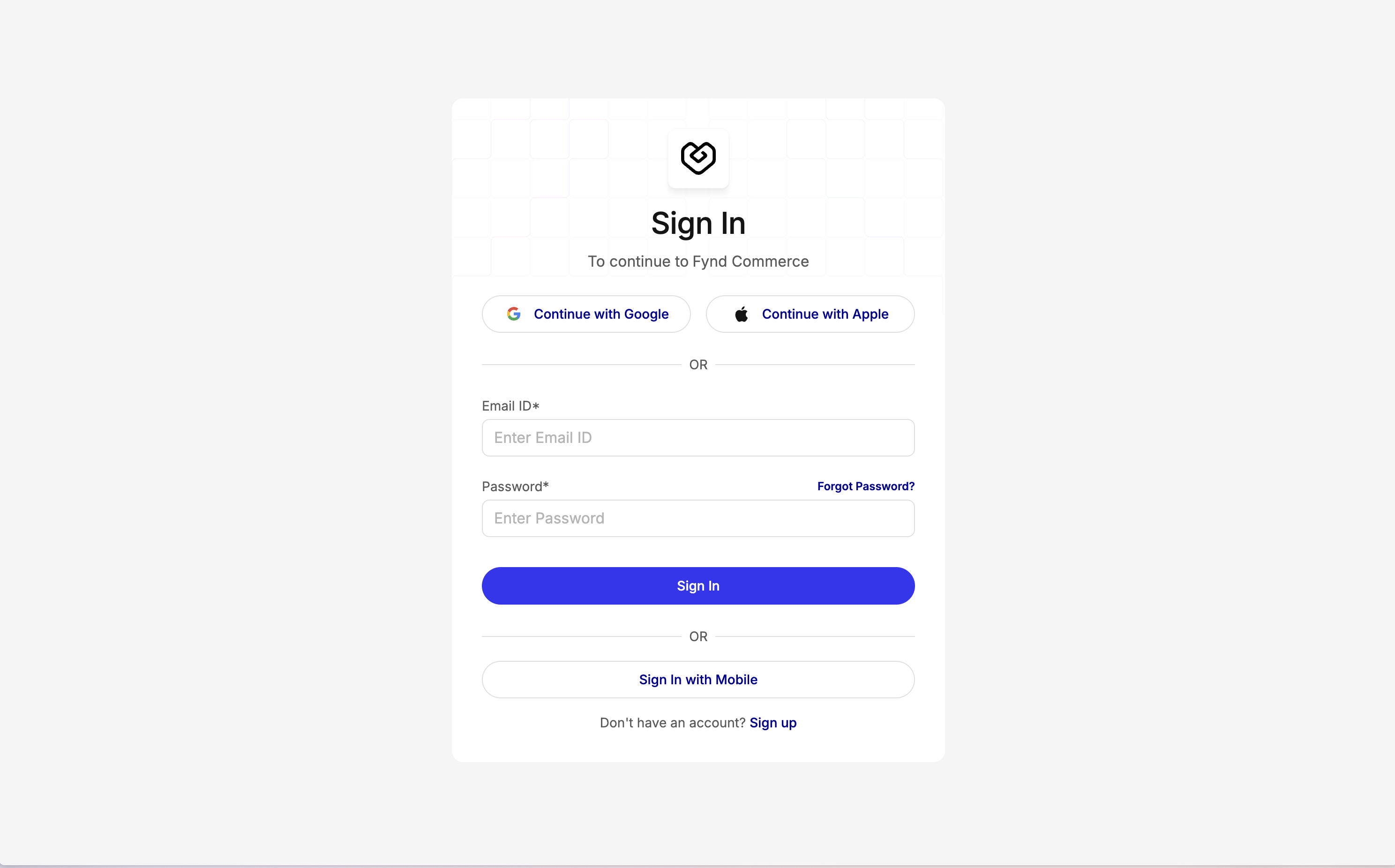
Navigate to the Fynd Console ↗. On the landing page, identify the login area and click the Sign Up button to begin the registration process.
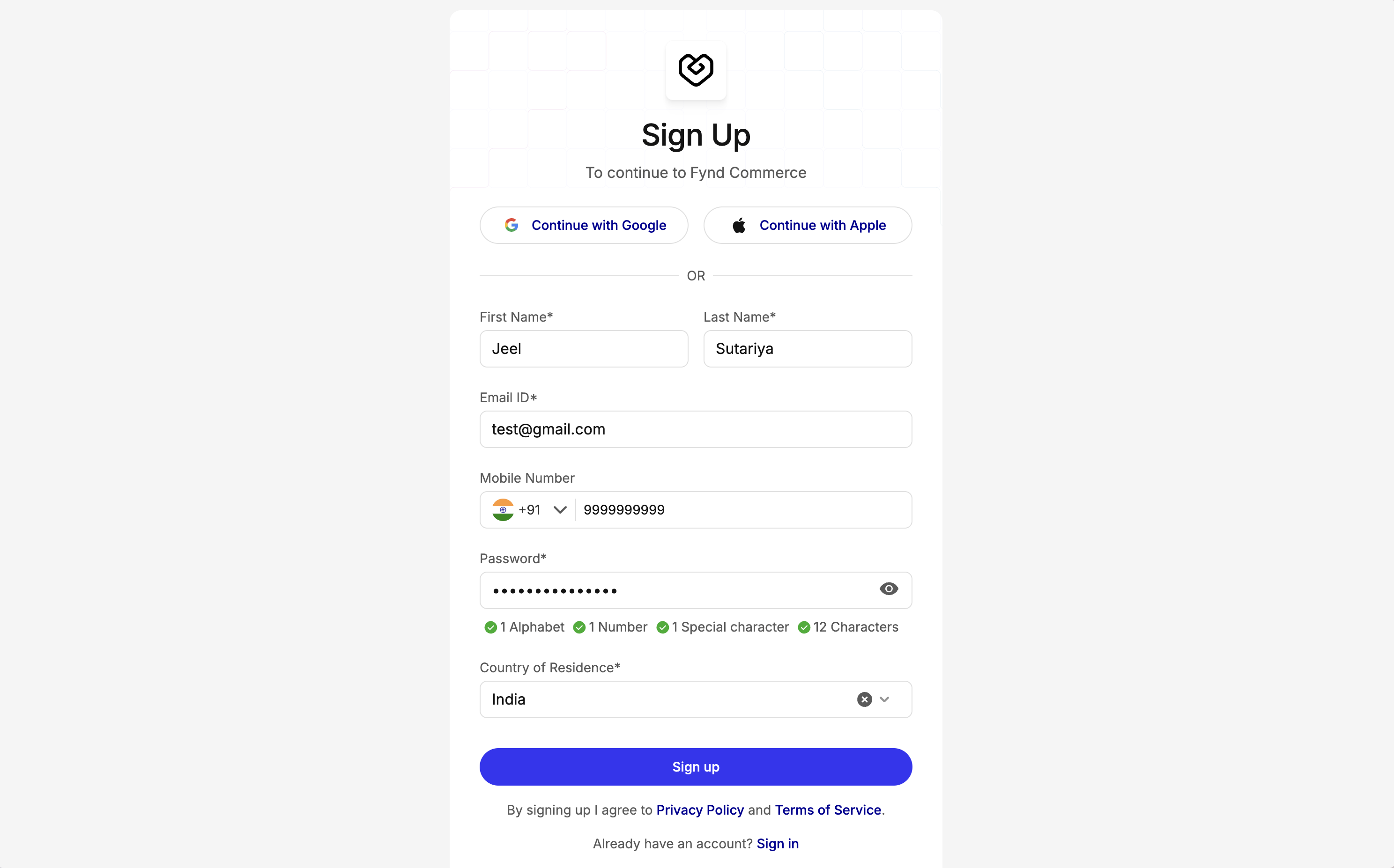
Enter your account details, including First Name, Last Name, Email Address, and create a strong Password. Click Sign Up to proceed.
You will receive a verification link or OTP at the provided email address. Open your inbox, verify your email, and click Continue on the "Email Verified" popup to activate your account.
After verification, you will be prompted to review the Terms and Conditions. Scroll down to read the agreement and click Agree. Once accepted, you will be redirected to the Console Home Page. Locate the side navigation bar on the left to find available products.
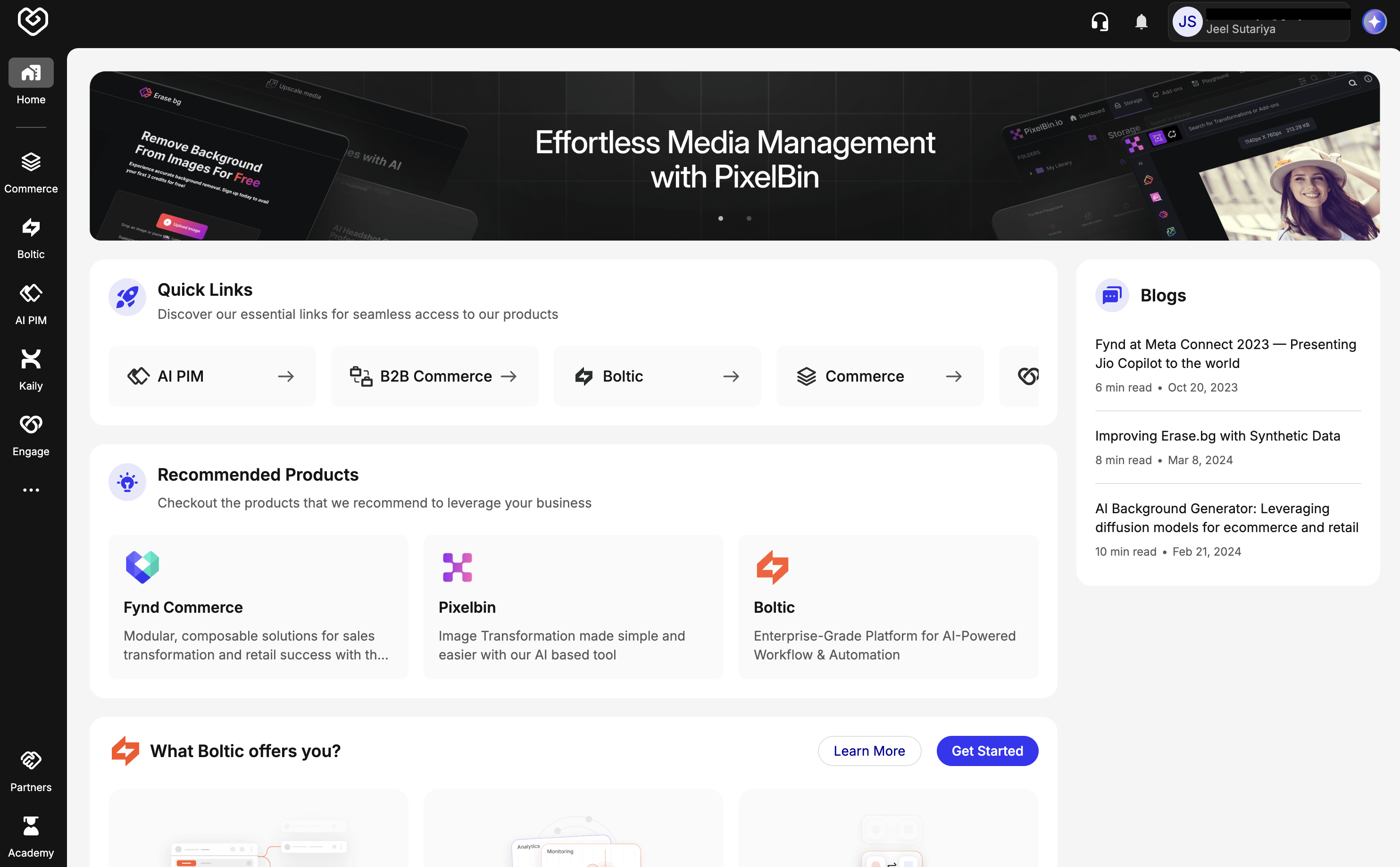
In the left sidebar, click on Engage. You may be prompted to select an icon or Create Organization if this is your first time logging in. Click Continue to finalize the setup. You will be redirected to the Engage Landing Dashboard, where you can begin managing loyalty programs and rewards.