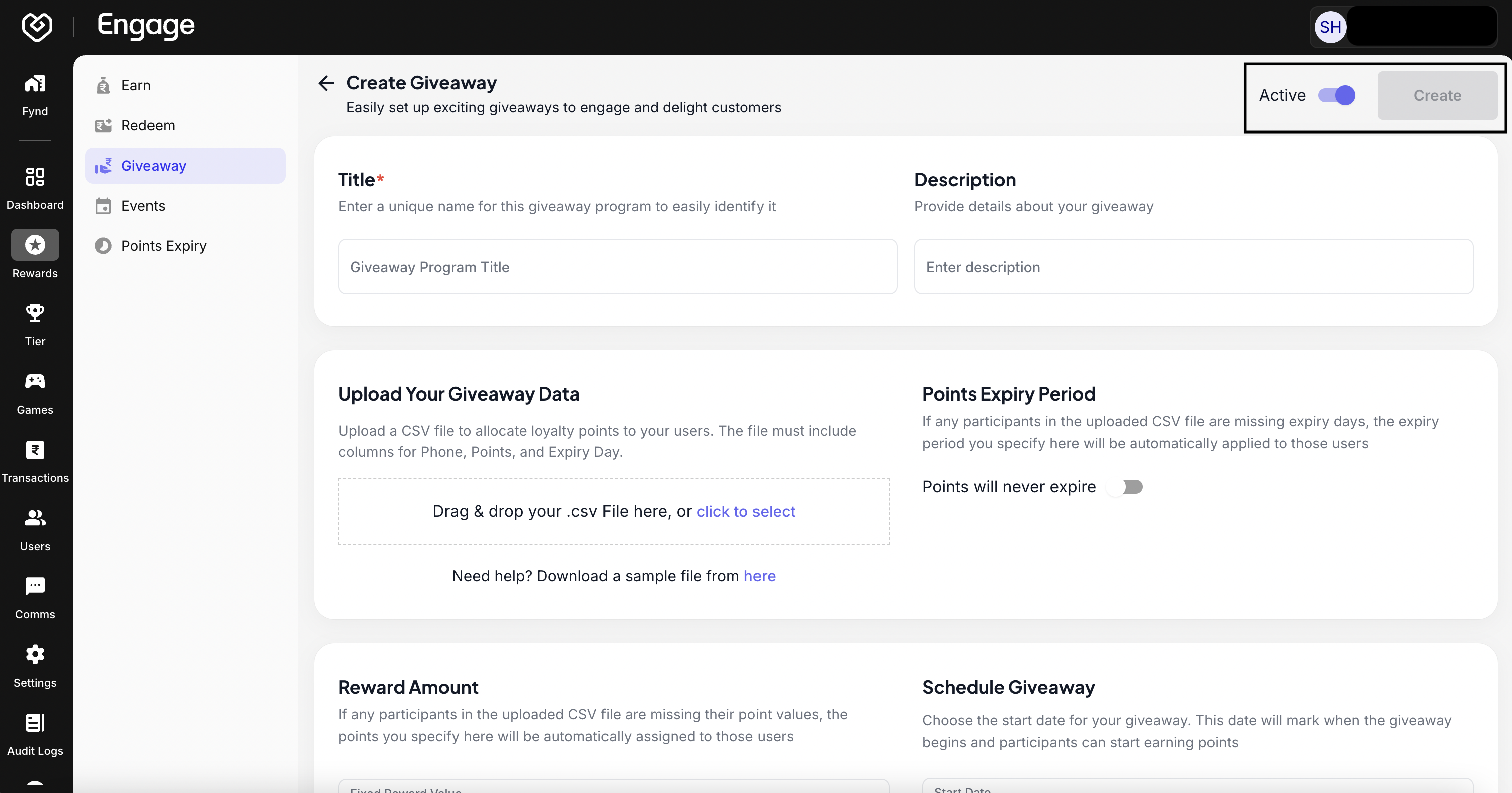
The Giveaway feature empowers brands to build hype, and improve engagement and reach by allowing customers to redeem points for exclusive prizes, limited-time offers, or unique experiences. Use this guide to configure and launch a new giveaway program.
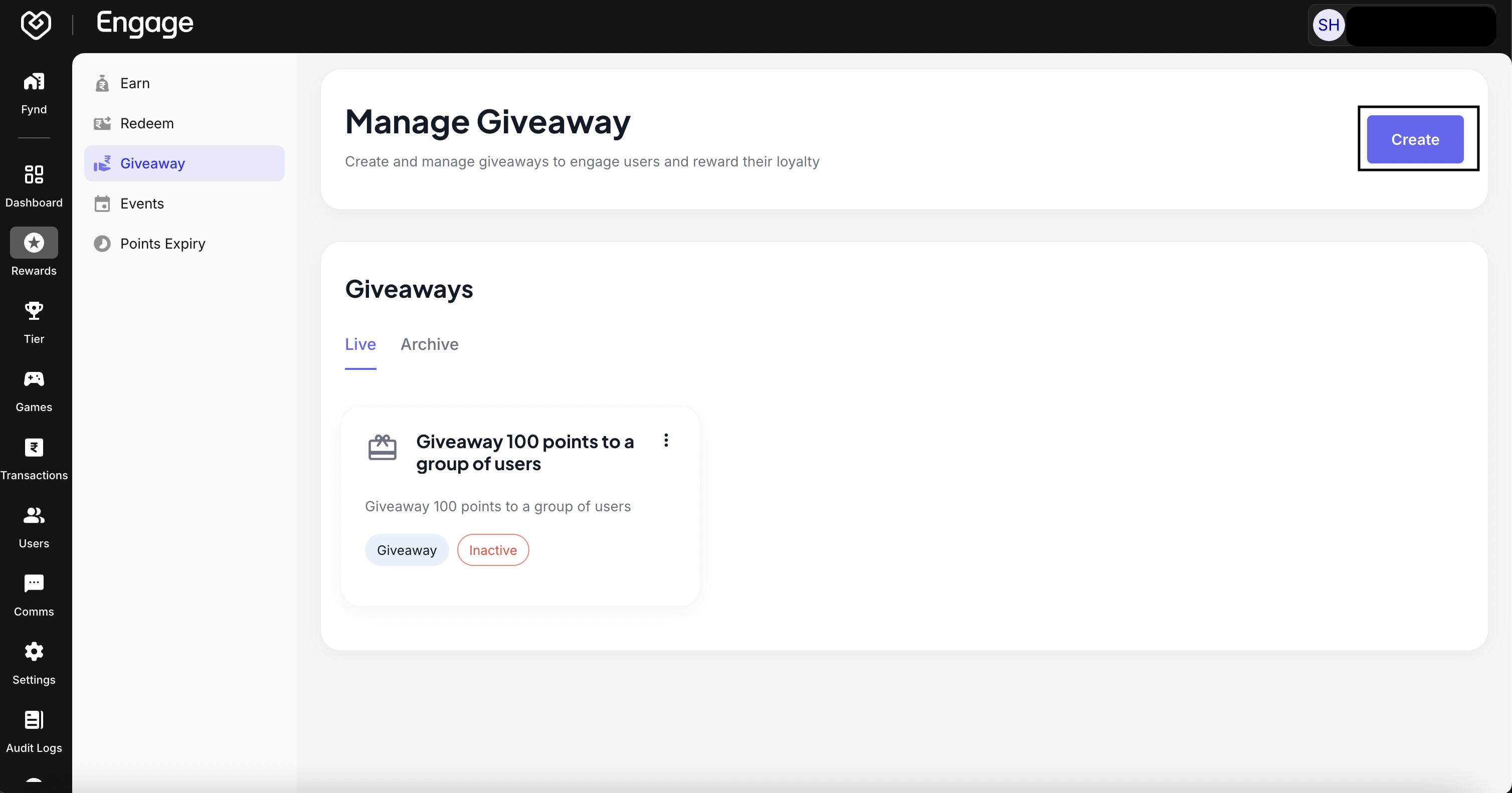
- Initiate New Program - Navigate to the Giveaways section on Fynd Engage Platform and click on Create Giveaway to open the configuration dashboard.
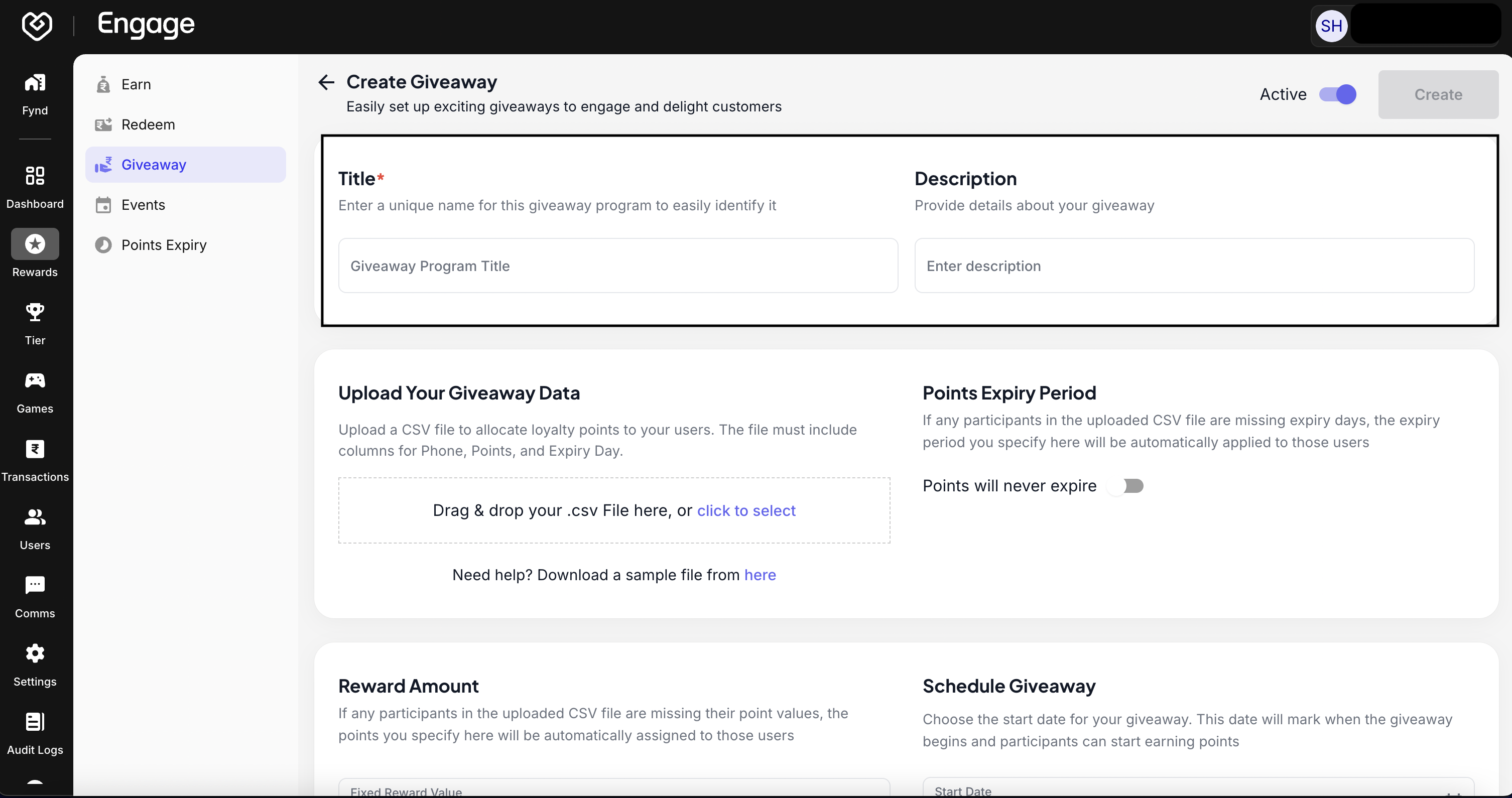
- Define Program Title - Enter a concise and catchy Giveaway Program Title (e.g., "Winter Fest Rewards" or "Diwali Giveaway"). This title will be visible to your customers.
- Add Program Description - Provide a detailed Description explaining the giveaway mechanics, eligibility criteria, and the value of the rewards to encourage participation.
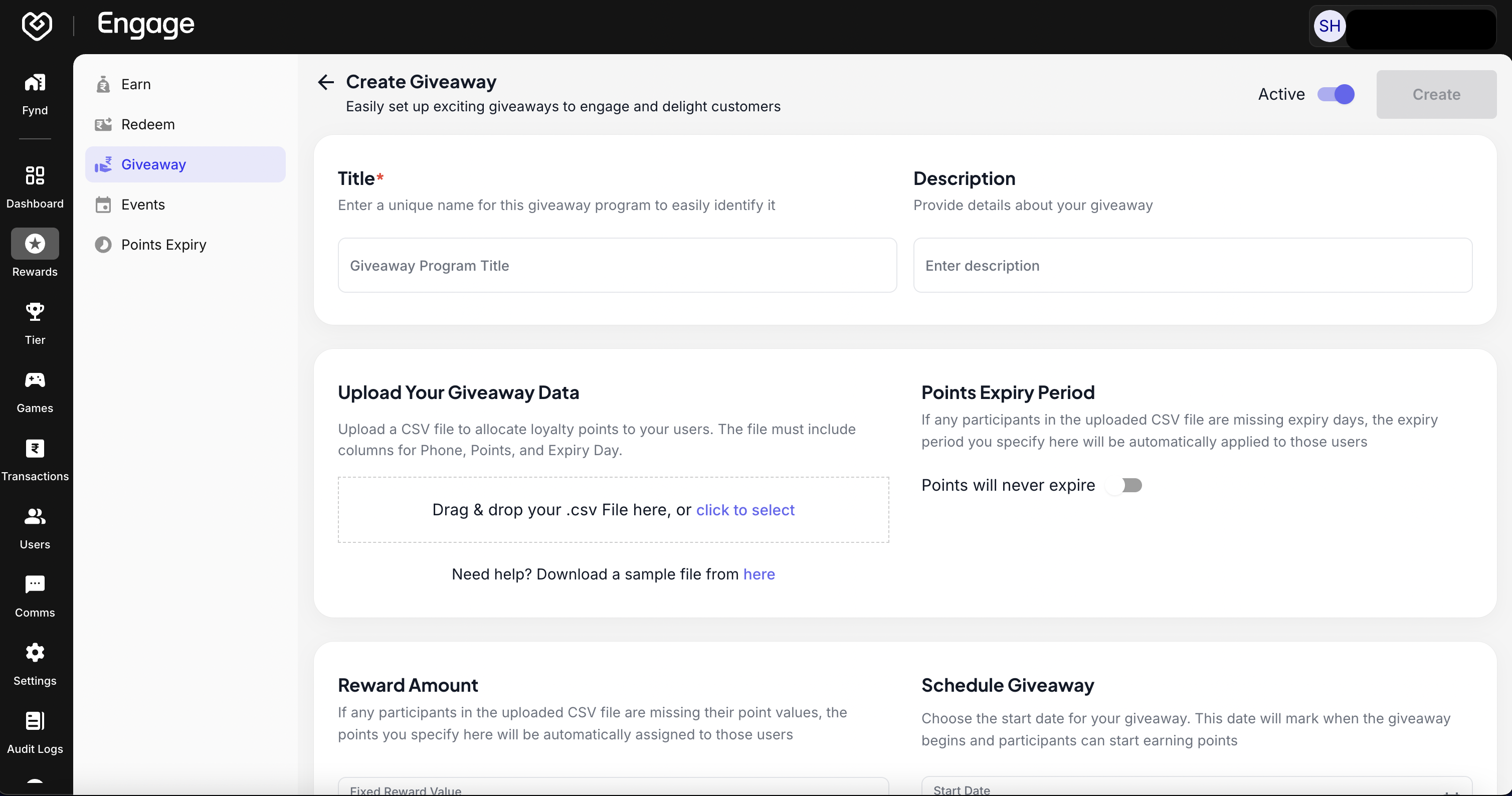
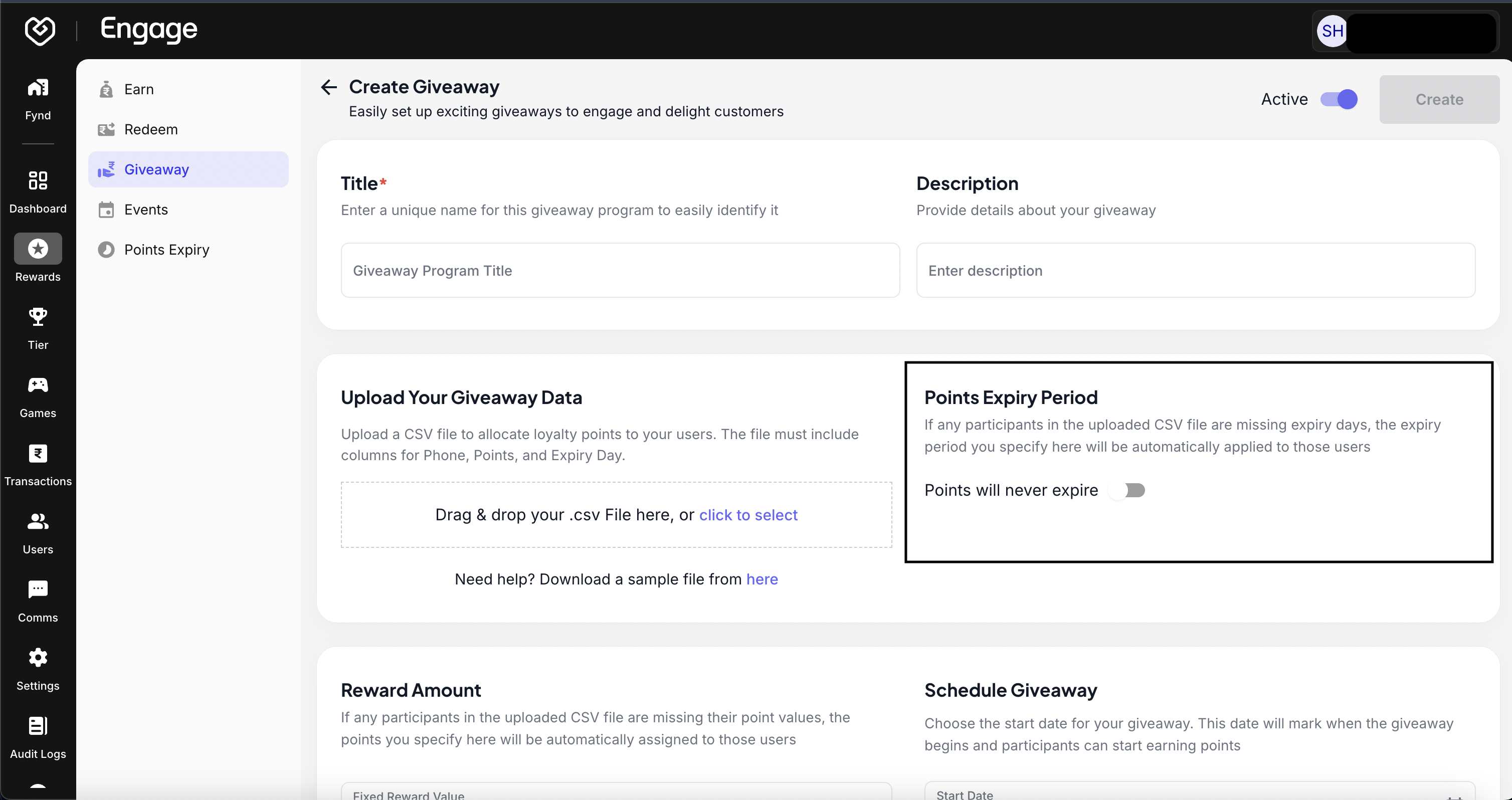
- Configure Point Validity - Determine the lifespan of the points associated with this giveaway. Select Never for indefinite validity, or Expire After Days to set a specific expiration timeframe.
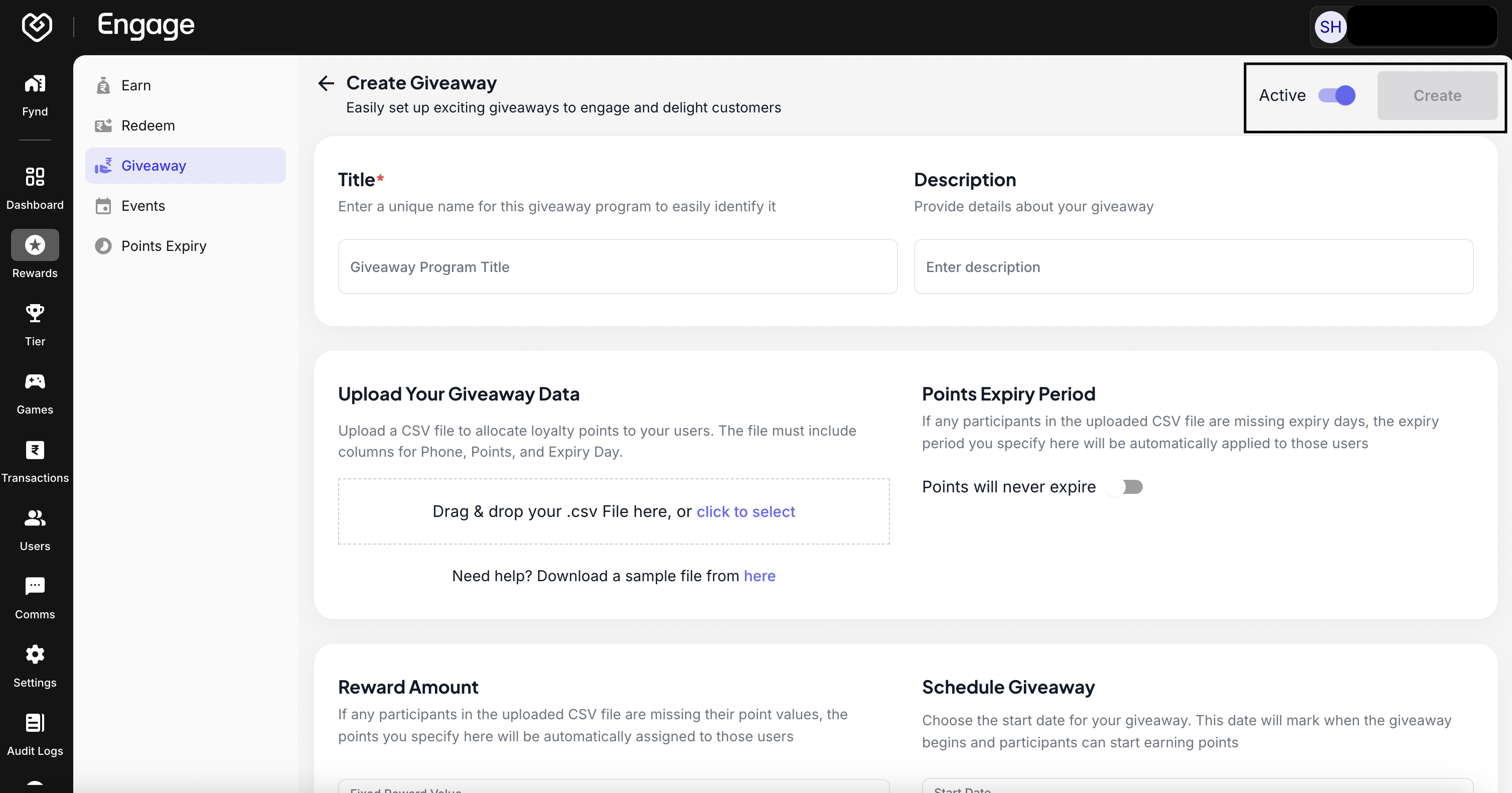
- Set Program Status - Use the toggle switch to Activate or Deactivate the giveaway. You can keep it disabled while drafting and enable it when you are ready to launch.
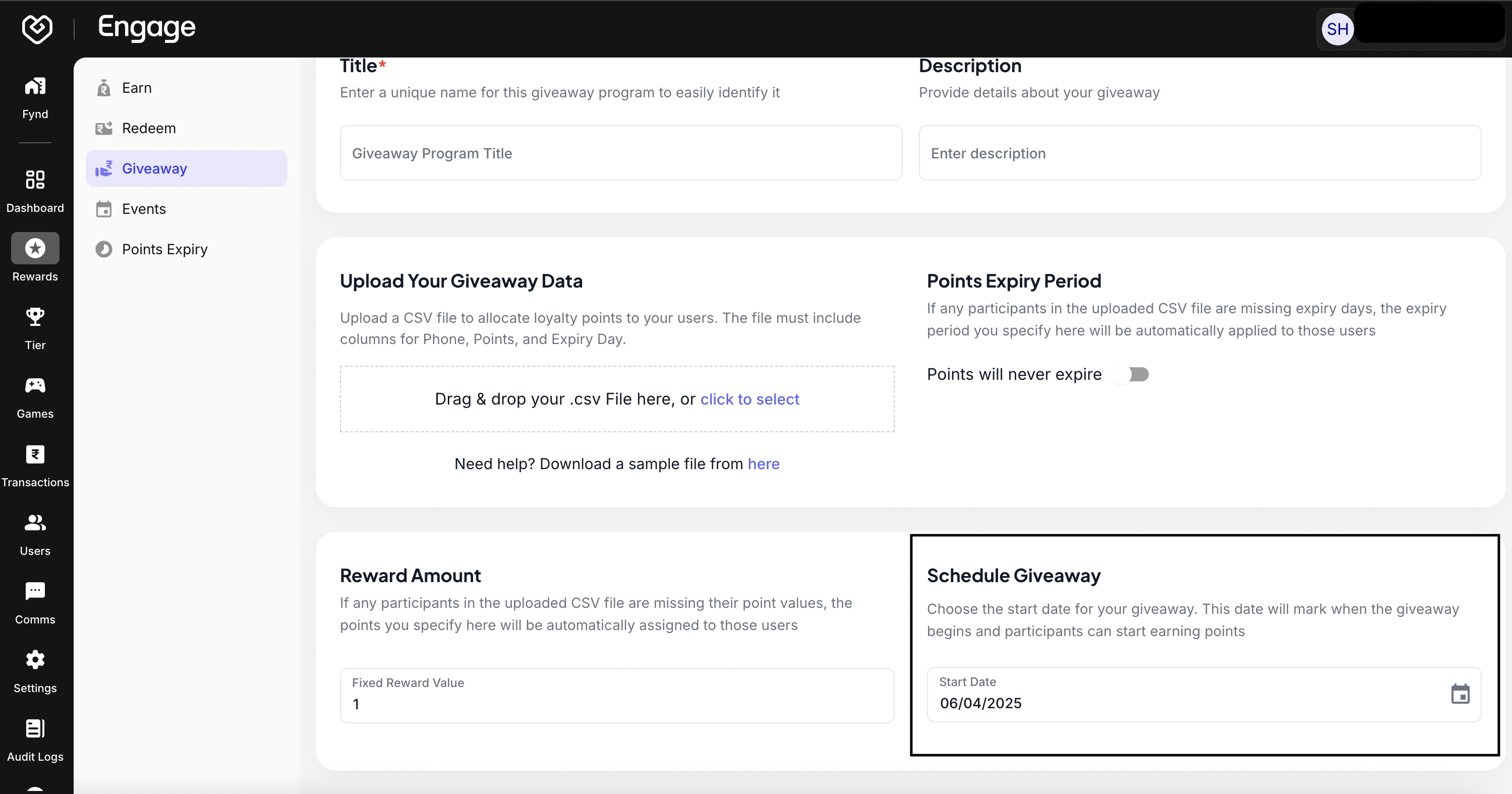
- Schedule Duration - Select the Start Date and Time. You can schedule the giveaway to auto-publish in the future or set it to start immediately.
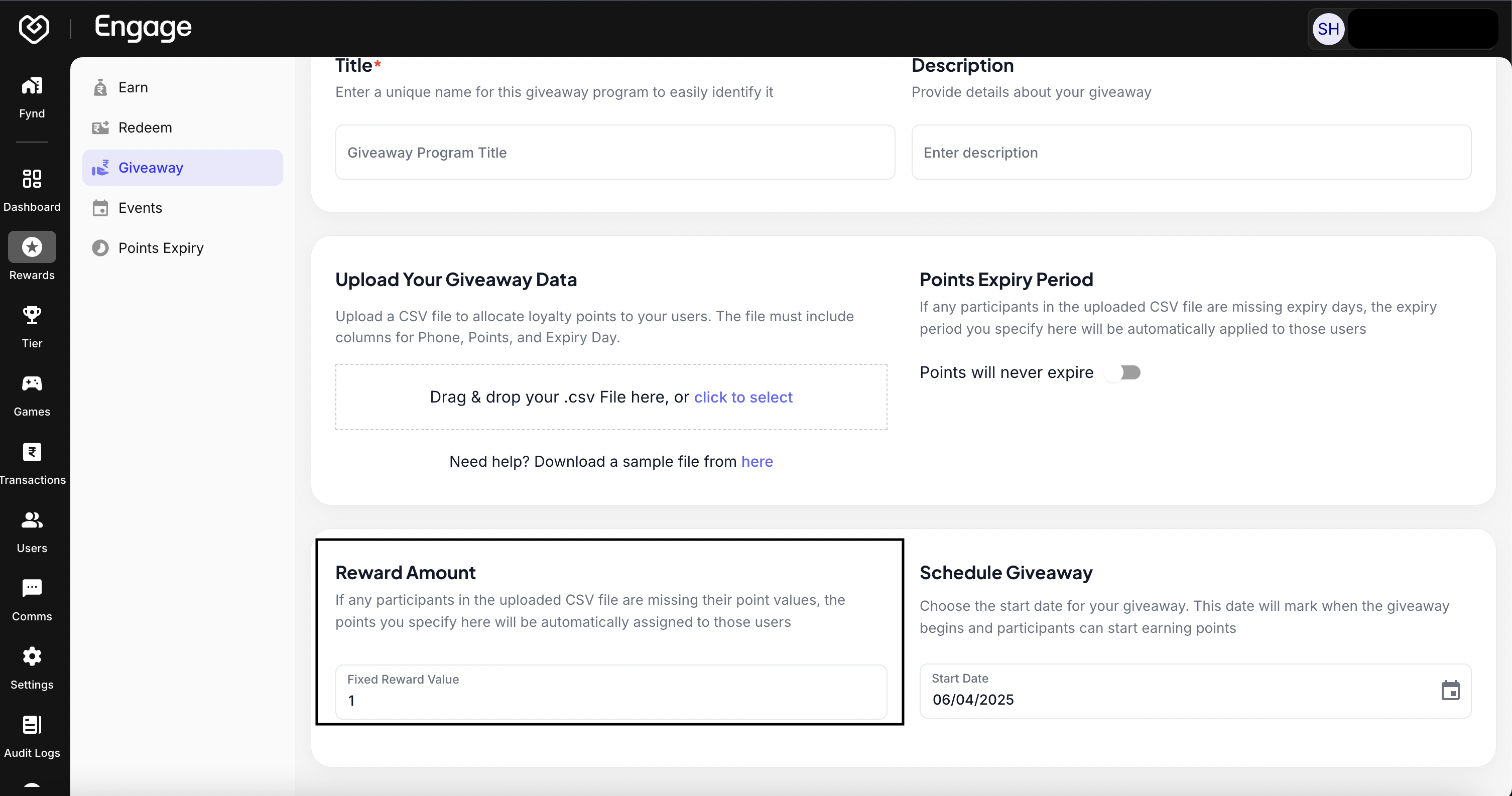
- Define Reward Value - Specify the Reward Amount or value that customers will receive. This defines the worth of the voucher, product, or experience being given away.
- Save Configuration - Review all details for accuracy. Click Save to finalize the setup and create your giveaway program.